

Background Check Tracking
Keep every volunteer clearance current.
Use your preferred screening provider, then track status, renewals, files, and volunteer eligibility inside AlignMint.
Tracking is included on every plan · Works with any screening provider
Provider-neutral trackingRenewal remindersVolunteer readiness
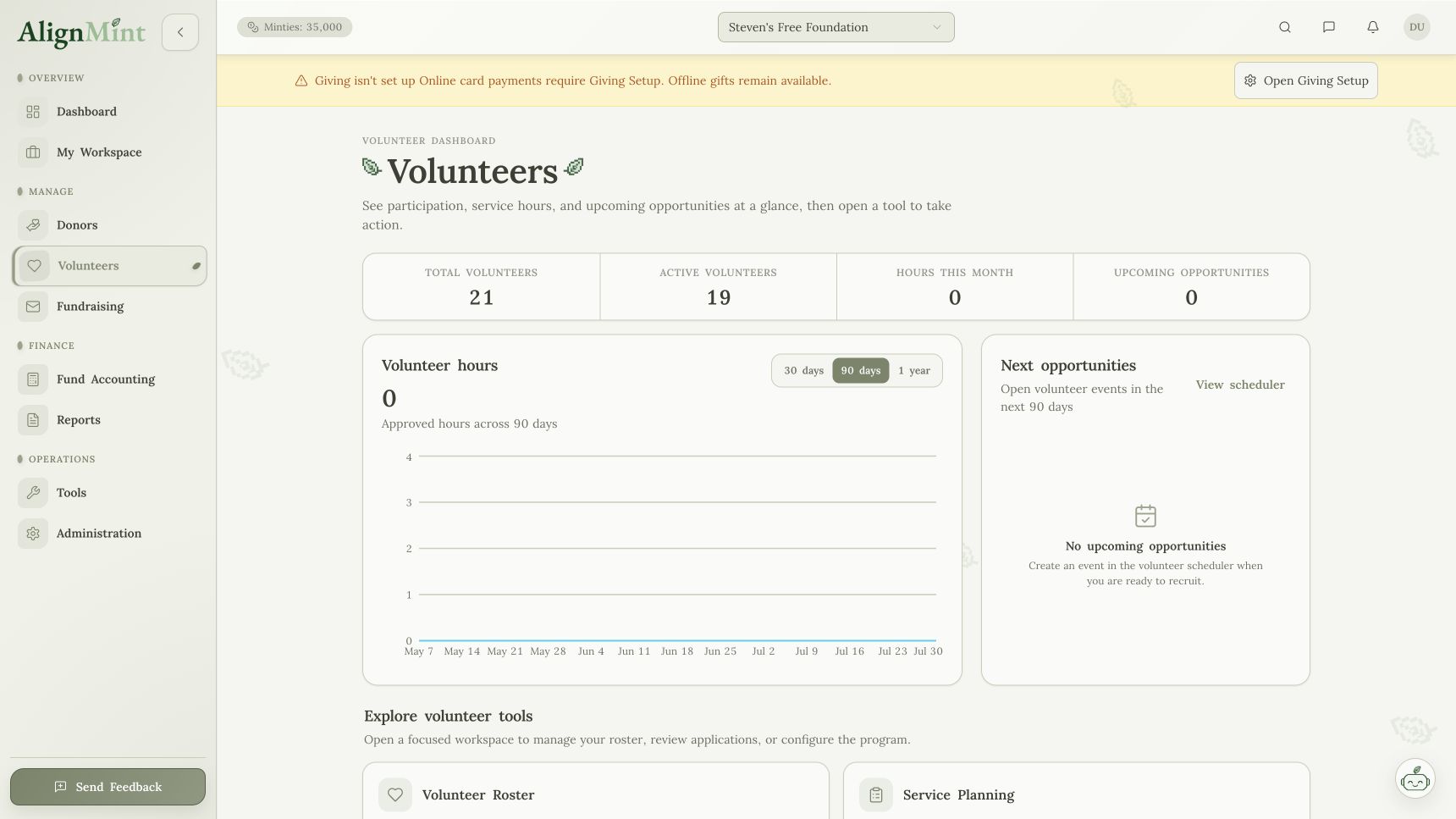
How it connects
Clearance status where your team needs it.
Leaders can see who is ready to serve and what needs follow-up.
- 01
Track status
Know who is cleared, pending, or due for renewal.
- 02
Protect private data
Keep sensitive screening details controlled.
- 03
Connect to schedules
Avoid assigning people before they are ready.
What updates next
Clearance tracking belongs with volunteer records.
Screening is not a separate admin task. It affects who can serve and where.
- Volunteers
Status stays on the profile. - Events
Coverage stays safe. - Reports
Readiness is visible. - Workspace
Follow-up stays assigned.
One current recordFundraising, people, events, files, and reports stay ready for the next team.
VolunteersStatus stays on the profile.
EventsCoverage stays safe.
ReportsReadiness is visible.
WorkspaceFollow-up stays assigned.
Before AlignMintClearance records tracked outside the volunteer system.
Screening spreadsheetsOne less place to check.
Renewal remindersOne less place to check.
Status emailsOne less place to check.
File foldersOne less place to check.
AlignMintOne system your team can actually run from.
Related workflows
See how it works with the rest of AlignMint.
Follow the record from the first action through reporting without copying it into another tool.