Church Accounting Software: A Director's Guide for 2026
For church-specific fund accounting, see fund accounting.
For related tools, see Alignmint features.
Quick Answer: Church Accounting Software: A Director's Guide for 2026
The best church accounting software protects donor intent, tracks restricted funds, connects giving to accounting, and gives leaders board-ready reports without spreadsheet cleanup. For most churches, the key decision is whether to keep separate giving, bookkeeping, event, and volunteer tools or move to one system that shows the full ministry picture.
If you're still closing the books with spreadsheets, donor exports, and a business accounting tool that was never built for church finances, you're carrying more risk than you need to. Most directors don't need more software. They need one clear system that protects donor intent, shortens reporting time, and gives the board clean answers without a week of cleanup.
Church accounting software can do that, but only if you choose it as an operating system for ministry, not just a digital check register. The difference matters when you're handling restricted gifts, volunteer-run processes, and year-end statements with a small team.
Regain Control of Your Church's Finances
The finance report is due, and nobody trusts the numbers yet. Giving lives in one system, expenses in another, and the final answer sits in a spreadsheet only one volunteer knows how to fix.
I have seen this pattern in healthy churches with good people and honest processes. The problem is rarely effort. The problem is a stack of disconnected tools that forces someone to reconcile donations, bank activity, event payments, and budget lines by hand.
That cost shows up in hours first. Then it shows up in delayed board reports, unclear fund balances, and avoidable mistakes around designated gifts. A church can limp along with separate apps for giving, accounting, and records management, but each extra handoff adds another place for something to break.
Church accounting software should reduce that friction. The stronger choice is a unified operating system for ministry, one that connects giving, fund tracking, reporting, and day-to-day financial work in the same place. That is how churches get timely answers instead of last-minute cleanup.
Churches need systems that match church operations, not business software patched together with workarounds.
Complexity also looks different from one church to the next. A smaller church may care most about clean contribution records and simple monthly reporting. A growing church usually needs tighter controls, cleaner approvals, and better visibility across campuses, ministries, or designated funds. Size matters less than software sprawl. Three loosely connected tools can create more work than one larger church with a single, well-run system.
Start with a practical question. How many times does your team re-enter the same financial information before it reaches the board packet?
If the answer is more than once, the software problem is already costing you money. If budget is the immediate barrier, this guide on how small churches can manage finances for free is a useful starting point.
Understanding True Fund Accounting for Churches
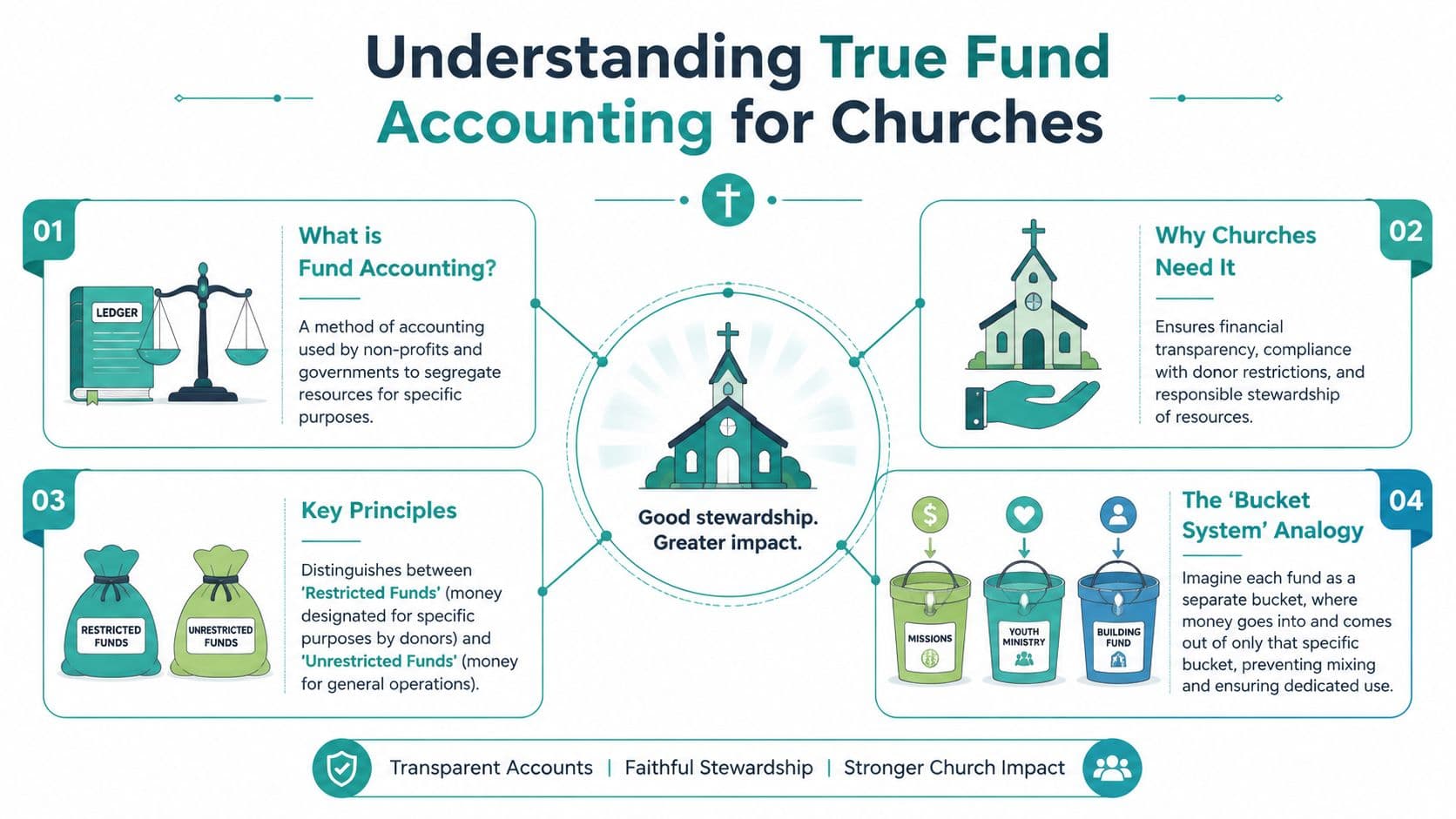
Church finance gets clearer when you stop thinking in terms of one big pool of money. Churches need to know not just how much cash they have, but what that cash is for. That's where true fund accounting comes in.
The simplest way to explain it is digital envelopes. General giving goes into one envelope. Building gifts go into another. A special missions offering goes into its own envelope. The dollars may sit in the same bank account, but your records must show which dollars are committed to which purpose.
Why this isn't optional
This isn't just a nicer way to organize reports. Church accounting software must support true fund accounting based on FASB 117 guidelines, which separates restricted and unrestricted funds. Without that structure, a church can't accurately produce required financial statements or meet audit requirements, as explained in Simple Church CRM's guide to church accounting software.
That matters for both legal and pastoral reasons. If a family gives to youth camp, those funds can't disappear into general operations because cash is tight that month. Even if the mistake is accidental, you've still broken trust.
What restricted and unrestricted really mean
A lot of confusion starts here, so keep the categories plain.
- Unrestricted funds are gifts your church can use for general operations.
- Restricted funds are gifts the donor designated for a specific purpose.
- Internally designated funds may be set aside by leadership, but they aren't the same as donor restrictions.
Business software usually centers on profit and loss. Churches need a different lens. They need to answer questions like, "How much remains in benevolence?" and "Did event income post to the right fund?"
Practical rule: If your software treats fund tracking as a workaround instead of a core design, you're likely building extra review work into every month.
What to ask of the software
Good church accounting software should let you follow a gift from entry to report without side spreadsheets. That means donation records, fund tags, and the general ledger should stay connected.
When that structure is built in, your staff can see balances by purpose, prepare clearer statements, and avoid class-based workarounds that belong in for-profit accounting. If you want a plain-language primer before evaluating vendors, this overview of fund accounting for nonprofits explains the logic well.
The Problem with Using Multiple Software Tools
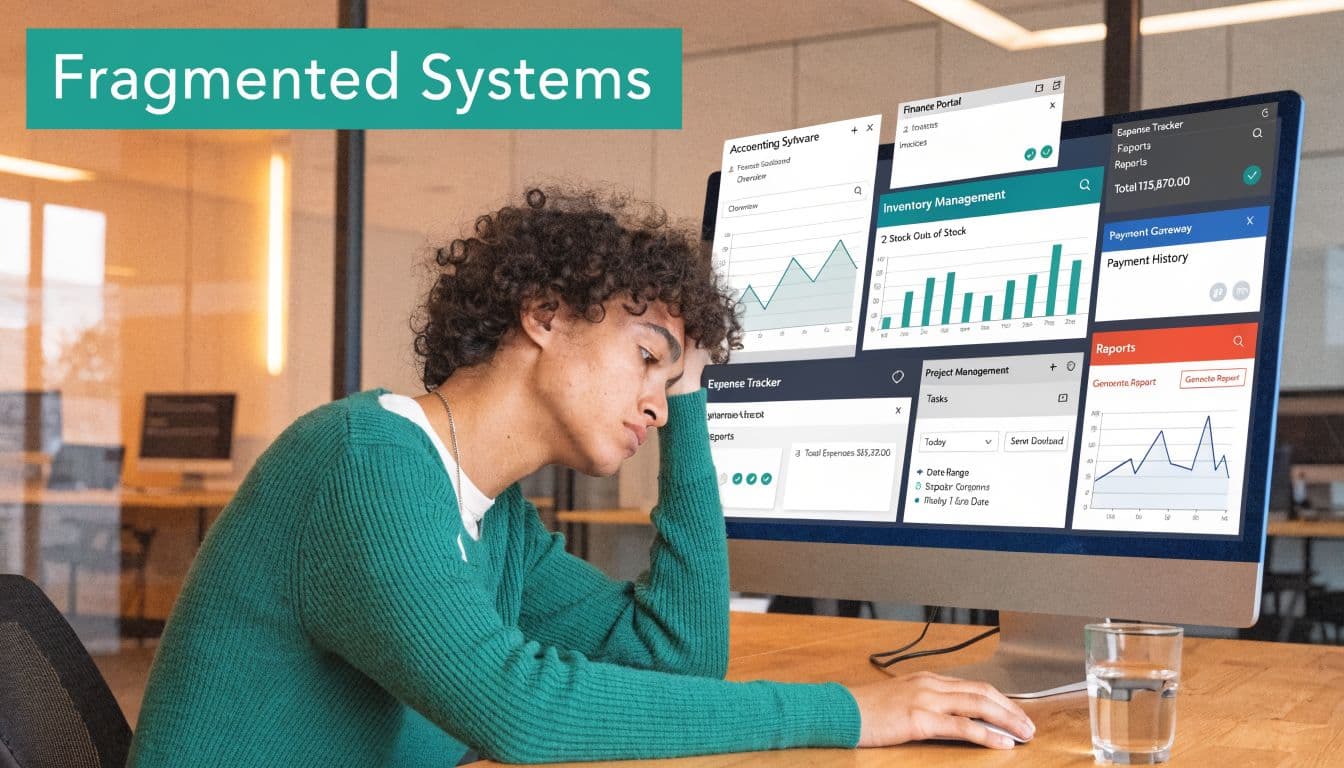
Most churches didn't choose fragmentation on purpose. It happened one practical decision at a time. A giving app solved online donations. QuickBooks handled bookkeeping. A volunteer spreadsheet filled another gap. Event registration lived somewhere else.
Each tool may be perfectly decent on its own. The trouble starts when someone has to make them behave like one system.
The integration tax is real
Churches often run accounting, donations, and volunteer management in separate systems. That fragmentation creates reconciliation problems, and for small churches with limited staff, the integration tax is substantial, as noted in Ramp's review of church accounting software.
You see it in ordinary tasks:
- Donation matching: The giving platform shows a batch total, but someone still has to confirm each amount reached the books correctly.
- Event allocation: Retreat or fundraiser income may arrive in one tool, while expenses and deposits live somewhere else.
- Volunteer transitions: When one treasurer steps down, the process often lives in that person's memory rather than in the software.
A finance office can absorb some of this. A church with a part-time administrator and volunteers usually can't.
Want to try church accounting software for free? Schedule Your Free Setup | Explore Features
Good tools can still create bad workflows
QuickBooks is familiar. Aplos and ChurchTrac are church-specific. Planning Center handles many ministry tasks well. None of those names are the problem by themselves. The issue is the handoff between systems.
When data moves by export, import, or manual entry, your team spends time verifying what should already be connected. That doesn't just slow down reporting. It increases the chance that a restricted gift, event receipt, or donor record gets categorized differently in two places.
For directors, the practical question isn't, "Is each tool strong?" It's, "Do these tools remove work, or create work between them?" If you're evaluating that broader question, this article on a nonprofit CRM with accounting is worth reviewing.
A fragmented software stack usually doesn't fail all at once. It drains time in small, repeated tasks until reporting feels harder than it should.
Essential Features for Modern Ministry Operations
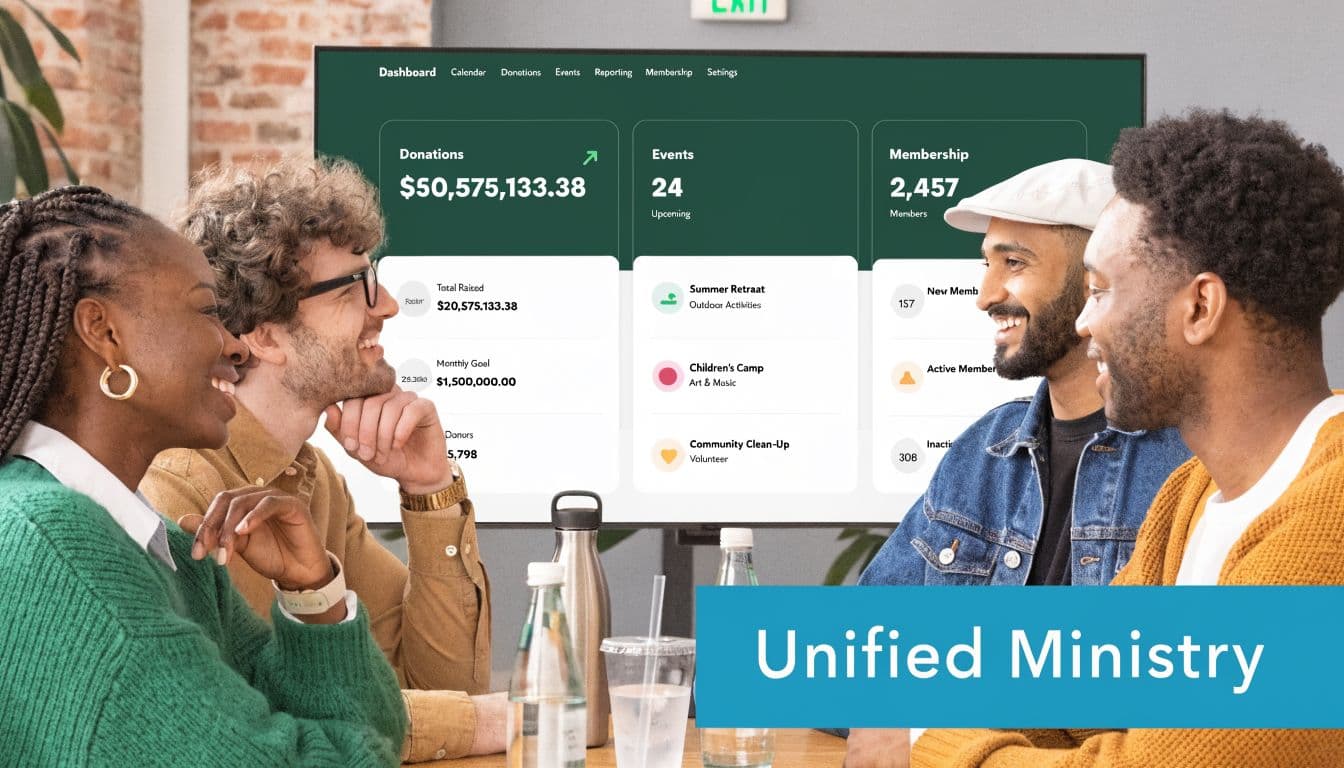
Church accounting software now does more than post transactions. Modern platforms increasingly combine giving, donor records, and accounting, and some also include natural language reporting so non-technical staff can ask questions of financial data more easily, as described in Pushpay's overview of modern church accounting software.
That shift matters because churches don't run finance in isolation. Gifts, people, events, volunteers, and communication all affect the books.
Honor every gift
Start with the outcome. You need confidence that designated money stays designated.
Look for software that records restricted gifts at the point of entry and carries that information into the ledger and reports. If your giving page, donor record, and accounting record don't agree automatically, you're inviting cleanup work later.
Make donor history easy to understand
A donor conversation goes better when your team can see the full relationship in one place. That includes giving history, pledge activity, contact details, and receipting.
A connected CRM is vital. Staff shouldn't have to ask finance for one record and development for another just to answer a simple donor question.
Reduce friction for volunteers and events
Churches often rely on rotating volunteers. If scheduling, roles, background checks, event sign-ups, and attendance all live outside your main system, coordination gets messy fast.
A better setup lets ministry leaders manage service teams and events without creating accounting blind spots. Event income, fees, and fund designations should not need manual re-entry after the fact.
Keep communication close to the data
Most directors know this from experience. Financial work doesn't stop with bookkeeping. You also need to send appeals, reminders, and updates.
A platform with a built-in marketing suite and online giving pages keeps messages close to donor and campaign data. That can simplify annual appeals, event promotion, and follow-up communication because the records already live in the same system.
The more often your staff copies information from one system to another, the more your process depends on memory instead of design.
Use AI for answers, not complexity
AI only helps if it removes steps. In practical terms, that means being able to ask plain questions and get useful answers from your own records.
For a time-poor director, that might mean asking which funds need review, which donors haven't completed a pledge, or what event revenue has posted. A tool like Alignmint includes Minty AI, along with accounting, CRM, volunteers, events, marketing, online giving pages, and team communication in one platform. That's a different category from software that only handles bookkeeping.
A short feature checklist
When you're reviewing church accounting software, these features usually matter most:
- True fund accounting: Not class tracking, not spreadsheet overlays.
- Connected donor records: Giving history and finance should tell one story.
- Volunteer management: Roles, groups, and service activity should be trackable without side systems.
- Event and payment handling: Registration and proceeds should flow into reporting cleanly.
- Built-in communication tools: Email, text, and giving pages belong closer to the data.
- Unlimited user access: Churches often need pastors, administrators, bookkeepers, and volunteers inside the same system without seat-based friction.
- Support for church and school operations: If your ministry includes a school or sponsored programs, the structure should handle that complexity without custom workarounds.
Comparing Your Top Software Choices
A finance committee meeting usually exposes the underlying issue. The treasurer pulls reports from one system, the giving coordinator checks donor history in another, and someone still has to explain why event income has not landed where the budget expected it. At that point, the question is no longer which accounting tool looks strongest on paper. The question is which system reduces handoffs and gives your team one reliable version of the truth.
That is the lens that makes software comparisons more useful. Churches are not only choosing bookkeeping features. They are choosing how much manual coordination they are willing to carry every month.
Church Software Approaches Compared
| Approach | True Fund Accounting | Integrated Donor CRM | All-in-One Operations | Best For |
|---|---|---|---|---|
| General business software such as QuickBooks | Usually handled through workarounds rather than native church fund structure | No | No | Churches with simple books and strong bookkeeping support |
| Standalone church accounting tools such as Aplos or ChurchTrac | Yes, church-specific options are available | Limited or partial, depending on the product | Usually focused on accounting first | Churches that mainly want dedicated accounting software |
| All-in-one platforms such as Alignmint | Yes | Yes | Yes | Churches that want fewer systems and less manual reconciliation |
Where each option works, and where it starts to cost you
QuickBooks still makes sense for some churches. Many accountants know it well, and that lowers training friction. If your setup is simple and you have disciplined bookkeeping support, it can do the job.
The trouble starts when ministry operations live elsewhere. Donations, events, volunteer activity, and communication stay disconnected, so staff spend extra time exporting, checking, and correcting. The subscription may look affordable, but the weekly cleanup usually does not.
Standalone church accounting products improve the fund accounting side of the equation. They are often a better fit than general business software for designated gifts, restricted balances, and church reporting. That said, many of them still leave core ministry work outside the system. You get better books, but not always fewer tools.
That is the trade-off many teams miss.
An all-in-one platform changes the decision. Instead of asking whether the ledger is church-friendly, you ask whether giving, people, events, communication, and reporting work from the same records. Alignmint fits that category. If your staff is already comparing broader ministry platforms, this guide to Alignmint vs Planning Center helps clarify the difference between a management tool with accounting added later and a unified operations system built to reduce duplicate work.
Compare cost by labor, not just subscription
I have seen churches choose the cheaper tool and then pay for it in staff hours all year. Someone has to reconcile batches from the giving platform, re-key event revenue, fix donor records, and answer reporting questions with a spreadsheet open beside the accounting screen. That is a real cost, even if it never appears on an invoice.
So compare your options in two columns. First, subscription price. Second, ongoing administrative effort.
If your church is also reviewing finance systems outside the church software category, F1Group's expert Sage advice offers a useful framework for judging fit, reporting needs, and operational complexity. The same discipline applies here. Choose the system that your team can run accurately in real life, not the one that only looks good in a feature grid.
How to Choose and Implement Your New System
A software demo can look polished and still leave you with the same old work. The right questions expose that quickly. You don't need to ask technical questions. You need to ask workflow questions.
Questions to ask during a demo
Bring real scenarios from your church and ask the vendor to walk through them live.
- Follow one gift: Show me how a designated online donation moves from the giving page to the financial statements.
- Clarify user costs: Are there any per-user fees if I add staff, pastors, bookkeepers, or volunteers?
- Test reporting: Can I see unrestricted and donor-restricted balances without exporting data to a spreadsheet?
- Check operations: How do events, volunteer activity, and donor records connect to accounting?
- Review communication: Can staff send appeals, reminders, or updates from the same platform that holds donor data?
If a vendor answers with theory instead of a live workflow, slow down.
Ask vendors to show the handoff, not just the feature. Most reporting problems start in the handoff.
A calm four-step rollout plan
Implementation feels smaller when you treat it as an orderly transition instead of a dramatic conversion.
-
Clean the data first Remove duplicate donor records, old funds you no longer use, and inconsistent naming before migration.
-
Pick a clear cutover date Choose a practical start point such as a month-end or the beginning of a new reporting period.
-
Run in parallel briefly For a short period, compare outputs from the old and new systems so your team can catch setup issues early.
-
Train by role Your bookkeeper, administrator, pastors, and volunteer leaders don't all need the same training. Keep each session focused on what that person does.
Keep the first phase narrow
Don't try to activate every feature in week one. Start with core accounting, giving, donor records, and the reports your board sees most often. Then add volunteer workflows, events, and communication once the financial foundation is stable.
If you want a plain checklist for setup steps and early configuration, the Alignmint getting started guide gives a useful picture of what a structured rollout should include.
A Financial System That Serves Your Mission
The right church accounting software does more than organize transactions. It helps you protect donor intent, answer board questions faster, and reduce the weekly scramble that wears down small teams.
For many churches, the bigger decision isn't which ledger to buy. It's whether to keep patching together separate tools or move to one system that reflects how ministry runs. When finance, giving, volunteers, events, and communication stay connected, your church gains clarity and your staff gets time back.
That doesn't mean every church needs the same product. It does mean every church benefits from fewer workarounds, cleaner reporting, and a process that doesn't depend on one heroic volunteer remembering where everything lives.
If you're ready to replace spreadsheets and disconnected tools with one clearer operating system, take a look at Alignmint. It's built for nonprofits that need true fund accounting plus connected fundraising, volunteers, events, and communication, and it includes a free tier for organizations raising under $100K so you can evaluate the fit with low risk.
Ready to see how Alignmint works for your nonprofit?
Schedule a free walkthrough - we'll set everything up for you.