

Free CRM for Nonprofits: Director's 2026 Guide
For related tools, see AlignMint features.
Free nonprofit CRM tools can shrink your spreadsheet pile, but the real test is whether donations, volunteers, events, and fund accounting stay connected as you grow. This guide compares the strongest free options with a director’s eye on reporting gaps, hidden staff time, and what happens when finance lives in another system.
Quick Answer: What Is the Best Free CRM for Nonprofits?
Pricing as of May 2026. Check vendor websites for current pricing.
A free nonprofit CRM is useful when it reduces spreadsheets, centralizes supporter records, and gives staff a cleaner follow-up process. The real test is not whether the contact database is free; it is whether donations, volunteers, events, fund accounting, and nonprofit reporting can stay connected as the organization grows.
If your nonprofit raises less than $100K per year, AlignMint's free tier is the strongest fit when you want donor records, giving pages, fundraising tools, Minty, and a clear upgrade path to fund accounting in one place. If you only need a contact database, a general CRM can work. If you need board-ready reports and clean financial records, make sure the free CRM does not create more disconnected tools.
| Free CRM question | What to check | Why it matters |
|---|---|---|
| Can it track donors? | Giving history, notes, pledges, receipts, and follow-up | Donor relationships need context, not just names. |
| Can it report clearly? | Retention, LYBUNT/SYBUNT, campaigns, and board summaries | Directors need answers before meetings. |
| Can it connect to finance? | Donation records tied to funds and accounting | Gifts should not be re-entered after they arrive. |
| Can it support volunteers? | Hours, roles, events, and availability | Supporters often give time and money. |
| What happens after free? | User limits, contact limits, add-ons, and migration work | Hidden cost usually shows up as staff time. |
For donation tracking workflows, see donation management software.
Your donor list lives in one spreadsheet. Volunteer hours live in another. Donations come from a giving form, acknowledgments from email, and finance from a separate system. That setup works for a while, then it starts costing you time, follow-up, and confidence.
A good free crm for nonprofits should reduce that clutter, not add another place to check. This guide compares the strongest free options with a director’s eye on costs: staff time, setup burden, reporting gaps, and what happens when fundraising, volunteer management, and finance don’t talk to each other. If supporter loyalty is a priority this year, these strategies for nonprofits to retain supporters pair well with the tools below.
1. AlignMint
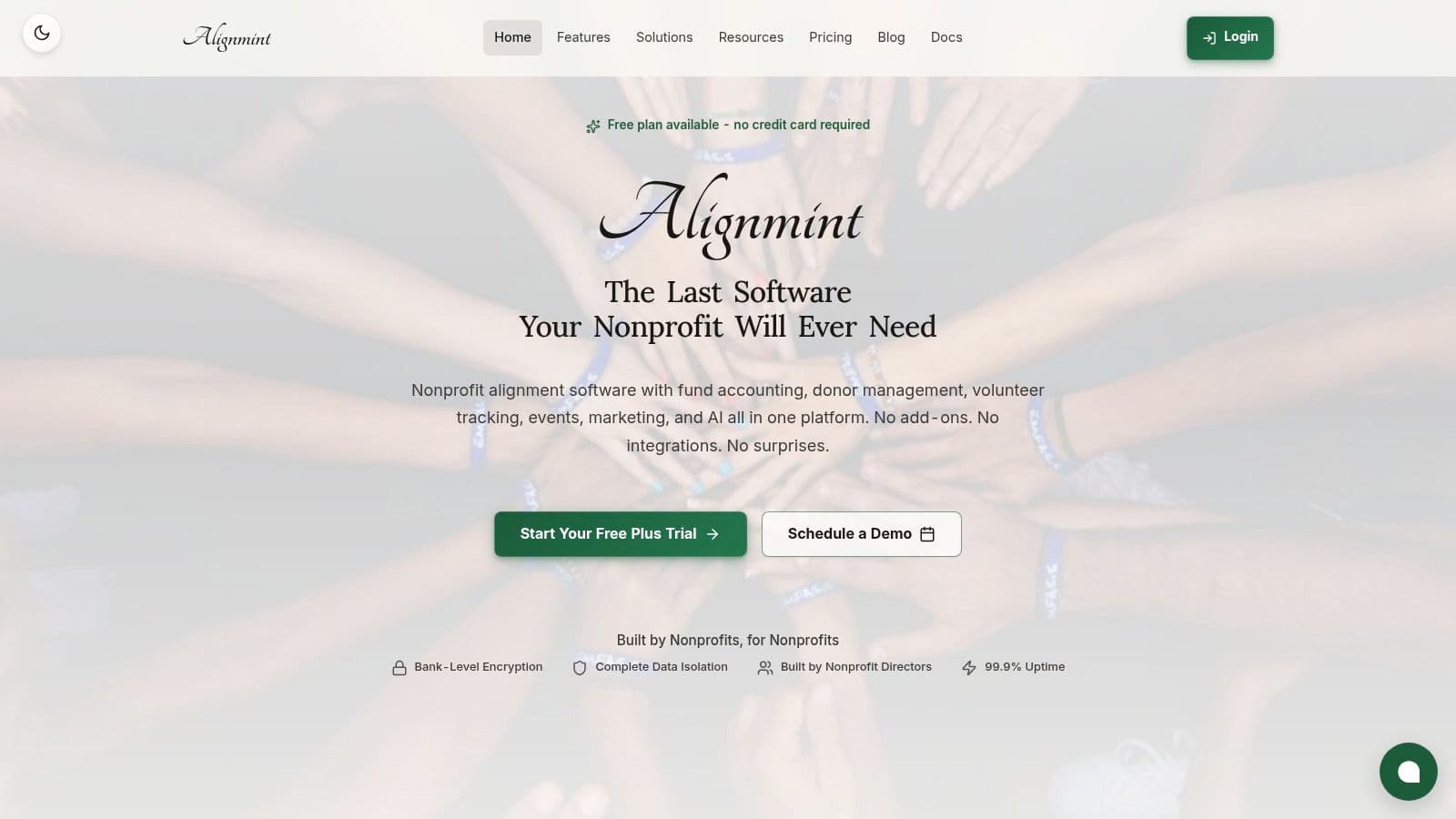
If your biggest problem is fragmentation, AlignMint is the most complete answer on this list. It combines donor management, fund accounting, volunteer tracking, events, marketing, and team communication in one nonprofit-specific platform. For many directors, that matters more than getting a free contact database. It means fewer exports, fewer duplicate records, and fewer end-of-month surprises.
AlignMint is especially relevant if your organization has restricted funds, grants, multiple programs, or board members asking for cleaner reporting. Instead of forcing accounting into a general business tool, it models nonprofit finances natively. That’s a very different promise from a free CRM that only tracks names, notes, and donation history.
You can see the platform overview on AlignMint for nonprofits, which is the clearest starting point if you're comparing an all-in-one system against point solutions.
Why directors choose it
The free tier is available for nonprofits raising up to $100K per year. That makes it one of the few options that lets a smaller organization start with donor CRM and finance connected from day one, without per-seat pressure on a tiny team.
The practical upside is simple. Your fundraising and your books stop arguing with each other. Gifts, receipting, bank feeds, program allocations, and reporting live together, so your staff isn't rebuilding the same story in multiple systems.
Practical rule: If your team spends more time reconciling systems than thanking donors, a simple free CRM is no longer the cheap option.
A few strengths stand out for nonprofit leaders:
- True fund accounting: Restricted funds, grants, and programs are built in, so you can see balances and reporting without spreadsheet gymnastics.
- Connected donor records: Giving history, receipting, pledge tracking, and donor self-service all sit beside financial data.
- Volunteer and event operations: Skills, availability, checks, hour tracking, and group coordination are part of the same system.
- Built-in outreach: Email, text, online giving pages, events, ticketing, and video fundraising pages reduce the need for separate marketing tools.
- Minty support: You can ask questions about your real data instead of exporting reports to hunt for answers.
What to watch
AlignMint is best when you want one system to run the organization, not just a donor file. That also means implementation deserves attention. If your team has years of legacy workflows or niche tools, you should expect some cleanup and process decisions during migration.
Public pricing beyond the free plan is less visible than some self-serve tools. Larger organizations will likely want a demo to understand fit, reporting depth, and fiscal sponsorship needs. For churches, schools, and fiscal sponsors, though, the upside is clear: one platform for giving, accounting, volunteers, marketing, and reporting, with plan-based user allowances (1 on Free, up to 10 on Plus, up to 25 on Pro, and unlimited on Enterprise).
2. Salesforce
Salesforce has a strong case if your nonprofit needs deep customization and has the staff time to support it. Through the Power of Us Program, eligible nonprofits can receive donated licenses, which is why many larger organizations keep it on their shortlist.
This is not the easy button. It’s the flexible button. If you need a system that can handle complex workflows, layered permissions, and a broad app marketplace, Salesforce can do a lot. But it usually does its best work when someone owns administration and data structure internally.
Where it fits best
Salesforce is often the right answer for nonprofits with established operations, multiple departments, or technical help. It can support donor management, program workflows, service delivery, and advanced automation when configured well.
That said, free access doesn’t mean low effort. ClearCRM’s nonprofit CRM overview notes that Salesforce Nonprofit Cloud can come with a steep learning curve and added scaling costs for larger or more complex use cases. That matches what many nonprofit leaders discover in practice. The software may be donated, but setup and upkeep still require capacity.
If you're weighing that trade-off against a more unified nonprofit platform, this Salesforce nonprofit CRM alternative gives a useful side-by-side frame.
Salesforce is powerful when your organization can shape the system. It's frustrating when you need the system to shape itself around a small team.
What works and what doesn’t
- Best fit: Larger nonprofits that need customized workflows and already take data governance seriously.
- Strong point: A huge partner network, mature security controls, and broad extension options.
- Common snag: Nonprofit-specific needs often rely on paid add-ons, consulting help, or both.
If your director-level goal is simplicity and visibility, Salesforce may feel heavier than you need. If your goal is maximum customization, it belongs near the top of your list.
3. HubSpot CRM
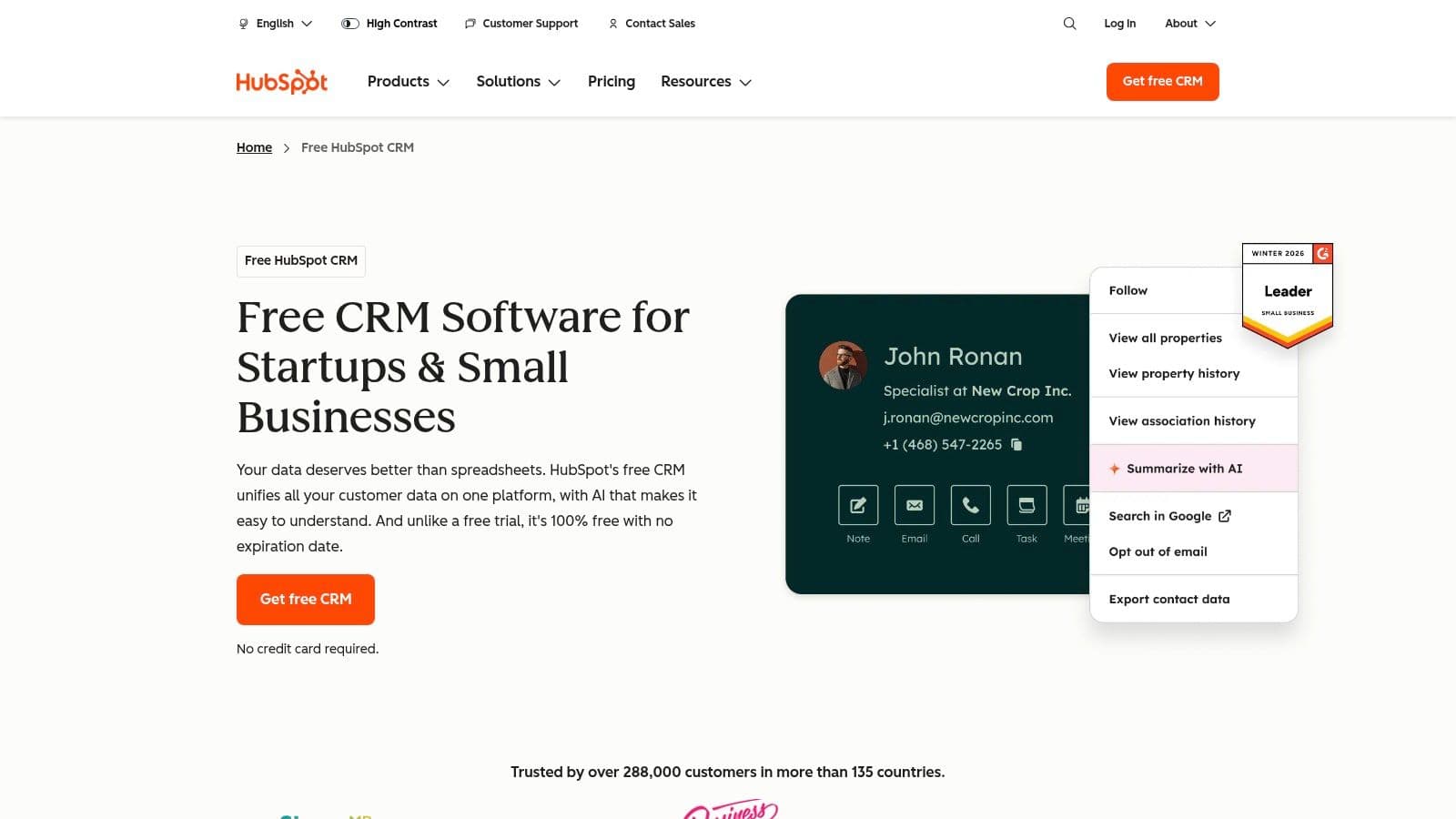
A development director often reaches for HubSpot after one frustrating week of managing donor notes in spreadsheets, email threads, and a separate event list. HubSpot makes that early cleanup feel manageable. The interface is polished, the core CRM is easy to set up, and staff can start logging contacts, emails, and follow-ups without much training.
That ease is the main reason HubSpot stays on nonprofit shortlists. According to HubSpot's CRM product page, the free CRM includes contact management, deal tracking, forms, email marketing tools, and reporting features. For a small nonprofit that needs visibility into relationships and outreach, that can be enough to create order fast.
Where HubSpot fits
HubSpot works well for teams that mainly need a relationship database with light marketing support. Development and communications staff usually see value first because they can track conversations, segment contacts, capture form submissions, and keep basic outreach in one place.
That is different from running nonprofit operations in one system.
HubSpot does not start with nonprofit workflows at the center. You will not get built-in fund accounting, volunteer coordination, grant management, or the kind of finance connection many directors eventually need. So the key decision is not whether the free tier is useful. It usually is. The key decision is whether a clean front-end CRM will still serve you once fundraising, finance, programs, and volunteer activity need to connect.
That is where long-term cost shows up. Not always in subscription fees at first, but in staff time, extra tools, and the job of stitching reports together across systems. A simple CRM can be the right choice if your needs are narrow. If your team already knows it wants one shared system for donations, budgets, and volunteers, an all-in-one platform like AlignMint will usually save more effort than a general-purpose CRM plus several add-ons.
For a broader look at tools in this category, our guide to nonprofit CRM software can help you compare general-purpose platforms against nonprofit-specific systems.
- Choose HubSpot when: You need an easy CRM for contacts, outreach, and basic reporting, and your nonprofit operations are still fairly simple.
- Be careful when: Your staff expects the CRM to cover volunteers, grants, restricted funds, or finance workflows later.
- Director-level trade-off: HubSpot is often inexpensive to start and more expensive to extend, especially once multiple departments need the same source of truth.
4. Zoho CRM
Zoho CRM is a sensible choice if you want a general-purpose CRM with a free entry point and room to grow inside one vendor family. It covers the basics well: leads, contacts, deals, mobile access, and standard reporting. For a small team that wants structure without paying right away, that can be enough.
What Zoho does well is order. You can move away from scattered notes and start managing relationship activity in one place. If your nonprofit has a simple development process or a grant pipeline that behaves like a relationship pipeline, Zoho can support that.
The real trade-off
Zoho is not nonprofit-first. That doesn’t make it a bad tool. It just means you’ll spend more time adapting the system to your work than you would with a platform designed around donations, volunteers, events, and restricted funds.
Its permanently free plan for small teams is attractive, especially if you already know the Zoho name. The challenge comes later, when you need donor acknowledgments tied to giving history, volunteer records tied to events, or finance records tied to program activity.
A lot of directors start with a tool like Zoho because it feels prudent. That can be the right call if your needs are narrow. It becomes the wrong call if your team starts building nonprofit workarounds in fields, tags, and side spreadsheets.
Best use case
- Choose Zoho when: You need a free contact and pipeline system for a very small staff.
- Pause if: You already know your finance and fundraising need to connect.
- Expect: Basic customization, but not nonprofit-specific structure out of the box.
Zoho is best for organizations that want a clean general CRM and are comfortable adding nonprofit context themselves.
5. Freshsales by Freshworks
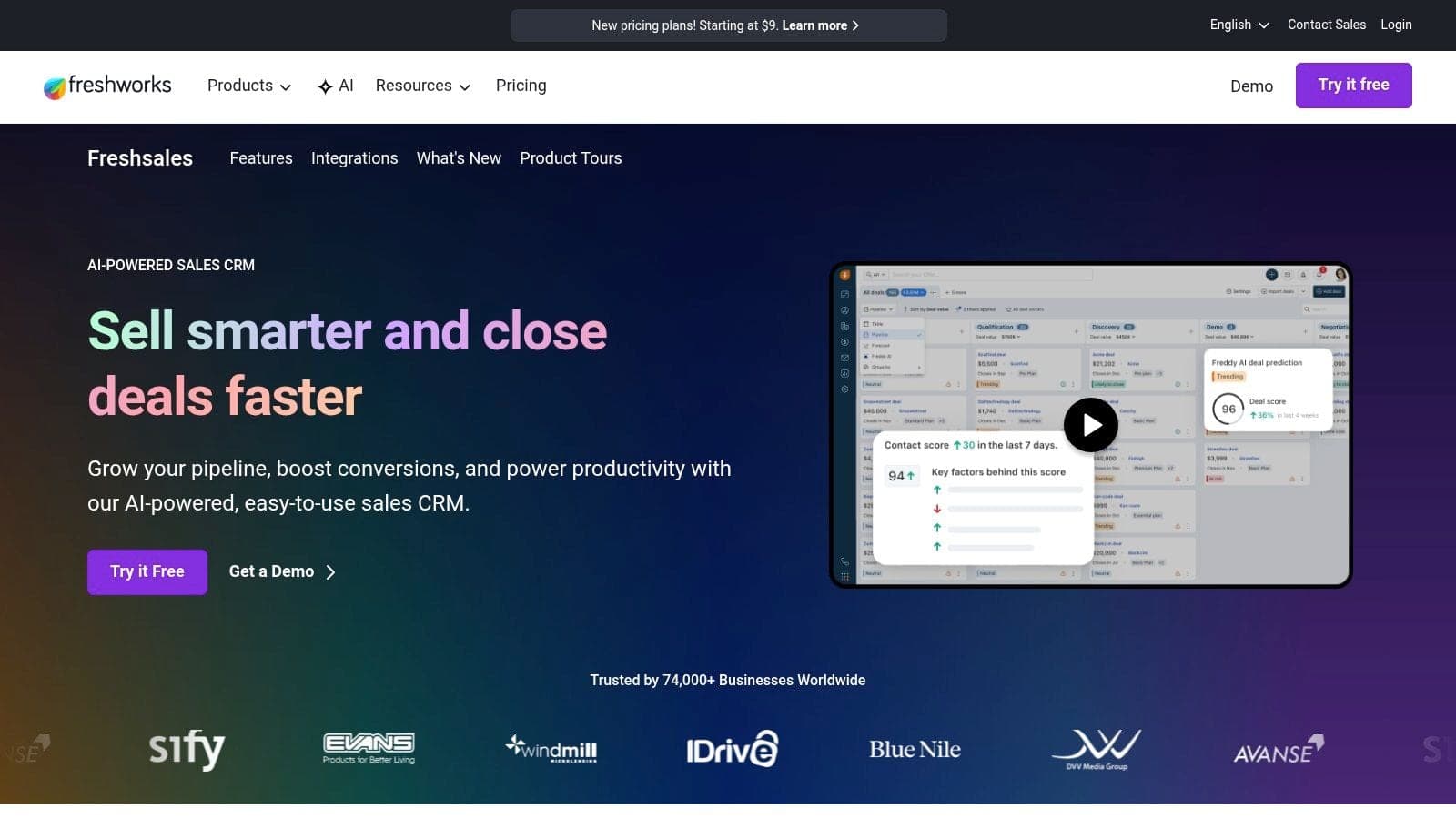
Freshsales feels more like a relationship pipeline tool than a nonprofit operating system. That can be useful if your immediate goal is better outreach discipline. You can track contacts, leads, deals, and activity in a straightforward interface, and built-in calling is a plus for teams that still do a lot of personal follow-up.
For nonprofits, this tends to work best in founder-led or development-led environments where someone wants a clearer cadence for donor cultivation. If you're mostly trying to make sure calls get made, notes get logged, and outreach doesn’t disappear into inboxes, Freshsales is a practical lightweight option.
What it does well
The free plan is approachable and quick to set up. Staff who are nervous about software usually find it less intimidating than enterprise systems.
It also works well on mobile, which matters for directors and gift officers who are often away from their desks. If your team values speed over deep nonprofit functionality, Freshsales has appeal.
Where it falls short for nonprofits
This is still a sales-oriented CRM. It isn't centered on giving records, volunteer history, restricted funds, church or school workflows, or fiscal sponsorship reporting. Some AI and higher-end features are also reserved for paid levels.
That means the platform can help your team stay organized, but it won't answer broader nonprofit questions on its own. You’ll still need other systems for accounting, donation pages, and most volunteer operations.
A clean pipeline is helpful. A complete nonprofit record is better.
Freshsales is a reasonable starter if your process is relationship-heavy and operationally simple. It’s not the strongest free crm for nonprofits if you need donor management tied directly to finance and mission delivery.
6. Bitrix24
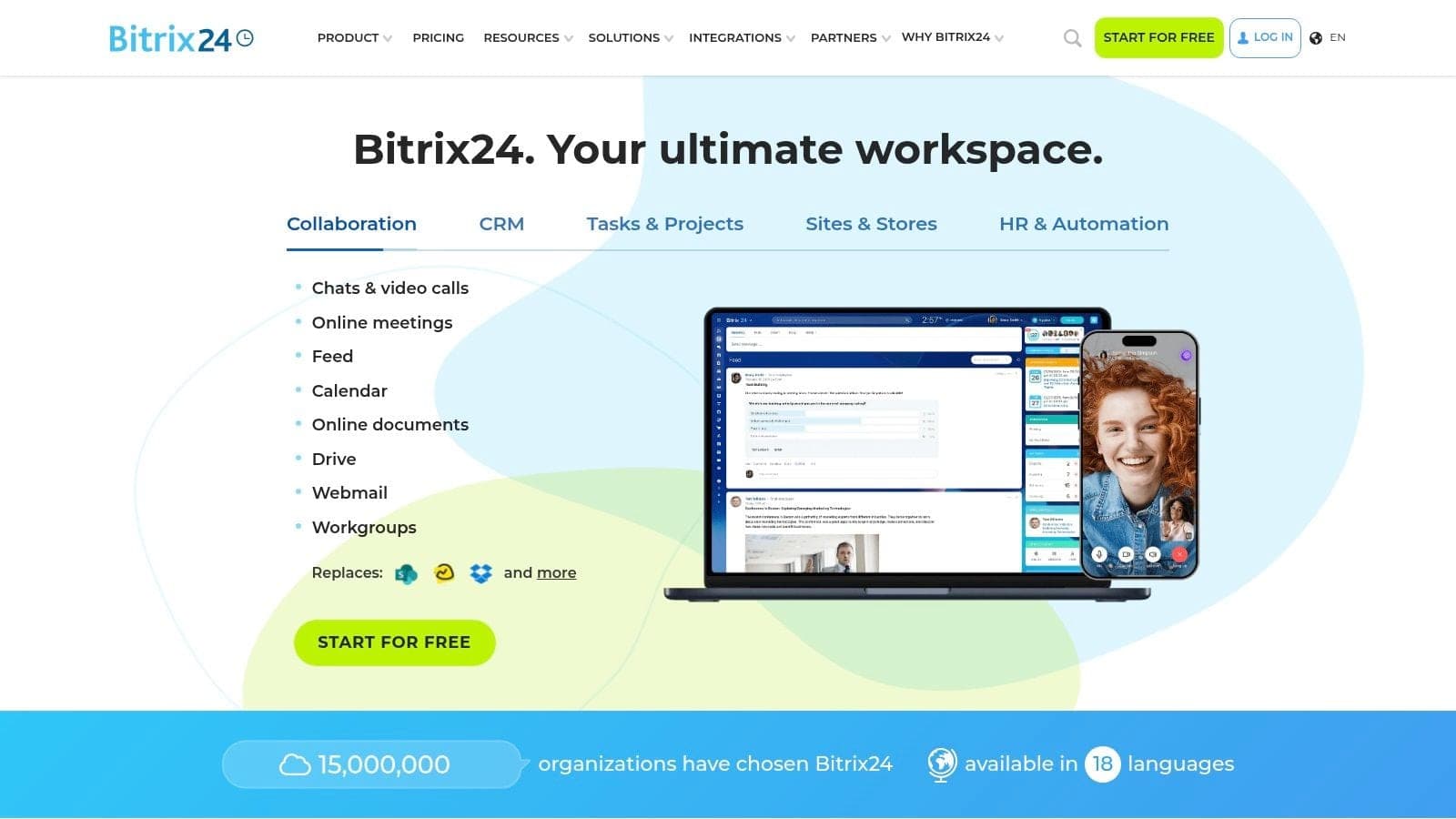
Bitrix24 tries to solve more than CRM. It brings together contacts, tasks, chat, projects, forms, and internal communication. For a nonprofit that wants one free work hub for staff coordination, that breadth is appealing.
It’s especially relevant for teams that struggle more with internal follow-through than with donor segmentation. If staff need shared task lists, project tracking, and chat in the same place as contact records, Bitrix24 has a lot to offer for no upfront software cost.
Why some nonprofits like it
A review of free nonprofit CRM options notes that Bitrix24 offers an unlimited nonprofit plan with volunteer management, contact tracking, project tasks, and built-in communication, which makes it attractive for early-stage organizations that want more than a contact list (best free nonprofit CRM tools).
That breadth is the selling point. The same source also notes gaps around data hygiene, analytics exports, and marketing integrations, which can become a problem as organizations mature. In plain terms, you may get more tools up front, but not always the reporting clarity you need later.
Director-level view
Bitrix24 is strongest as an internal coordination platform with CRM included. It is weaker as a nonprofit-specific system for donor stewardship, fund accounting, and compliance reporting.
- A good fit: Teams that want free task management, chat, and basic contact tracking together.
- A harder fit: Organizations that need nonprofit segmentation, accounting alignment, or board-ready reporting.
- Likely friction: The interface can feel busy, especially for less technical users.
If your first problem is staff communication, Bitrix24 deserves a look. If your first problem is understanding donors, funds, and programs in one view, another option will likely serve you better.
7. Givebutter
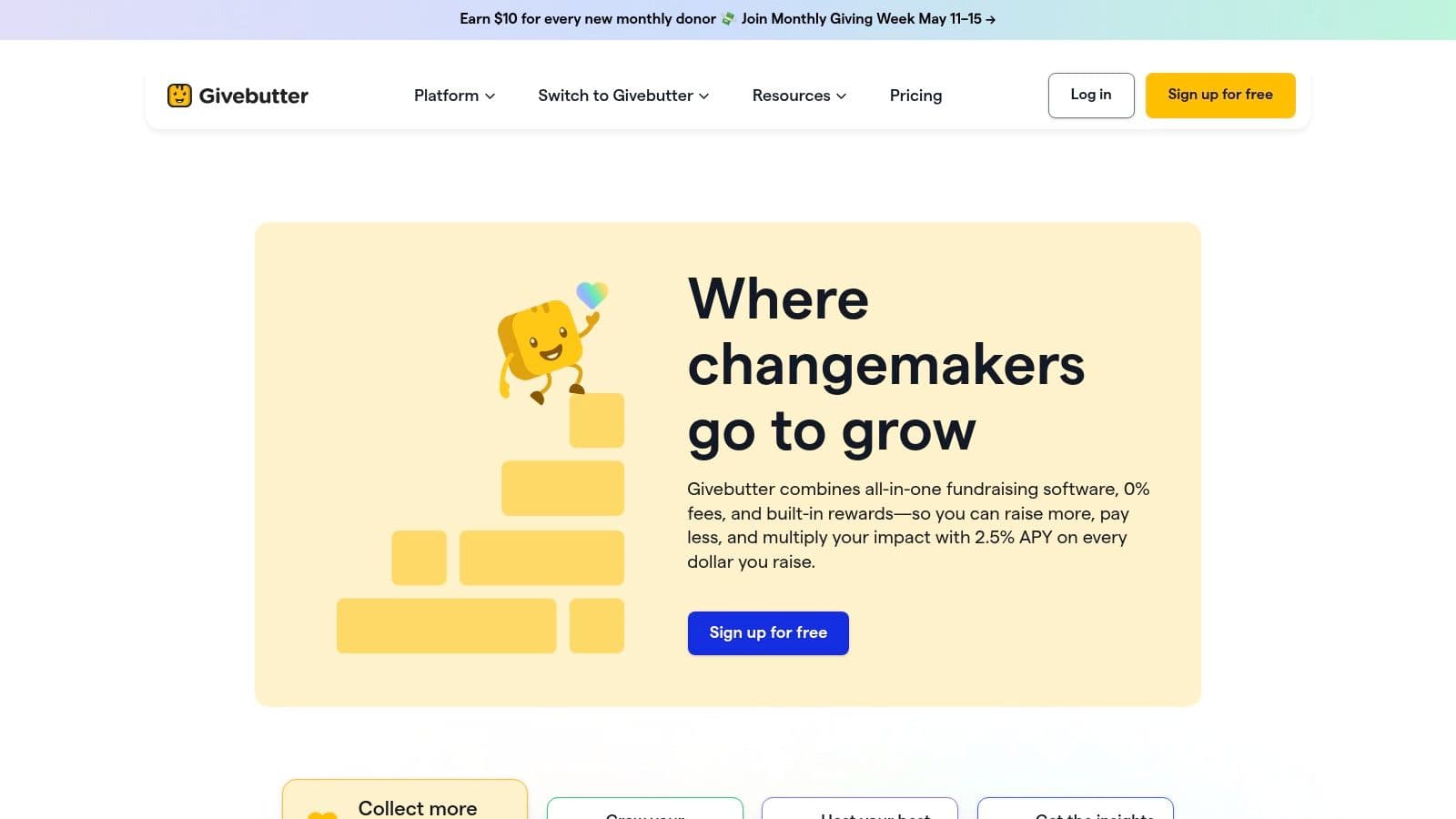
Your team is planning a spring campaign, ticket sales for one event are opening next week, and someone asks the familiar question: can one free tool handle donations, supporter records, and outreach without creating another admin mess? Givebutter is often on that shortlist because it keeps fundraising activity and donor records close together.
That matters for small teams. If your immediate job is to launch campaigns, collect gifts, send receipts, and keep a usable history of supporter activity, Givebutter can cover a lot without a paid CRM rollout.
Where Givebutter makes sense
Givebutter works well for nonprofits that are fundraising-first. Campaign pages, events, ticketing, donor communications, and contact records sit in the same workflow, which cuts setup time and reduces the handoffs that slow a lean team down.
For an executive director or development lead, the practical advantage is not just lower software cost. It is lower coordination cost. Staff can spend less time exporting donor data between tools and more time following up with supporters.
If you are weighing fundraising platforms against broader CRM options, this guide to donor management software for nonprofits helps clarify where a fundraising-centered tool is enough and where you need a deeper system.
The real trade-off
Givebutter stays attractive as long as fundraising is the main operational center of gravity. The friction shows up later, usually when finance, volunteer coordination, and reporting start pulling in different directions.
A development team may be satisfied. An operations team may not be.
Restricted funds, program reporting, and cross-functional visibility usually require more than donor and campaign records. At that point, the free CRM label matters less than the time your staff spends reconciling information across systems. That is the hidden cost directors need to watch.
Director’s note: If gifts, volunteers, and finances live in separate tools, your staff becomes the integration layer.
Givebutter is a strong fit for organizations that want to improve fundraising fast and keep overhead low. If your larger goal is one system connecting fundraising, finances, and volunteers, an all-in-one platform such as AlignMint will usually save more time than a free fundraising CRM on its own.
8. Donorbox
Donorbox is a fundraising tool first, and that’s often exactly why nonprofits choose it. If your immediate need is to place donation forms on your site, support recurring giving, send receipts, and build donor records as gifts come in, Donorbox keeps the process simple.
This is a practical option for teams that need to start taking gifts online quickly. It also works well if you already have another CRM and mainly want better donation capture with integrations.
Where it shines
Donorbox is easy to deploy and strong on recurring gifts, memberships, events, and text-to-give. It gives you donor profiles and giving history without requiring a full CRM migration up front.
That makes it a comfortable middle ground. You can improve the giving experience now, then decide later whether you want a deeper donor system. If that’s your current stage, our guide to donor management software can help you think through the next step.
What you’re not getting for free
Donorbox is not trying to be your accounting system, volunteer hub, or full nonprofit command center. More advanced CRM depth and reporting sit beyond the basic starting point, and costs can grow with fundraising volume and added features.
That doesn’t make it poor value. It just means the product answers one part of the job very well. If your challenge is broader operational visibility, Donorbox won’t solve that by itself.
- Best for: Fast online donation setup with solid recurring giving support.
- Less suited to: Organizations that want one system for donor management, finance, volunteers, and reporting.
- Useful mindset: Choose Donorbox when fundraising speed matters more than operational consolidation.
9. CiviCRM
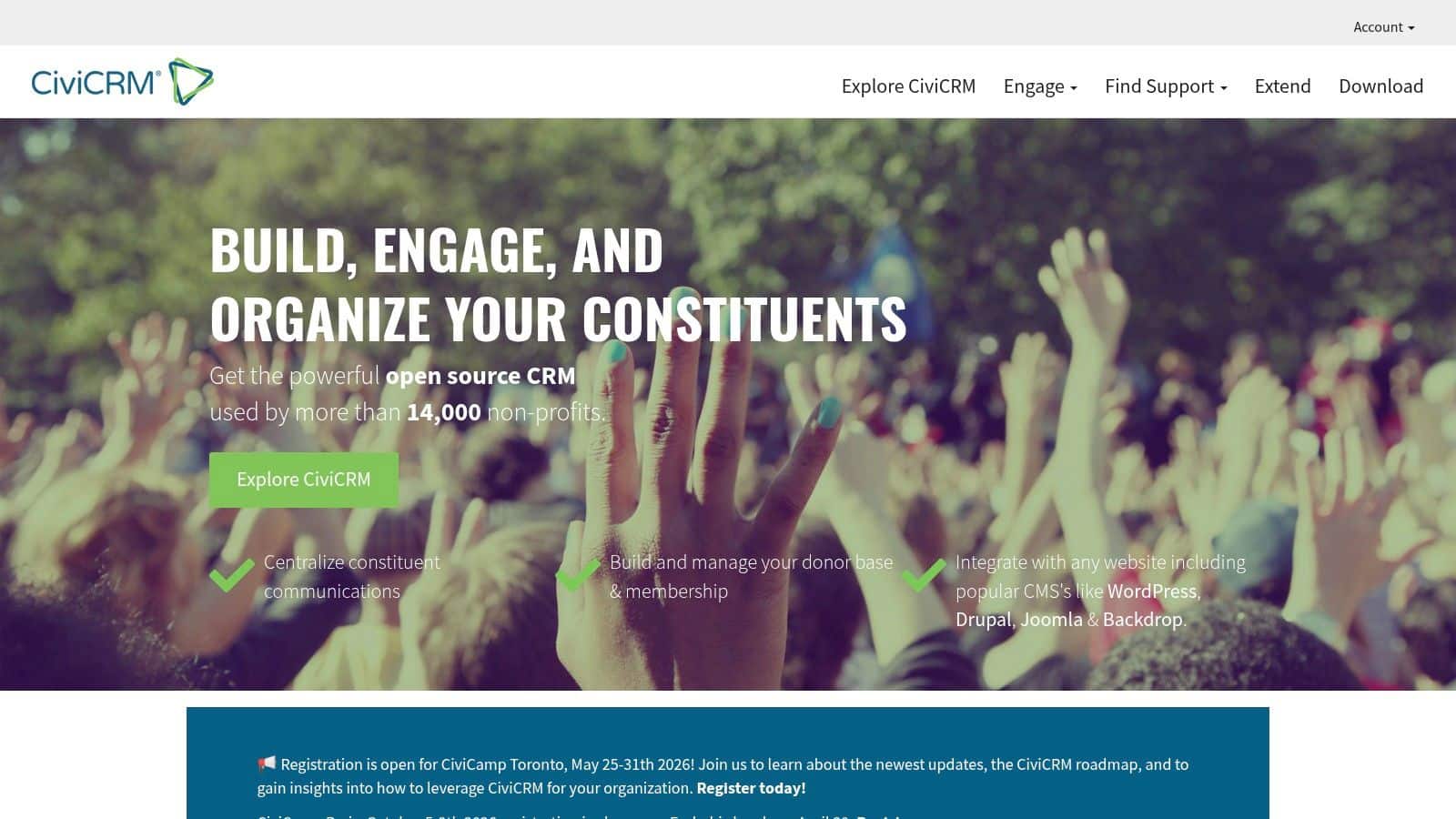
A familiar nonprofit scenario looks like this. The team wants one database for donors, members, events, email, and case work, but the budget cannot support another monthly software bill. CiviCRM enters the conversation at that point because the license cost is not the primary factor. The actual choice is whether your organization has the time and technical capacity to run it well.
CiviCRM stands out here because it was designed around nonprofit work, not adapted from a sales pipeline tool. Contributions, memberships, events, mailings, and case management are part of the core experience. For organizations with unusual programs or reporting needs, that matters.
Where CiviCRM can be the right call
The official project site describes CiviCRM as open source software for nonprofits, NGOs, and civic-sector organizations, with a long-running community and broad extension options (CiviCRM website). That flexibility is the appeal. You can shape the system around how your organization operates instead of forcing your processes into a generic CRM model.
There is a real trade-off. Free software lowers license expense, but it often raises setup, hosting, maintenance, and decision-making costs. Someone still has to configure forms, manage updates, troubleshoot issues, and keep the system usable for staff.
I have seen CiviCRM make sense for associations, coalitions, advocacy groups, and nonprofits with technical help close at hand. Those teams usually care a lot about control, data ownership, and custom workflows. They are willing to spend staff time or contractor dollars to get that control.
For a lean executive team, the math can look different. If your development lead is also your grant writer, event planner, and accidental IT person, CiviCRM can absorb time you do not really have. In that situation, a simpler CRM may be the cheaper choice overall, or an all-in-one platform like AlignMint may save more by keeping fundraising, finance, and volunteer operations in one place with less setup burden.
Choose CiviCRM if your organization wants customization and can support the maintenance behind it. Pass if you need a tool that is easy to launch and easy to maintain.
10. Capsule CRM
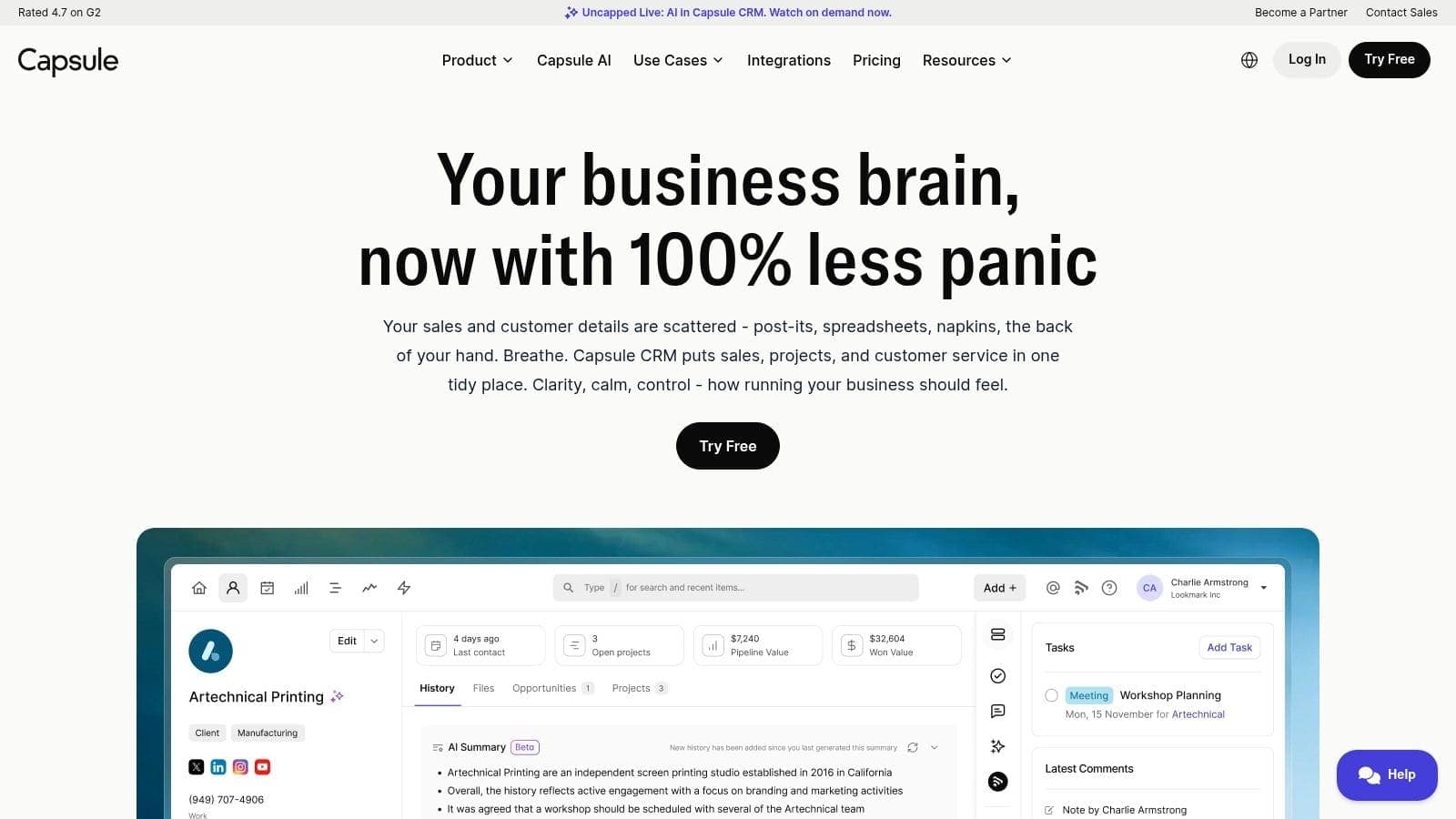
Capsule is the simplest tool in this roundup, and that simplicity is its value. If your nonprofit has a tiny team and needs a shared address book, notes, tasks, and a basic relationship pipeline, Capsule stays out of the way.
Some directors need exactly that. Not every organization needs a full software stack on day one. If your current problem is that donor notes live in one person’s inbox, Capsule may be enough to restore order.
Where it makes sense
Capsule is best for very small teams that want almost no training burden. It has a clean interface, quick setup, and a minimal learning curve.
That also means it has a low ceiling. The free plan is capped for small usage, and nonprofit-specific features are not the point of the product. You won’t find native fund accounting, volunteer tracking, or built-in giving operations here.
A fair way to judge it
Capsule is good software for a narrow use case. It’s not trying to become your donor database, accounting platform, marketing suite, and volunteer system all at once.
- Choose it if: You need basic contact management with as little friction as possible.
- Avoid it if: You already know you need donation history, volunteer coordination, or nonprofit reporting in the same system.
- Expect: A clean experience now, with a likely migration later if your organization grows.
Comparison data as of May 2026. Features and pricing may change.
Top 10 Free Nonprofit CRMs, Feature Comparison
| Product | Core features | UX & reliability | Value proposition / USP | Best for & price |
|---|---|---|---|---|
| AlignMint (Recommended) | Donor CRM, giving pages, fundraising tools, Minty; fund accounting starts on Plus | Unified data model, bank-level encryption, data isolation, 99.9% uptime | Replaces fragmented stack; paid plans add Form 990 support, restricted balances, and fiscal sponsor tools | Small-mid nonprofits, churches, schools, fiscal sponsors; free tier for orgs up to $100K/yr; all-in-one pricing |
| Salesforce (Power of Us) | Enterprise CRM, automation, permissions, vast integrations | Highly grows with you and secure; needs admin expertise | Deep customization + large partner ecosystem; 10 donated EE licenses for eligible nonprofits | Large organizations needing scale/customization; donated licenses + paid add‑ons |
| HubSpot CRM (Free) | Contacts, companies, deals, activity timeline, basic marketing tools | Clean UI, fast getting started, strong docs/community | Easy to start; integrated marketing + CRM; large marketplace | Small databases or pilots; free tier with contact limits; paid upgrades for automation |
| Zoho CRM (Free) | Leads, contacts, deals, basic customization, mobile reporting | Generous free tier for small teams; simple upgrade paths | Part of Zoho app ecosystem; clear affordable upgrades | Small teams (≤3 users free); grows with you paid plans as you grow |
| Freshsales by Freshworks (Free) | Pipeline, contacts, deals, built‑in dialer, mobile apps | Friendly UI, quick to implement | Low‑friction outreach with built‑in calling | Small outreach/donor teams; free tier with limits; paid for advanced AI/features |
| Bitrix24 (Free) | CRM + tasks, chat, file storage, forms; unlimited users (free) | Very broad toolset but can feel busy; storage caps on free plan | All‑in‑one work hub combining CRM and collaboration at no cost | Teams wanting CRM + internal collaboration; free (5GB) or paid flat plans |
| Givebutter (Free nonprofit CRM + fundraising) | Unlimited contacts, supporter timelines, donations, events, ticketing | Donor‑centric UI; easy imports and migration help | Fundraising + CRM bundled; tip‑or‑fee model can make platform fee $0 | Fundraising‑focused nonprofits; free CRM; optional tip model; processing fees apply |
| Donorbox (Free fundraising with donor management) | Donation forms, donor profiles, recurring gifts, events, integrations | Fast form deployment; basic donor mgmt | Strong recurring giving tools and easy embed forms | Quick donation setup; free to start; platform/processing fees scale with volume; paid CRM tiers |
| CiviCRM (Open‑source, free) | Contributions, memberships, events, mailings, case management | Feature‑rich but technical; self‑host or use partner | Nonprofit‑focused open source; full data ownership | Organizations with dev/hosting resources or implementation partners; software free, hosting/services cost |
| Capsule CRM (Free) | Contacts, companies, tasks, notes, simple pipeline | Clean, minimal UI; fast getting started | Lightweight relationship tracking for small teams | Very small teams; free plan limited (2 users, 250 contacts); paid plans for growth |
From Choosing a Tool to Building a System
It usually starts the same way. A nonprofit picks a free CRM to clean up donor records, then six months later the development team is exporting gifts to finance, program staff are tracking volunteers somewhere else, and leadership is still pulling board reports by hand.
Choosing a free CRM is only the first decision. The bigger question is what your team will need to do every week to keep that system usable. Some nonprofits can work well with a simple donor database and clear internal habits. Others need fundraising, accounting, volunteers, events, and communications connected so reports match and staff are not reconciling the same information in three places.
Software costs often hide in staff time. They show up in manual receipting, duplicate entry, delayed month-end close, messy event follow-up, and conflicting numbers in leadership meetings. A free crm for nonprofits can be the right choice if it removes work. It becomes expensive fast if it only moves work to a spreadsheet, an inbox, or one staff member's memory.
That is the trade-off directors need to judge early. A simple tool is often the smartest choice for a small team with one fundraising stream and straightforward reporting. HubSpot, Capsule, or Zoho can cover that stage well. If your organization is primarily focused on campaigns and donor giving, Givebutter or Donorbox may get results faster. If you have in-house technical capacity and want more control over data and configuration, CiviCRM still deserves serious consideration. If staff collaboration is the bigger problem, Bitrix24 may solve more of the daily workflow than a traditional CRM.
Then complexity shows up.
Restricted funds need to line up with donations. Volunteers affect service delivery. Events create revenue, expenses, attendance data, and follow-up tasks. Marketing activity affects donor stewardship and renewal. Once those pieces start interacting, separate tools stop saving money because every handoff creates another chance for delay, error, or missed context.
At that point, the selection criteria should change. Do not ask only which free CRM has the nicest contact record or the longest feature list. Ask which system gives your team one reliable view of donors, funds, programs, and people, without forcing staff to rebuild the truth manually at the end of each month.
Accessibility and supporter experience matter here too. Donation pages, forms, and communications need to be easy for supporters to use and manageable for staff to maintain responsibly. These digital accessibility requirements for businesses are a useful reminder that operational choices affect how people experience your mission.
If your organization is still small and your processes are simple, a lighter free tool may be enough for now. If you are already feeling the drag between finance, fundraising, and volunteer coordination, an all-in-one system usually costs less than it appears because it cuts admin time and reporting friction. That is the case AlignMint is built for. It combines donor management, fund accounting, volunteer management, marketing, church and school workflows, fiscal sponsorship support, and AI assistance in one system. For nonprofits under $100K, the free tier offers a practical starting point without adding another disconnected app.
If you're ready to replace spreadsheet patches and disconnected apps with one nonprofit system, take a look at AlignMint. You can start with the free tier if your organization is under $100K, or request a demo to see how donor management, fund accounting, volunteers, events, marketing, and Minty work together on paid plans.
Ready to see how AlignMint fits your workflow?
Schedule a free walkthrough — we will help you map donors, funds, and migration steps.