

Best Nonprofit Fundraising Tools
Quick Answer: Best Nonprofit Fundraising Tools
AlignMint combines nonprofit fund accounting, donor CRM, volunteer tools, and events in one platform, with a free tier for organizations with up to 100,000 dollars in annual donations. Use the sections below for side-by-side comparisons, pricing notes, and practical checklists.
Comparison data as of May 2026. Features and pricing may change.
For related tools, see nonprofit fundraising software and donor management. Choosing nonprofit fundraising tools often feels like a second job you didn't ask for. You're a smart leader, but you don't have time to become a tech expert. You just need something that works without creating more problems. The constant claims about "game-changing" software are exhausting when all you want is a clear picture of your finances and donor activity in one place.
This guide is different. It's a straightforward review of 12 popular nonprofit fundraising tools, written for leaders like you. We will focus on the real-world outcomes each tool delivers. You'll see how they can help you raise more money, save administrative time, and make your financial reporting simpler, all from a colleague's perspective, not a salesperson's.
You will see which tools handle specific jobs well, like online giving pages or large events. You'll also learn how they fit into your bigger operational picture, including your donor management software. Our goal is to give you the clarity you need to choose with confidence and get back to the mission that matters.
1. AlignMint
Imagine seeing all your donations, restricted funds, and donor information on one screen. AlignMint brings everything together in a single platform, so you can stop patching different systems together. We built it specifically for nonprofit leaders who are tired of juggling separate tools for fundraising, accounting, and communicating with supporters. This means your financial data is always connected to your donor records, giving you a clear, real-time view of your organization's health.
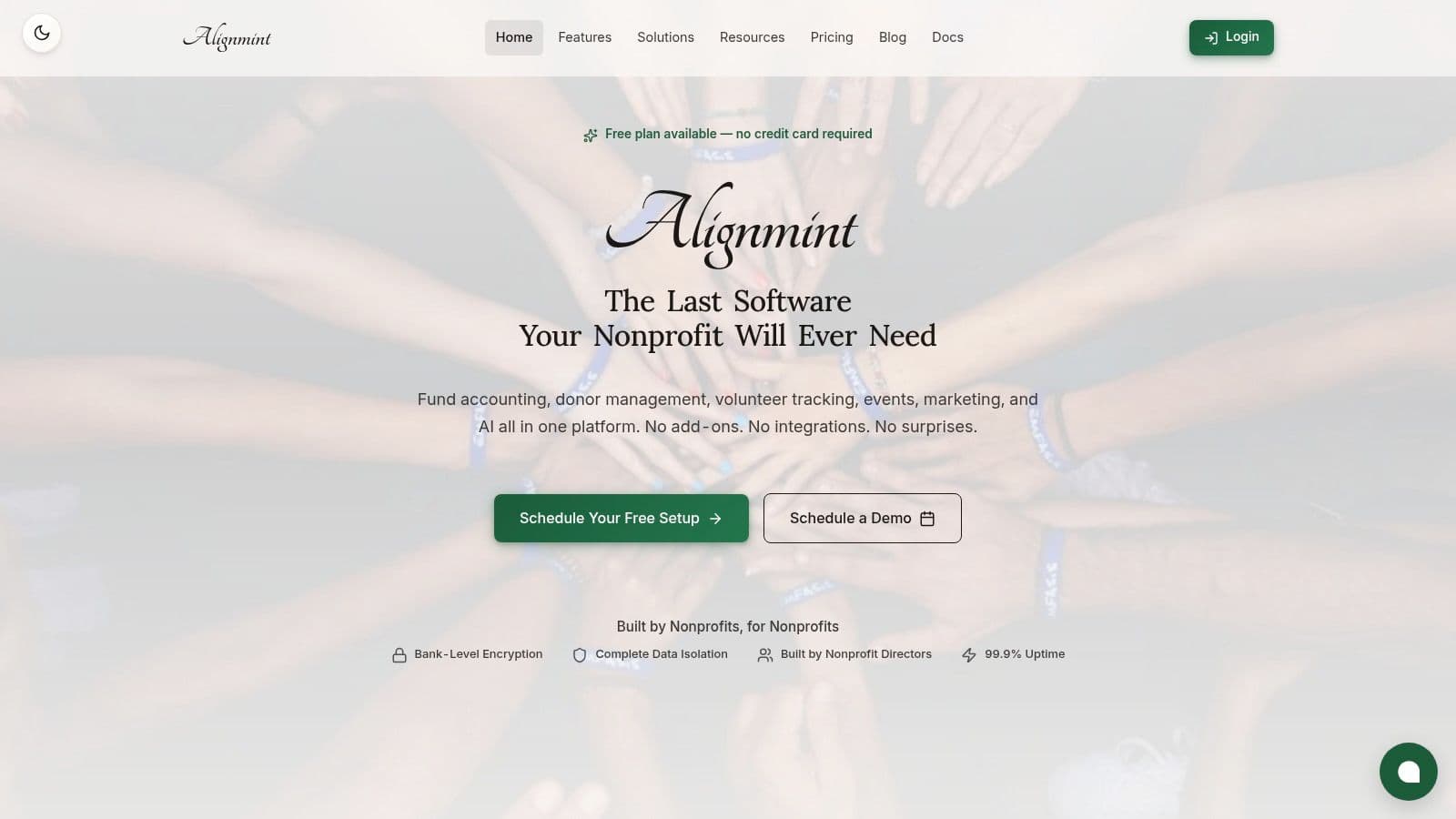
You can get accurate financial reports with one click, a task that often takes weeks of spreadsheet work. This is possible because we built in true fund accounting, not a workaround like QuickBooks classes. It correctly handles restricted funds, grants, and programs right in the financial system. This gives you a Statement of Functional Expenses or a real-time grant balance instantly.
You can also run your entire campaign from one place. Create online giving pages, send email and text campaigns, and manage event tickets without switching between programs. Because donor and financial information live together, receipts are sent automatically and pledges are tracked easily. It's a practical setup designed to give you back your time.
Key Strengths & Use Cases
- Get Your Financial Reports Instantly: Ideal for organizations that manage restricted grants or designated funds. Our fund accounting gives you accurate reports for your board or Form 990 without manual effort.
- Run Your Entire Organization in One Place: Small to mid-sized nonprofits, churches, and schools can replace multiple subscriptions. This reduces costs and stops data from getting siloed between departments.
- Get Quick Answers from Your Data: Our "Minty" assistant lets you ask simple questions in plain English. For example, ask, "Who were our top 10 donors from last year's gala?" and get an instant list.
- Simplify Fiscal Sponsorship: If you oversee multiple sponsored projects, you can manage their finances easily. AlignMint provides clear, consolidated reporting for each entity.
| Feature | Ideal For | Practical Benefit |
|---|---|---|
| Fund Accounting | Executive Directors, Finance Teams | One-click Form 990 schedules and real-time grant balances. |
| Donor Management | Development Teams, Fundraisers | Automated receipts, pledge tracking, and a unified donor view. |
| Events & Volunteers | Program Managers, Event Coordinators | Integrated ticketing, volunteer portals, and team communication. |
| Team Communication | All Staff & Volunteers | Keep everyone on the same page with built-in messaging. |
Evaluation & Pricing
Pros:
- True Fund Accounting: Finally, a system that handles restricted funds correctly, saving you immense time on financial reporting.
- All-in-One System: It includes donor management, fundraising, events, volunteers, and a marketing suite in one platform.
- Start Without Risk: Our free plan for nonprofits under $100K in revenue includes all features. You can try it without a financial commitment.
- User allowances published by plan: We offer plan-based user allowances (1 on Free, up to 10 on Plus, up to 25 on Pro, and unlimited on Enterprise), so your entire team and board can have access without driving up costs.
Cons:
- Requires an Adjustment Period: Moving all your operations to a single platform is a big shift. Your team will need time to adjust from using many separate tools.
- Pricing Isn't Public: While the free plan is clear, you need to contact our team for pricing if your revenue is over $100K.
Website: https://www.getalignmint.org
2. GoFundMe Pro (formerly Classy)
GoFundMe Pro, which you might know as Classy, helps you run large, sophisticated fundraising campaigns. It's a great choice if you need to manage complex peer-to-peer events, big galas, or online auctions. This platform is one of the more advanced nonprofit fundraising tools, designed for organizations that want to consolidate major fundraising activities in one system.
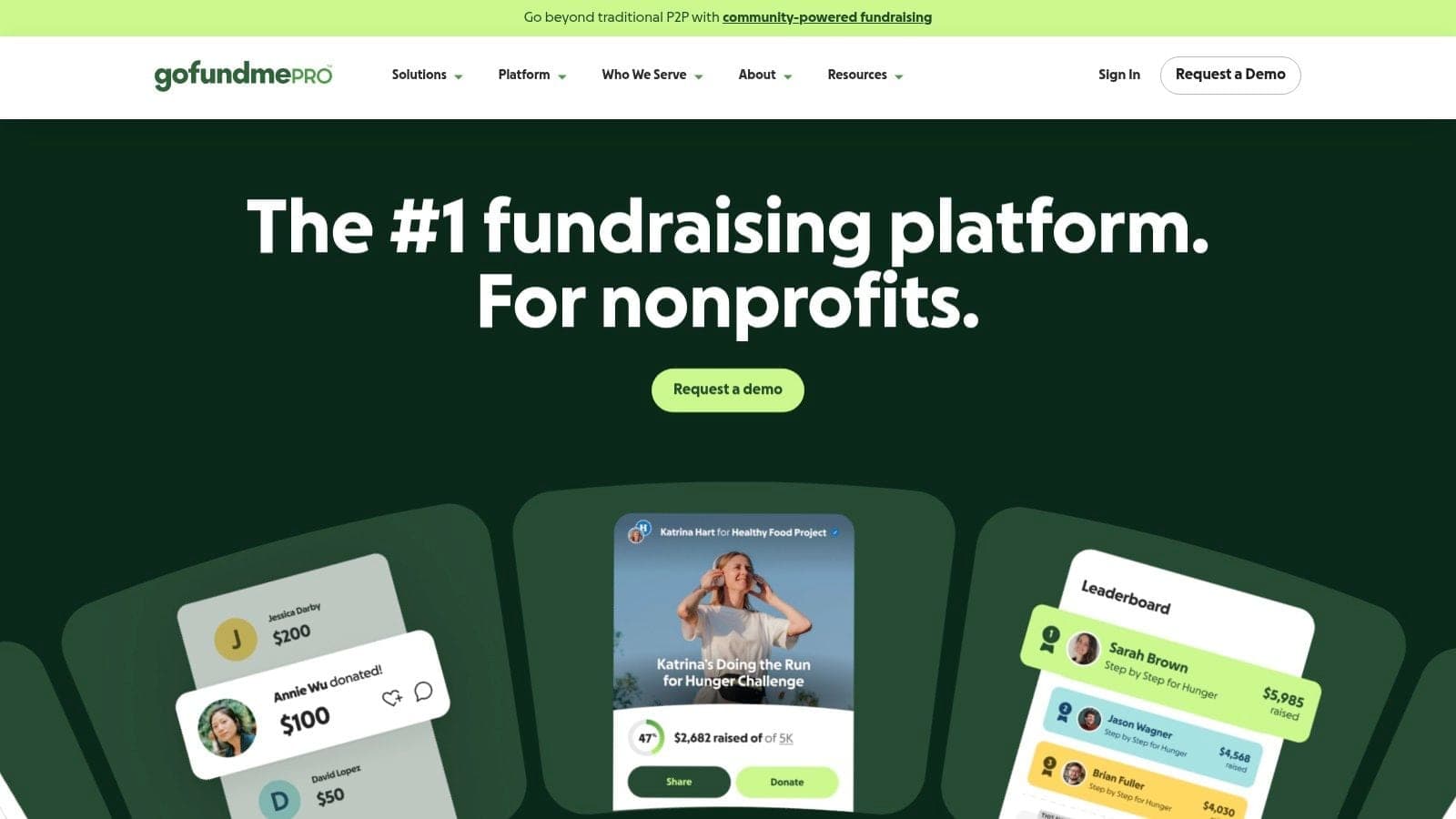
The platform's strength is its ability to handle complex events. You can launch a campaign that lets your supporters fundraise on your behalf, complete with custom pages and leaderboards. For your annual gala, you can manage ticketing and a silent auction all in the same place. It also has helpful features like "Intelligent Ask Amounts," which suggests donation levels to donors based on their history. Explore some creative ideas for fundraising that work well with these kinds of tools.
Evaluation & Use Case
Best for: Mid-to-large nonprofits needing a powerful fundraising platform for peer-to-peer campaigns, events, and auctions.
- Pros:
- Manages diverse campaigns like peer-to-peer, events, and auctions in one place.
- Gives you access to GoFundMe's large audience of donors.
- It can grow with you through connections to other software like Salesforce.
- Cons:
- Pricing is customized and can be expensive for smaller organizations.
- It's a fundraising tool only. It does not include fund accounting or volunteer management.
Website: https://pro.gofundme.com
3. Givebutter
Givebutter helps you get started with fundraising quickly, with no initial subscription cost. It combines donation pages, event management, auctions, and a basic donor contact list into one platform. It stays free by asking donors for optional tips to cover platform fees, making it a popular choice for organizations with tight budgets. This makes it one of the more user-friendly nonprofit fundraising tools available today.
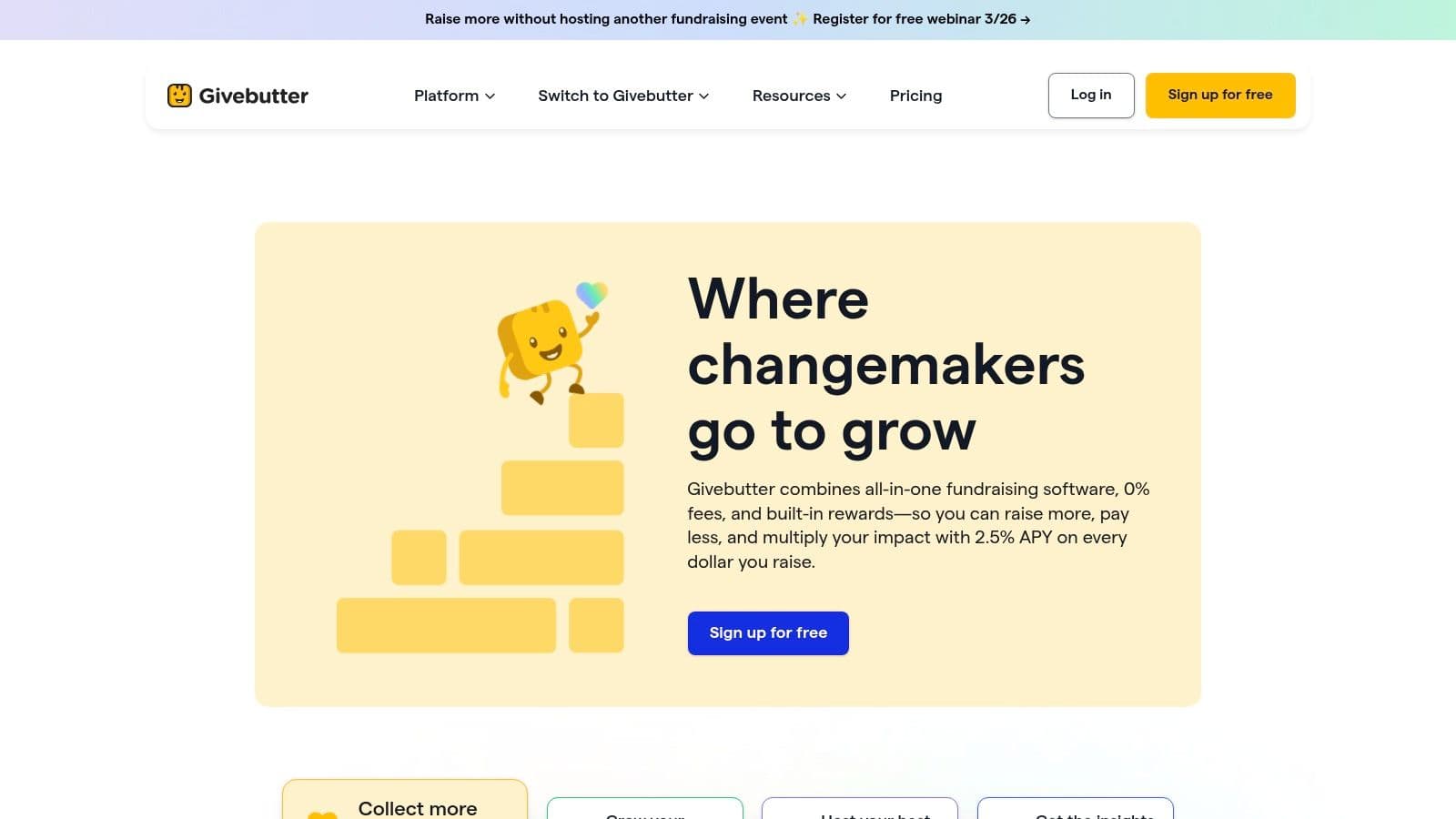
You can launch donation forms, event ticketing pages, and silent auctions with a clean, modern design that donors appreciate. The free version includes a good contact list with unlimited entries, allowing you to track donor activity from day one. For teams wanting to do more, a paid plan adds a marketing suite with texting capabilities. It's a strong fundraising tool, but it lacks true fund accounting for financial management.
Evaluation & Use Case
Best for: Small and mid-sized nonprofits needing a free, easy-to-use platform for donations, events, and basic contact management.
- Pros:
- The core platform is free to use; optional donor tips cover platform fees.
- Includes plan-based user allowances (1 on Free, up to 10 on Plus, up to 25 on Pro, and unlimited on Enterprise) and contacts, making it easy to get your team started.
- It has a modern look and is known for good customer support.
- Cons:
- A 3% platform fee applies if you turn off the donor tipping feature.
- It is a fundraising tool, not a complete system with fund accounting or volunteer management.
Website: https://givebutter.com
4. Donorbox
Donorbox gives you a simple way to start accepting donations right on your website. Its main strength is its collection of easy-to-use donation forms that you can add to your site in minutes. This makes it one of the most straightforward nonprofit fundraising tools if you need a quick giving solution without a big project. You can add more features later, like peer-to-peer campaigns or text-to-give.
The platform is designed to be flexible. You can set up recurring donation plans, company gift matching, and even accept gifts like cryptocurrency and stock. Features like QuickDonate let your repeat supporters give again with a single click. Because a donation form is an important first impression, it's worth reviewing some nonprofit donation page best practices.
Evaluation & Use Case
Best for: Small-to-mid-sized nonprofits wanting simple donation forms and the ability to add features as they grow.
- Pros:
- Very easy to add to your existing site and fast to set up.
- Offers many payment and gift options, including stock and crypto.
- It can grow with you by adding more features when you need them.
- Cons:
- Platform fees can add up, and they vary by feature (the standard plan is 2.95%).
- It is a fundraising tool only and does not include deeper functions like fund accounting.
Website: https://donorbox.org
5. Fundraise Up
Fundraise Up is designed to help you get more online donations from your current website visitors. It adds a smart checkout process to your site that uses AI to suggest donation amounts and encourage recurring gifts. This platform is one of the more modern nonprofit fundraising tools focused entirely on increasing donations. You don't have to change your existing website or donor database.
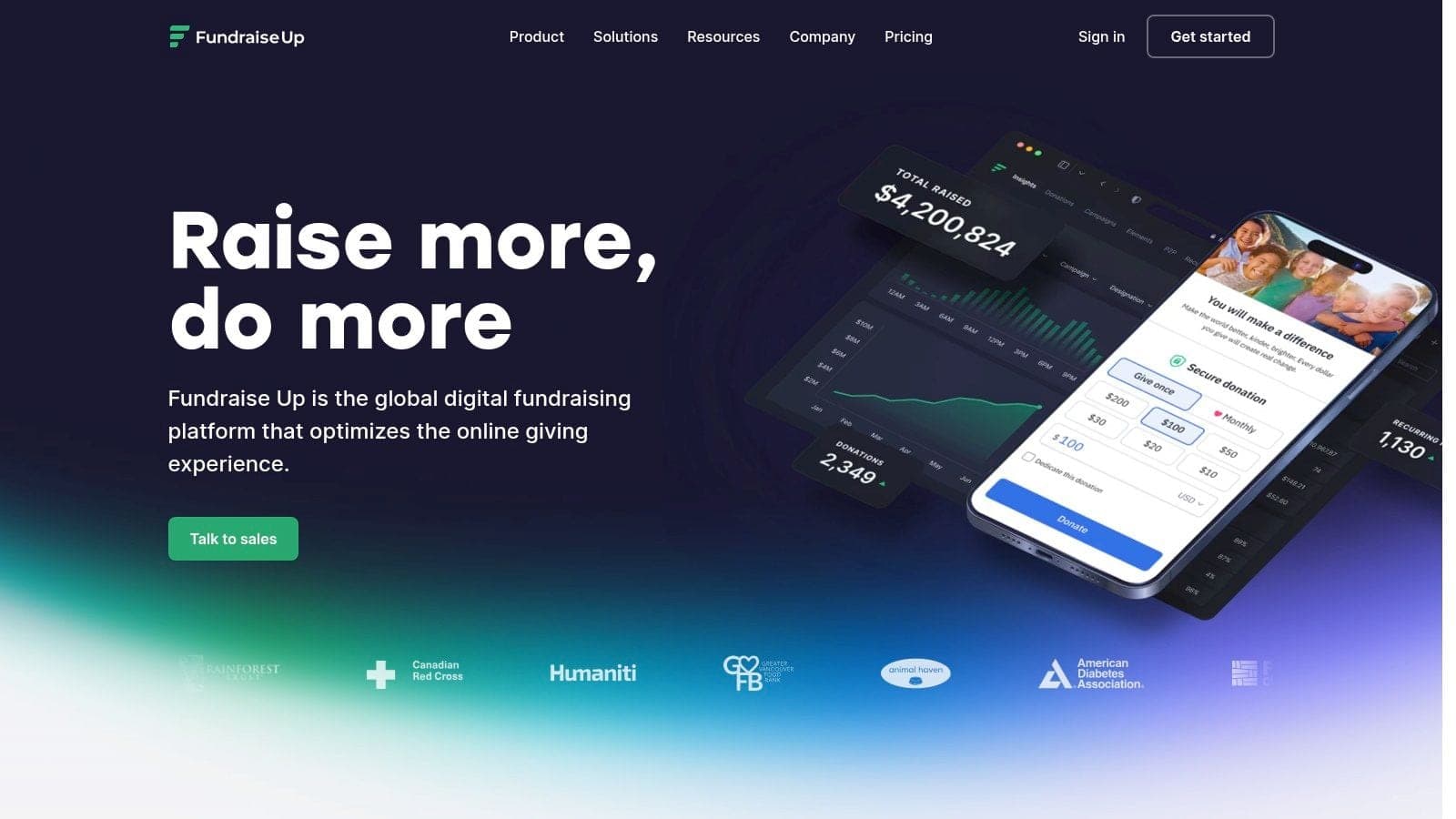
The platform's key advantage is how it learns what works for your audience. It automatically tests different checkout elements to see what encourages more giving. It also supports many payment options, from credit cards and bank transfers to Apple Pay and Google Pay. Because it connects with major donor databases, the information flows right into your records.
Evaluation & Use Case
Best for: Nonprofits of all sizes who want to increase online donations without replacing their website or donor database.
- Pros:
- Proven to increase donations and gift sizes with its smart suggestions.
- Simple pricing includes all features, with no hidden costs for advanced tools.
- Offers excellent support, including help with setup and ongoing improvements.
- Cons:
- The 4% platform fee can be higher than other models for organizations with low donation volume.
- It focuses only on the donation checkout. It is not a complete management platform.
Website: https://fundraiseup.com
6. Qgiv
Qgiv is a well-known fundraising platform that lets you start small and add more features as you grow. You can begin with simple online donation forms for free and then add tools for events, peer-to-peer campaigns, or text-to-donate. You only pay for the pieces you need. This makes it one of the more flexible nonprofit fundraising tools for organizations that want to avoid a large upfront cost.
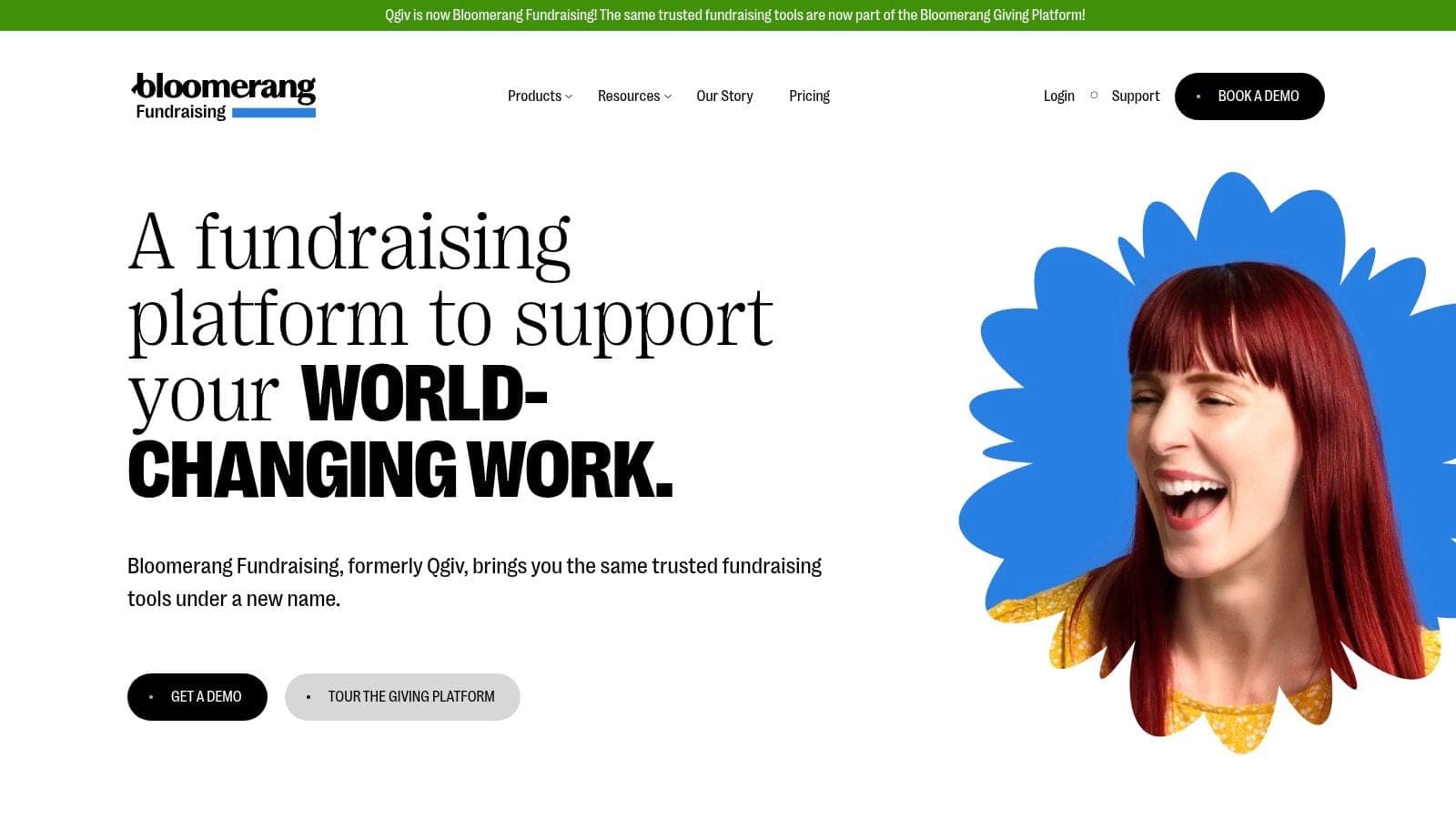
The platform's main strength is its "grow with you" model. A small nonprofit can start with unlimited donation forms on the free plan. Later, you can upgrade to manage a 5K race using the peer-to-peer feature. Qgiv is also recognized for its helpful customer support and clear instructions, which is a great help for leaders who aren't tech experts.
Evaluation & Use Case
Best for: Small-to-midsize nonprofits that want to start small and add specific fundraising features as their needs and budget expand.
- Pros:
- Very clear pricing, including a free starting plan.
- It can grow from basic donation forms to advanced features as you need them.
- Good instructions and highly rated customer support.
- Cons:
- Payment processing rates can be higher for certain features.
- The costs can add up as you add multiple paid features. It does not include fund accounting.
Website: https://www.qgiv.com
7. OneCause
OneCause is made for nonprofits that rely on events and auctions for their fundraising. If your organization's calendar is built around a big gala, walk-a-thon, or golf tournament, this platform provides the focused tools you need. It is a dedicated solution for managing everything from ticketing and registration to mobile bidding. This makes it one of the more event-focused nonprofit fundraising tools.
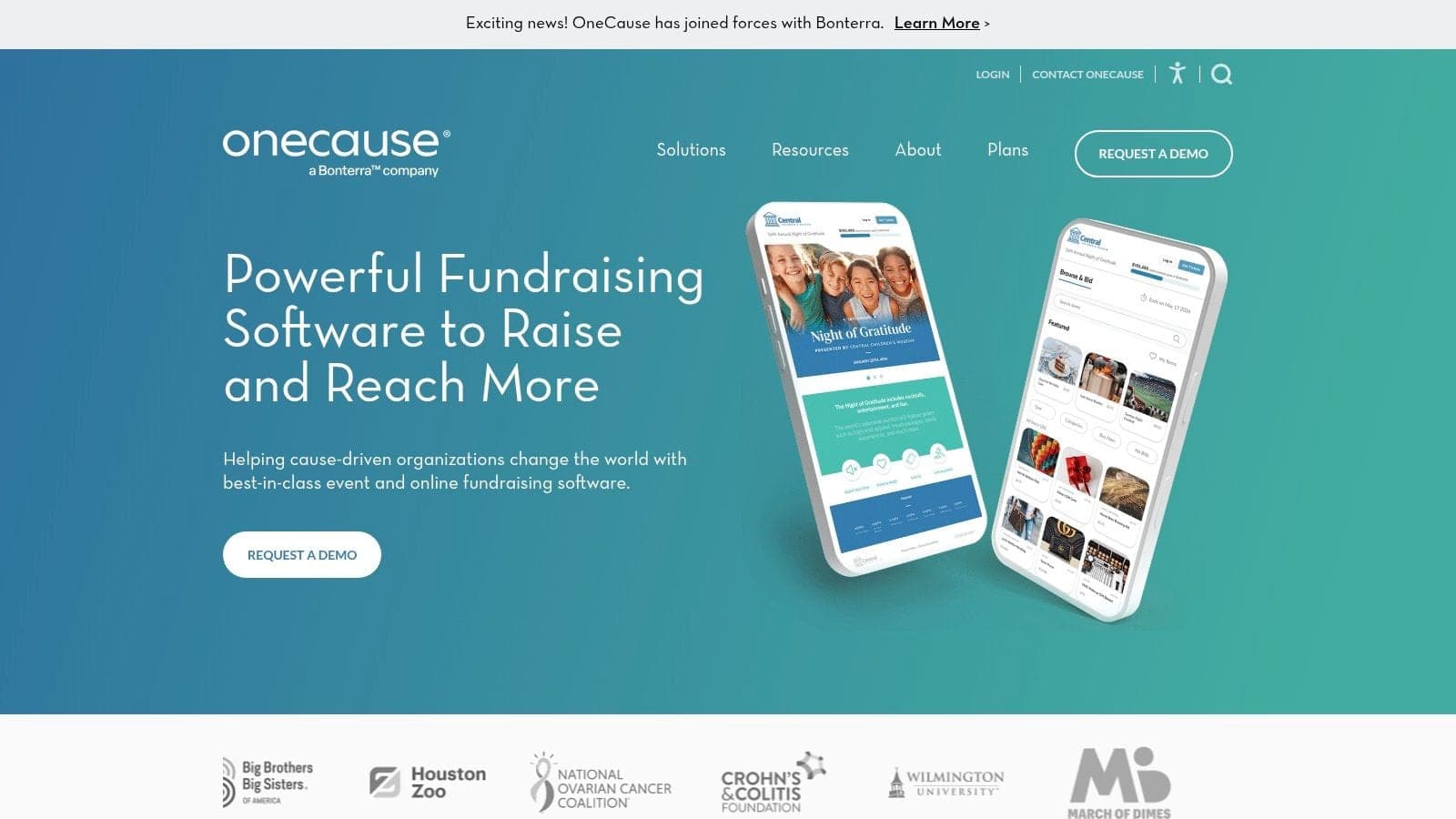
The platform shines in its ability to support your team before, during, and after an event. You can create detailed event websites, manage different ticket prices, and engage supporters with text-to-give and mobile bidding. It also offers peer-to-peer campaign tools, which are a great fit for runs, walks, and other community fundraising drives. This lets you give your supporters the tools to raise money for you.
Evaluation & Use Case
Best for: Organizations whose fundraising strategy centers on events, auctions, and peer-to-peer campaigns.
- Pros:
- Deep event and auction features, including options for on-site support.
- Flexible plan structures with different payment options.
- It is known for being a strong, reliable tool for event management.
- Cons:
- Pricing can become complex, and the total cost can increase with add-ons.
- May be more than you need if you just need simple online donation forms.
Website: https://www.onecause.com
8. Neon One – Neon Fundraise
Neon One offers a collection of software for nonprofits, and Neon Fundraise is their tool for peer-to-peer campaigns and events like marathons. It's built to help you get your community involved, letting supporters create their own fundraising pages for your campaign. This is a strong choice if you see your organization growing and want a single provider for more than just fundraising someday.
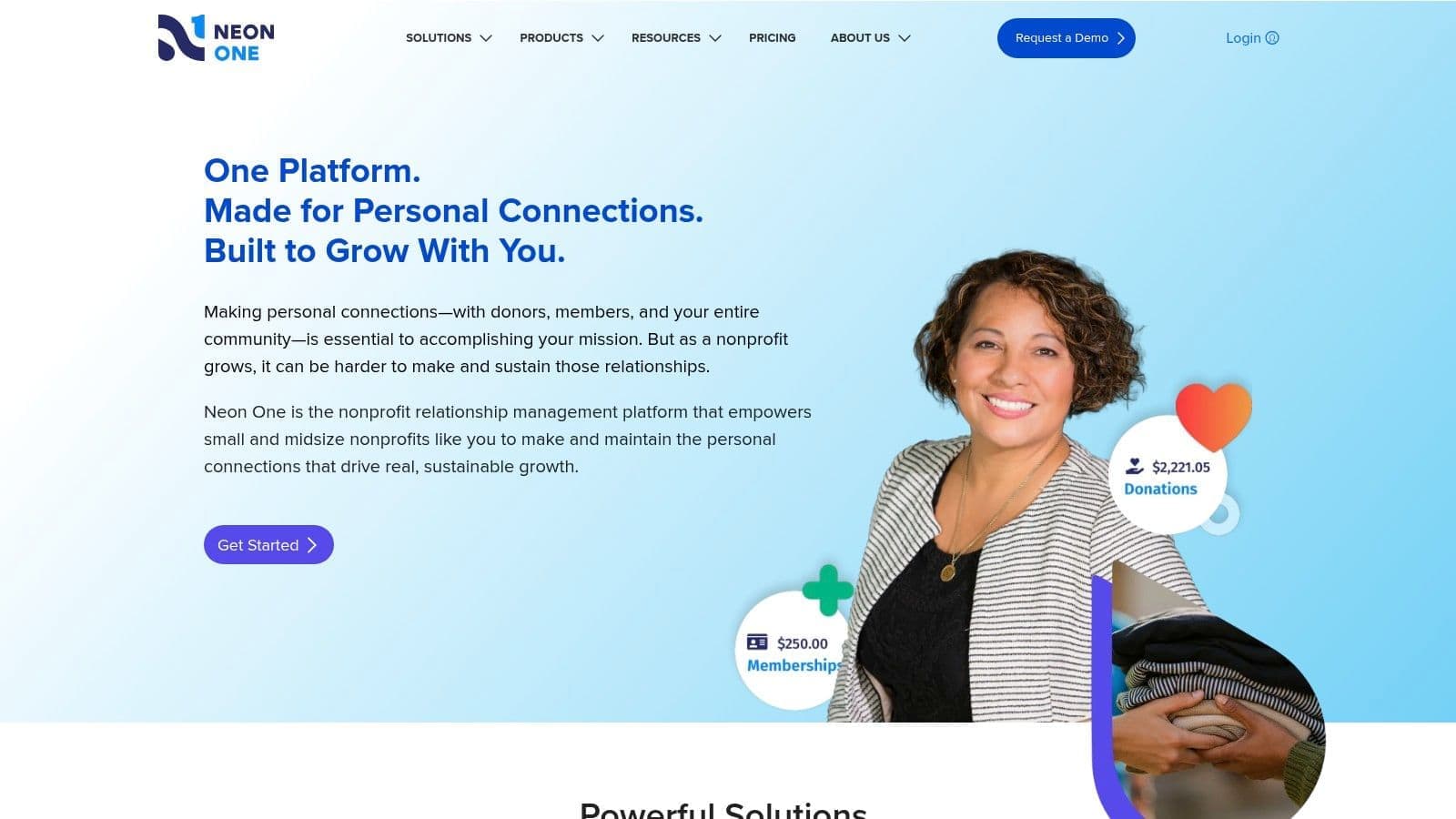
The real advantage of Neon Fundraise shows when it's connected to other Neon One products, like their donor database. This creates a system where your fundraising data automatically flows into your donor records. This gives you a complete view of your supporters. You can explore how different nonprofit CRM software options handle these connections. As a comprehensive tool for community campaigns, it gives you the reporting needed to manage complex events.
Evaluation & Use Case
Best for: Midsize nonprofits that run peer-to-peer events and plan to adopt a unified system for their operational needs.
- Pros:
- Clear starting price makes it accessible to get started.
- It can grow with you by connecting to Neon's other tools for donor management or websites.
- Well-suited for growing organizations that want to use one software company.
- Cons:
- Provides the best value when you commit to using other Neon One products.
- The platform does not include fund accounting for financial management.
Website: https://neonone.com
9. Give Lively
Give Lively is built on a special model that makes its digital fundraising platform completely free for nonprofits. This means you pay no setup fees, no monthly subscriptions, and no platform fees. It's an excellent choice if your main goal is to get fundraising tools like donation pages and text-to-donate without adding to your budget. This approach makes it one of the most accessible nonprofit fundraising tools available.
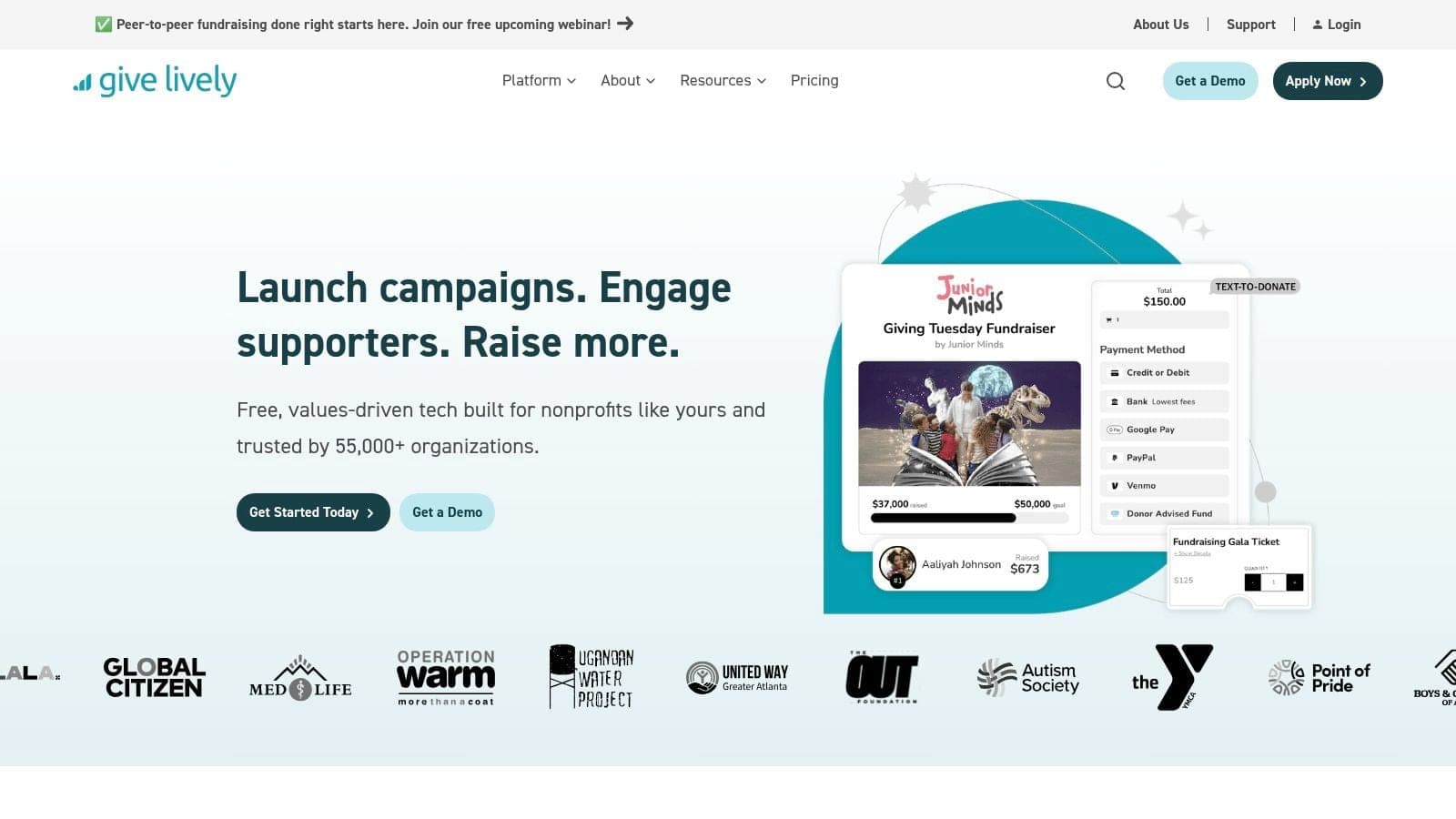
The platform provides the essential features most nonprofits need for online campaigns. You can create attractive donation pages, run peer-to-peer campaigns, and sell tickets for events. A significant advantage is the included connection to Salesforce, a feature that often costs extra with other providers. While it doesn't have every possible feature, its core tools are solid and reliable.
Evaluation & Use Case
Best for: Small to mid-sized nonprofits wanting to avoid platform fees while using essential digital fundraising tools.
- Pros:
- Completely free platform with no setup or subscription costs.
- Core features cover common needs: donation pages, events, and text-to-donate.
- A free connection to Salesforce is included, which is rare.
- Cons:
- Fewer advanced features compared to more expensive platforms.
- Standard payment processing fees from Stripe or PayPal still apply.
Website: https://www.givelively.org
10. Zeffy
Zeffy is a fundraising platform built on a simple promise: it is 100% free for nonprofits. The platform covers all platform and credit card processing fees by asking donors for optional contributions at checkout. This model makes Zeffy one of the most accessible nonprofit fundraising tools for organizations just starting out. It helps ensure every dollar donated goes directly to your mission.
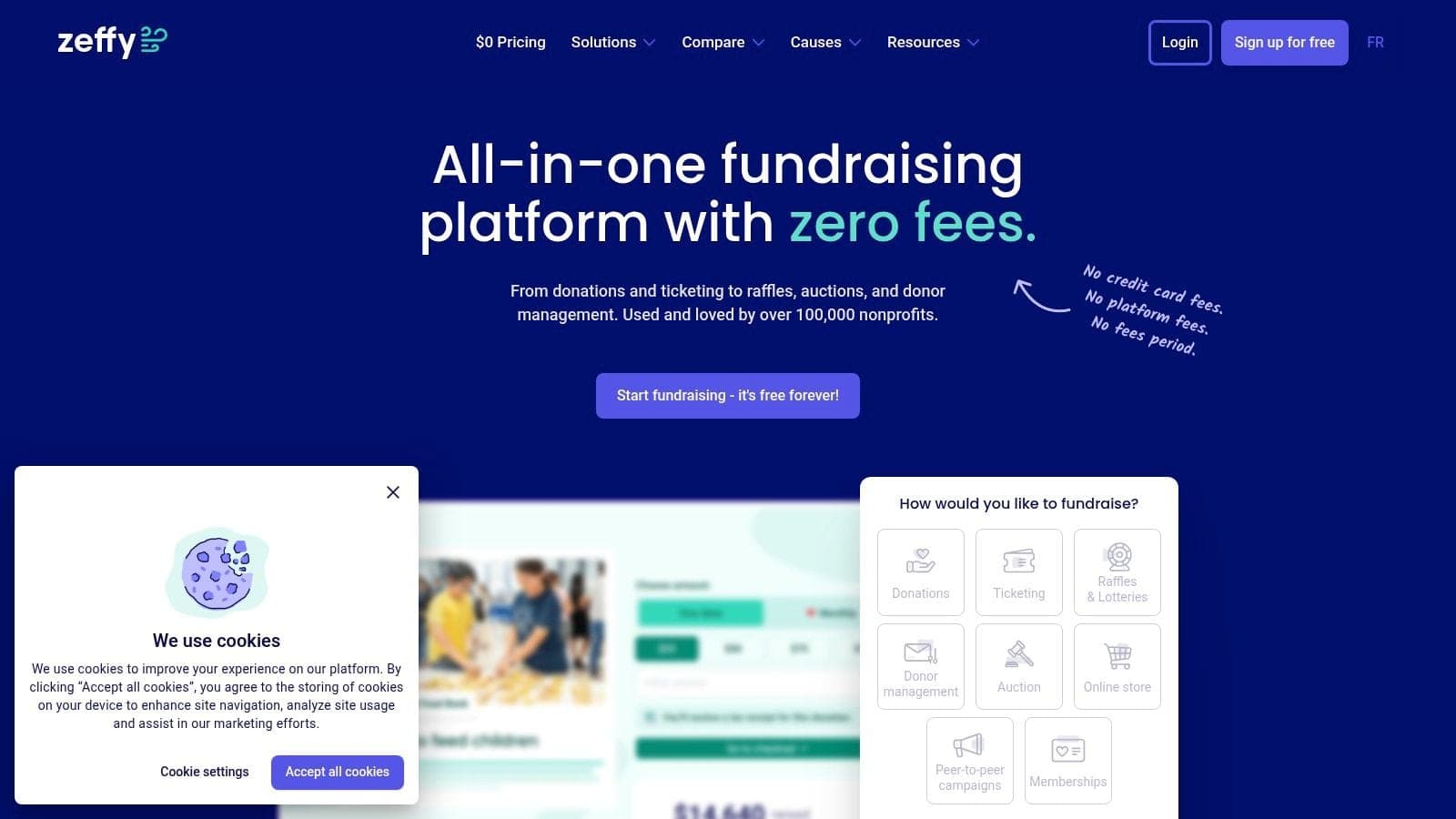
The platform gives you the essentials to get your fundraising started. You can create simple donation forms, manage event ticketing, and launch peer-to-peer campaigns for your supporters. While it doesn't have the deep feature set of a large system, its main value is eliminating fees. This straightforward approach allows you to get started quickly without worrying about contracts.
Evaluation & Use Case
Best for: Small nonprofits, volunteer-run groups, and organizations prioritizing a zero-fee model for basic fundraising.
- Pros:
- Genuinely free for nonprofits, with no platform or transaction fees.
- Easy to set up and use for donation forms, events, and campaigns.
- A clear model that donors understand, which can increase their trust.
- Cons:
- Features are less advanced compared to paid, all-in-one platforms.
- It is not a complete management platform; it lacks fund accounting and volunteer management.
Website: https://www.zeffy.com
11. Snowball Fundraising
Snowball Fundraising provides a simple and effective toolkit for nonprofits, churches, and schools that need to get running quickly. It bundles essential features like donation pages, text-to-give, and event ticketing into one package. This platform is a great example of nonprofit fundraising tools that prioritize ease of use. It is accessible for smaller teams.
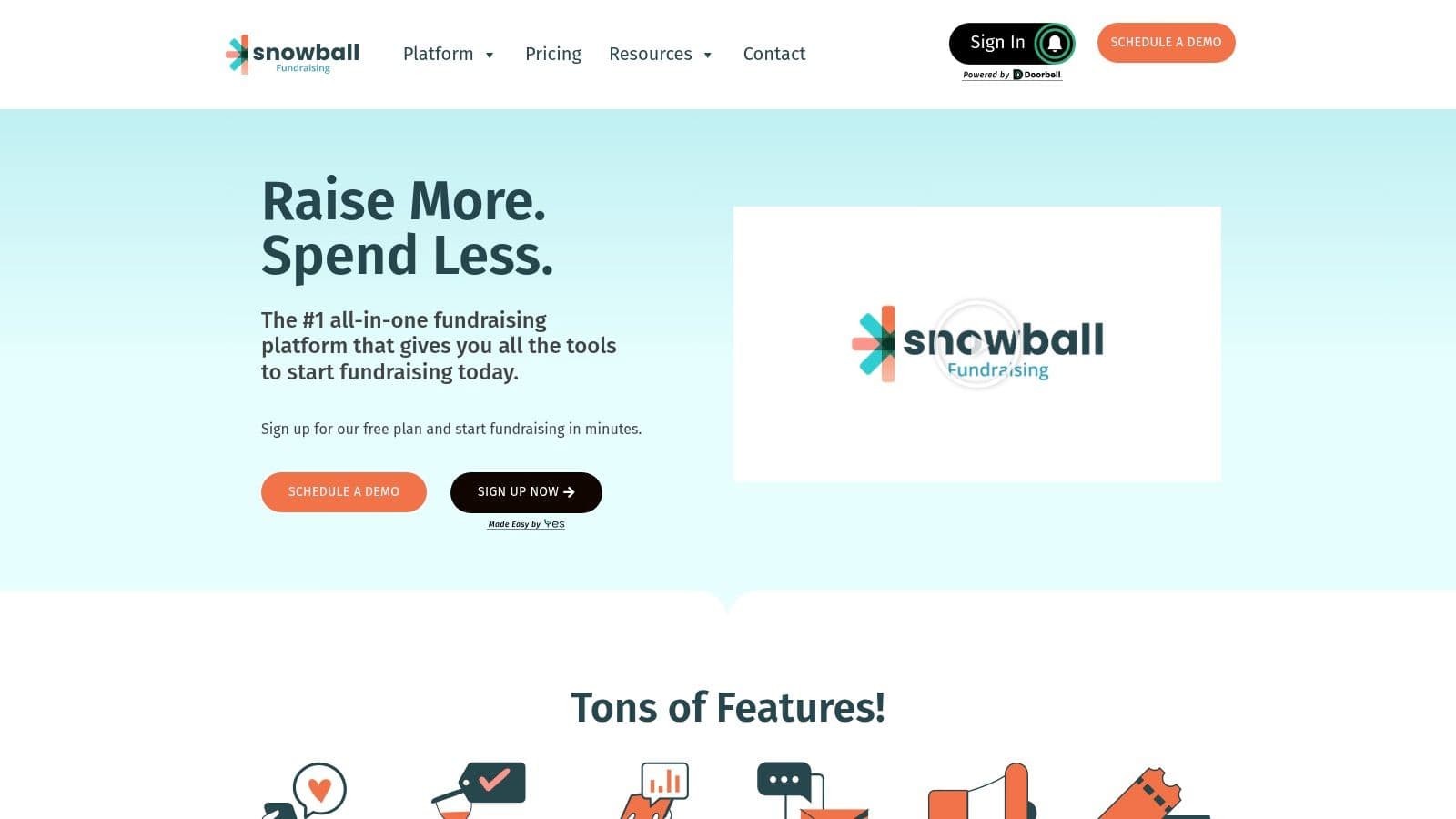
With Snowball, you can launch a Text-to-Give campaign in minutes, allowing supporters to donate via a simple text message. It also supports basic event management, from selling tickets to running a small auction. The platform's commitment to straightforward annual plans with no hidden platform fees is a major plus for organizations on a tight budget. It includes unlimited team members, so everyone can have access without extra costs.
Evaluation & Use Case
Best for: Small to midsize nonprofits, churches, and schools needing a simple toolkit for core fundraising activities.
- Pros:
- A straightforward toolkit for common fundraising needs.
- No hidden platform fees beyond the annual plan and standard processing.
- Strong features for faith-based organizations and school events.
- Cons:
- Plan pricing is not listed publicly and requires a demo.
- Reporting is less developed compared to higher-end platforms.
Website: https://snowballfundraising.com
12. Anedot
Anedot is a fundraising platform that gives nonprofits a simple way to collect donations with no monthly fees. If you need predictable costs, this tool is worth a look. It is built for churches, schools, and nonprofits that want to get unlimited donation pages running quickly.
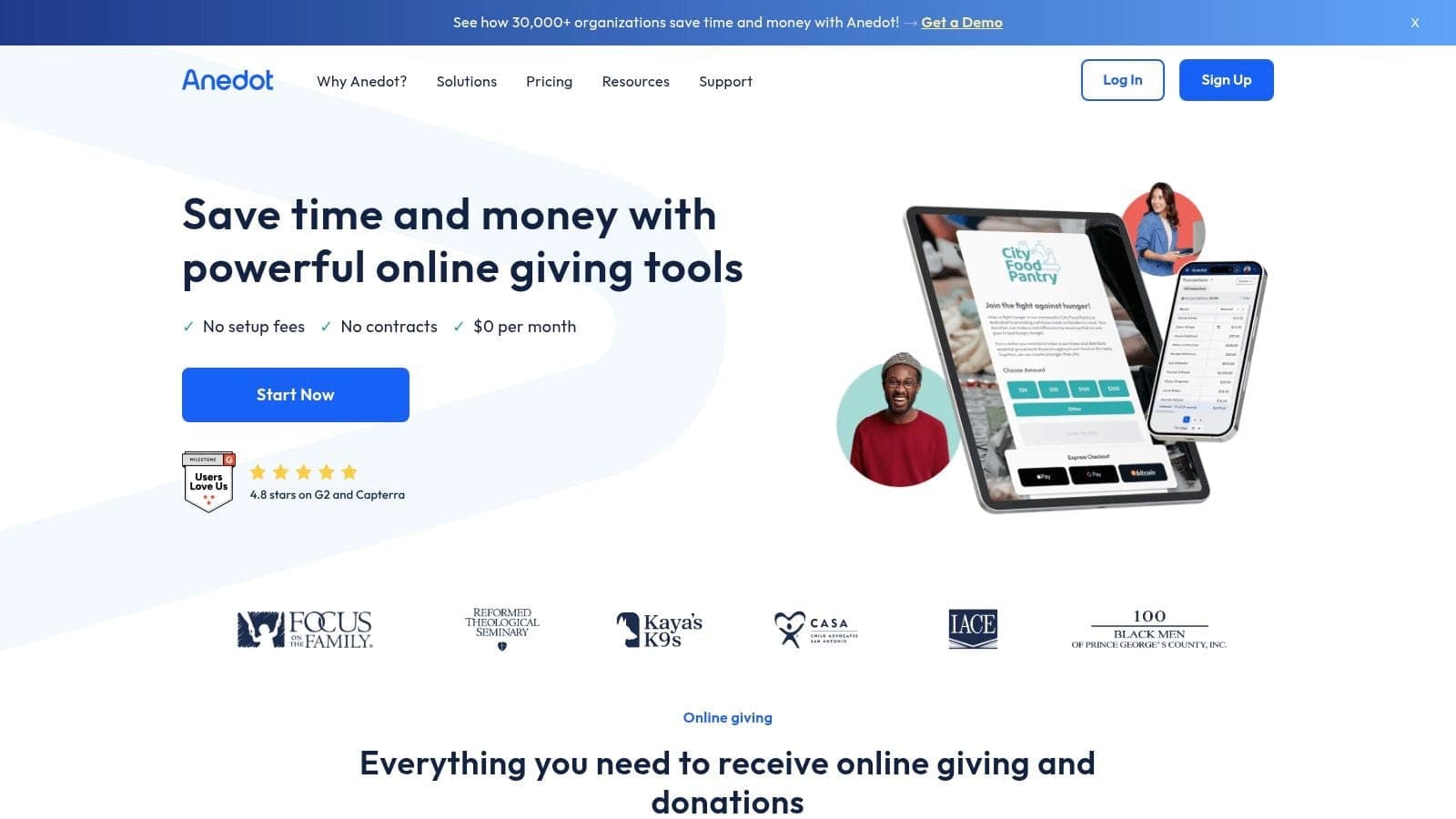
The platform's simplicity is its key feature. You can create unlimited donation and event pages, allowing you to direct giving to different funds. It stands out by giving donors the option to cover the processing fees, a popular feature that helps you keep more of every dollar. Anedot also supports a modern range of payment methods, making it one of the more flexible nonprofit fundraising tools for payment processing.
Evaluation & Use Case
Best for: Small to mid-sized nonprofits, churches, and schools that need simple, transaction-based online giving without monthly fees.
- Pros:
- $0 per month with clear per-transaction pricing for easy budgeting.
- Easy to launch with unlimited team members and pages.
- A strong fit for faith-based and community organizations.
- Cons:
- Lighter on built-in donor management and marketing tools compared to all-in-one platforms.
- Not ideal if you need advanced peer-to-peer campaigns or complex event management.
Website: https://www.anedot.com
Top 12 Nonprofit Fundraising Tools Comparison
| Product | Core features | UX & reliability | Value proposition / Pricing | Target audience | Unique selling point |
|---|---|---|---|---|---|
| AlignMint (Recommended) | Donor CRM, fundraising tools, Minty; paid plans add fund accounting, events, volunteers, and marketing suite | Unified UI, real-time restricted balances on paid accounting plans, bank-level encryption | Free donor tier up to $100K/yr; paid plans add accounting and operations; contact sales above | Small-mid nonprofits, churches, schools, fiscal sponsors | Unified donor-finance data on paid plans, plus integrated marketing and volunteers |
| GoFundMe Pro (formerly Classy) | Full fundraising suite: donation pages, P2P, events, auctions | professional, reliable, good connections | Custom pricing; can be costly for smaller orgs | Growing orgs needing sophisticated P2P fundraising | Access to GoFundMe donor network and discovery |
| Givebutter | Donation pages, events/auctions, built-in CRM, marketing suite | Modern UX, quick launch, unlimited contacts on free tier | Free core with donor tips; paid plan for marketing tools | Small and mid teams wanting easy launch | Free core platform + unlimited contacts, strong UX |
| Donorbox | Embeddable forms, hosted pages, crypto/stock gifts, text-to-give | Fast setup, easy embedding, modular add-ons | Platform fees vary (approx 2.95-3.95%); add-ons increase cost | Orgs needing embeddable forms and incremental features | Broad payment options including stock and crypto |
| Fundraise Up | High-conversion checkout, A/B testing, AI upsells, global payments | Conversion-focused, strong support and optimization | 4% platform fee + processor costs; simple feature set included | Sites seeking to boost online conversion without replacing their CRM | Proven conversion lift and hands-on optimization help |
| Qgiv | Donation forms, events, P2P, text, auctions | Transparent pricing, good support, modular features | $0/month entry plan; modular paid add-ons | Orgs scaling from free to advanced features | Clear, posted pricing and modular grow with you plans |
| OneCause | Auction & event suite, ticketing, mobile bidding, Text2Give | Deep day-of event features, reliable on-site tools | Multiple plan options including subscriptions | Organizations running galas, silent auctions, hybrid events | Industry-leading event and auction functionality |
| Neon One – Neon Fundraise | P2P and endurance events, CRM integrations | Part of unified Neon tools, clear entry price | Posted entry price; best value when adopting multiple Neon modules | Midsize orgs wanting a single vendor stack | Integrates tightly with Neon CRM and other Neon modules |
| Give Lively | Donation pages, event ticketing, Text-to-Donate, Salesforce integration | Donor-funded model, $0 platform fees, solid digital tools | $0 platform/subscription fees; normal processor fees apply | Orgs wanting to minimize platform fees | Free platform including a Salesforce integration |
| Zeffy | Donation pages, events, P2P, donor tip funding | Zero fees to nonprofit when donors tip; quick rollout | $0 to nonprofit if donors add tips; depends on donor contributions | Fee-sensitive small organizations | Truly fee-free model for nonprofits (donor-funded) |
| Snowball Fundraising | Donation pages, text-to-give, events, auctions, unlimited admins | Easy launch, predictable toolkit for faith/school events | Annual plan + standard processing; pricing via demo | Small-midsize nonprofits, churches, schools | Straightforward toolkit with no hidden platform fees |
| Anedot | Unlimited pages, donor covers fees option, wallets, ACH, crypto | $0/month, transparent per-transaction pricing, easy setup | $0/month with clear transaction rates; donors may cover fees | Faith-based and community organizations | Predictable transaction-based costs, simple launch |
The Smarter Choice: One Platform Instead of Many
We've walked through a dozen different nonprofit fundraising tools. Each one offers a specific solution. You could pick one for events, another for donation pages, and a third for text-to-give. This is the path many nonprofits take.
The problem is, this approach creates more work, not less. When your tools don't talk to each other, you become the person who has to connect them. You spend hours downloading spreadsheets from one system and manually uploading them to another. This "data shuffle" is a major time drain and where costly errors happen.
Imagine a restricted donation comes through a tool like Donorbox. You have to manually enter that into your donor's record in a separate system. Then, your bookkeeper must log it correctly in QuickBooks, using classes and tags to track the restriction. One small mistake can throw off your financial reports and donor relationships.
From Disconnected Tools to a Single Source of Truth
The core challenge isn't just about finding good nonprofit fundraising tools. It's about building an operational foundation that saves you time and gives you clarity. Instead of juggling a dozen logins, a unified platform brings everything under one roof. Your fundraising, donor management, and accounting all work together automatically.
This is the fundamental difference in our approach at AlignMint. We built our platform because we saw too many nonprofit leaders buried in administrative tasks. When you use a single system, the data flows where it needs to go without your constant work.
- A donation arrives: It's instantly recorded in your donor's profile and your financial ledger.
- It's a restricted gift: The funds are automatically put into the correct fund in your accounting records.
- An event attendee buys a ticket: They are added to your event list and their payment is recorded.
This isn't about fancy features. It's about giving you back your most valuable asset: your time. It's about having financial reports you can trust, without wrestling with spreadsheets. It's about creating a single source of truth for your entire organization.
Choosing Your Path Forward
As you consider your next steps, think beyond the features of any single tool. Focus on the outcome you want. Do you want to continue managing separate systems, or do you want an operation that runs itself?
If you are a smaller organization just starting out, free tools like Zeffy or Give Lively are excellent choices. They minimize your financial risk. But as you grow, you will likely face the data shuffle we described.
For established nonprofits tired of the operational headaches, the choice is clearer. The real cost isn't just the monthly fees. It's the hours your team spends on manual data entry and the risk of inaccurate financial reporting. Investing in an all-in-one platform is an investment in your organization's efficiency and health. It allows you to focus on what truly matters: your mission.
Ready to stop juggling spreadsheets and see what a unified platform can do? AlignMint combines true fund accounting, donor management, and marketing into one simple system. Explore how you can get your time back. Learn more about AlignMint.
More fundraising guides: Fundraising ideas hub · Online fundraising ideas · Easy ideas for small groups · Nonprofit fundraising tools
Frequently Asked Questions
Ready to see how AlignMint fits your workflow?
Schedule a free walkthrough — we will help you map donors, funds, and migration steps.