

Donation Pages
Turn each donation into a clean record.
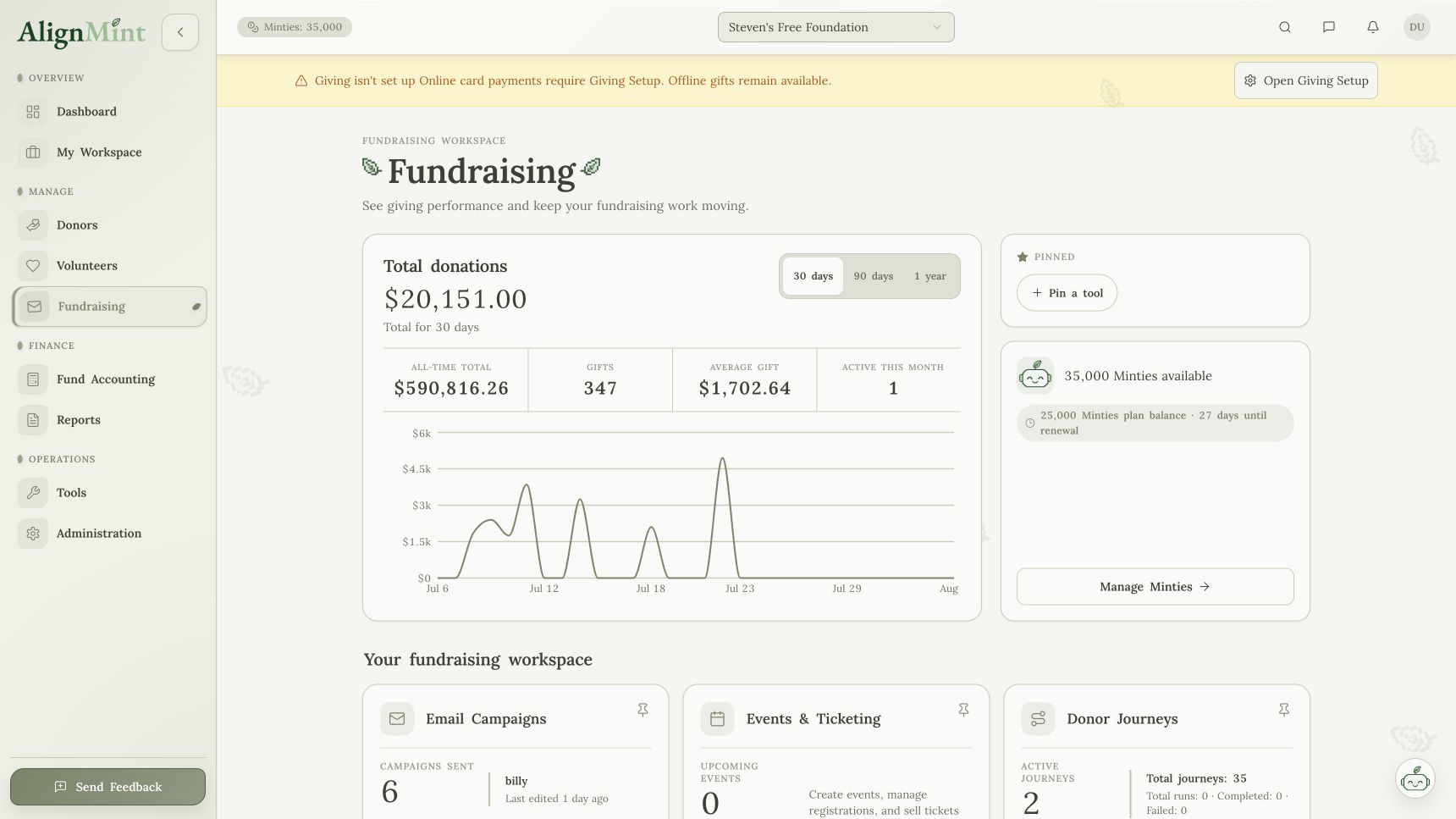
Build a branded giving page, publish its link, and send each confirmed gift to the donor and fund records. Checkout requires approved Giving Setup.
Giving-page editor included on every plan · Checkout availability depends on organization readiness
Published links from Donor HubReceipts handled after paymentReadiness-qualified checkout
How it connects
A giving page that does not leave cleanup behind.
After provider confirmation, AlignMint records the local outcome and processes related accounting, receipt, and reporting work.
- 01
Build and publish
Use the form-based editor, then copy the published link from Donor Hub.
- 02
Offer checkout when ready
Checkout is available only when Giving Setup and the relevant readiness checks pass.
- 03
Finish the records
The donor, fund, receipt, and reports update from the confirmed payment.
What updates next
A confirmed gift updates more than a total.
The page is only the front door. The value is what happens after someone gives.
- Donors
Confirmed gift outcomes connect to donor records. - Funds
Designations stay clear. - Fundraising
Campaign results are visible. - Messages
Follow-up is ready.
One current recordFundraising, people, events, files, and reports stay ready for the next team.
DonorsConfirmed gift outcomes connect to donor records.
FundsDesignations stay clear.
FundraisingCampaign results are visible.
MessagesFollow-up is ready.
Before AlignMintDonation forms that leave cleanup behind.
Donation formsOne less place to check.
Receipt toolsOne less place to check.
Gift exportsOne less place to check.
Campaign page buildersOne less place to check.
AlignMintOne system your team can actually run from.
Related workflows
See how it works with the rest of AlignMint.
Follow the record from the first action through reporting without copying it into another tool.