

Reimbursements

Pay people back without losing the receipt.

Staff submit a receipt, code it to the fund it supports, and finance pays the approved request from the same books.

Available on Plus, Pro, and Enterprise · Receipts stay attached to the paid record
Receipt stays attachedApproved before paymentCoded to the right fund

Follow one receipt: $86.40 for Adoption Day supplies.

  • $86.40is read from the receipt photo, along with the vendor and date. You can correct them before sending.
  • 1 fundis coded on the request, here the New Kennel Wing fund.
  • $0is paid until a reviewer approves the request or asks for a change.

$86.40is paid from Expenses, with the receipt still attached to the record.

Sample data.

See the software
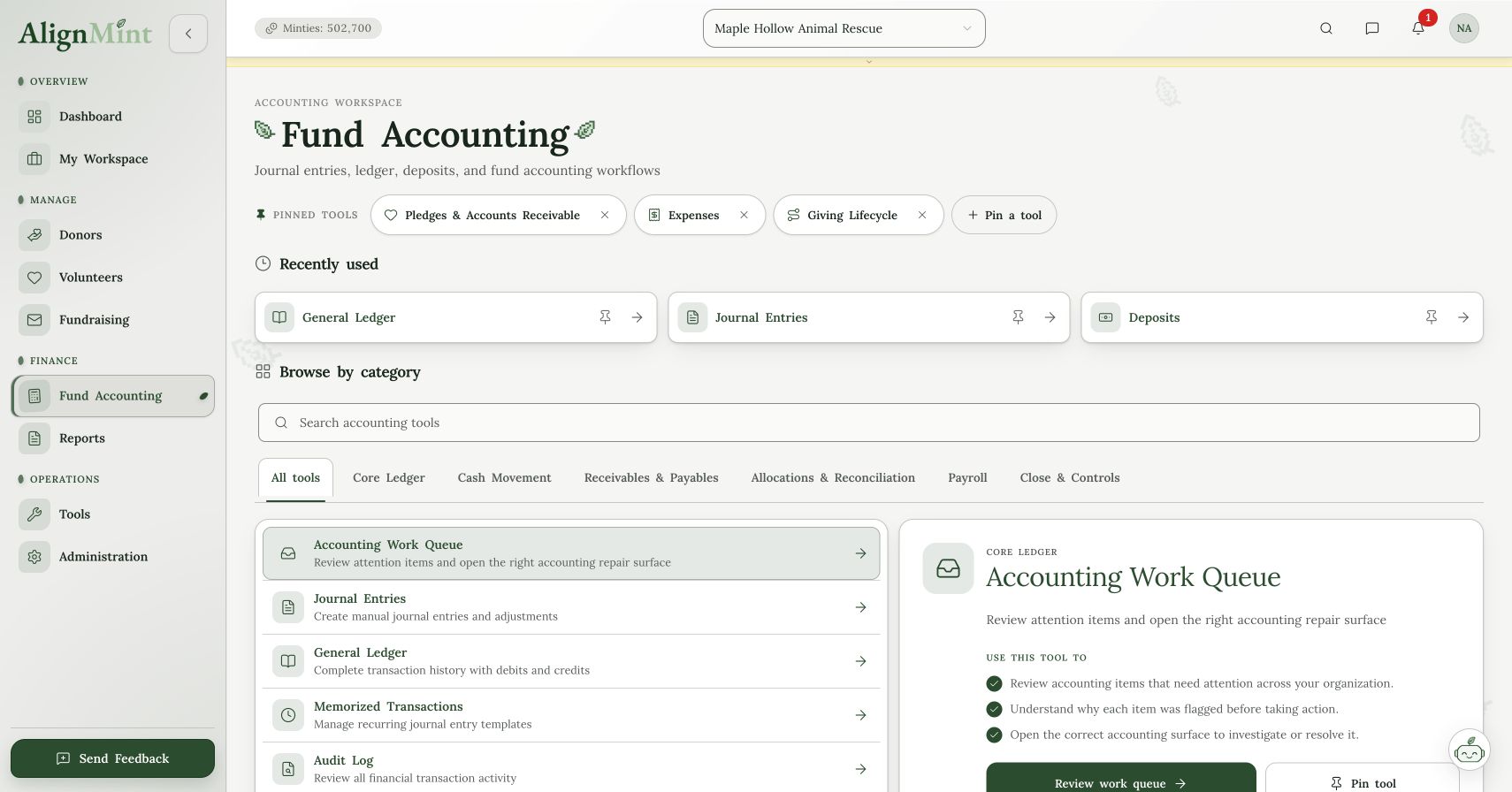
AlignMint fund accounting workspace showing ledger tools and work queue
Inside AlignMint Fund Accounting tools. Demo account data.View full size (opens in a new tab)

A reimbursement that stays with the fund it supports.

The receipt, the approval, and the payment should not live in three different inboxes.

  1. Capture the receipt

    Submit a photo or PDF, then review the amount, vendor, and date before it goes forward.

  2. Approve before payment

    Reviewers can ask for a change or approve the request. Nothing is paid until it is approved.

  3. Keep the fund clear

    Each request is coded to a fund, so restricted spending stays with its purpose.

The paid receipt stays attached to the books.

Once finance pays an approved batch, the original receipt remains available from the accounting record.

  • Funds

    Spending stays tied to purpose.

    Fund accounting
  • Expenses

    Approved requests are paid from the books.

  • Reports

    The source receipt is still there.

  • Vendors

    Spend stays easier to explain.

    Vendor management

See how it works with the rest of AlignMint.

Follow the record from the first action through reporting without copying it into another tool.

Step by step, in the docs

See it live: Mondays & Wednesdays at 10 AM PT / 12 PM CT / 1 PM ET. Save a seat

From receipt to payment

Staff submit a receipt coded to a fund. Approvers approve or return it. Finance pays in batches. The payment stays linked to the ledger with its receipt.

Card spend that starts in Ramp can post through Ramp card sync. For a side-by-side look at the books, read AlignMint vs MonkeyPod.

Straight answers

Reimbursements FAQ

Bring your questions to the weekly walkthrough and see how the workflow fits your team.

Ask us at the webinar

Staff submit a receipt coded to a fund, as a photo or PDF, and review the amount and vendor. Approvers approve or return it. Finance pays in batches. The payment stays linked to the ledger with its receipt.

Staff submit reimbursement requests in AlignMint. A volunteer can submit from the portal only when that person has been granted reimbursements. That access stays off until someone turns it on.

Reimbursements are available on Plus, Pro, and Enterprise. The Free plan includes donor CRM and giving pages. Fund accounting and reimbursement workflows begin on Plus.

Yes. A clear photo or PDF can be read for the vendor, amount, date, and category. You can correct those fields before submitting. The image stays attached so the original receipt can be opened from the paid entry.

Yes. Each request is assigned to a fund before it is paid, so spending stays with the purpose it supports.

Weekly walkthrough

Ready to pay people back from the same books?

See how a receipt, an approval, and a fund stay together through payment.

Bring the whole teamNo per-seat fees
Move at your paceNo contract or pressure
Your records stay yoursDonor data never sold