

10 Concession Stand Ideas to Boost Fundraising
Quick Answer: 10 Concession Stand Ideas to Boost Fundraising
Concession stand ideas that tie snack sales to ticketing, restricted funds, volunteer hours, text-to-give, and follow-up your finance and development teams can use. The sections below walk through practical steps, examples, and what to watch for.
You already know the scene. Tipoff is close, the volunteer lead is hunting for the cash box, the drink inventory is off, and no one can say with confidence which sales belong to general operations and which should support a specific program. The concession stand is busy, but the system behind it is loose.
That setup costs more than a few missed dollars. It creates reconciliation problems for finance, misses easy donor touchpoints, and turns a high-traffic table into a disconnected side operation.
A concession stand can do much more.
Handled well, it becomes part of your fundraising and engagement system. Snack sales can connect to event registration, donor records, volunteer hour tracking, sponsor visibility, and restricted fund reporting. That means one family buying popcorn and drinks can also support a scholarship fund, opt into future updates, and create a cleaner record for your bookkeeping team without adding friction at the counter.
I have seen the difference firsthand. The stands that raise the most money over time are rarely the ones with the biggest menu. They are the ones with a clear purpose, a simple checkout flow, and a process that feeds the same systems your organization already uses. If your team is still juggling paper tally sheets, separate cash logs, and follow-up that never happens, start by tightening the connection between concessions and your core tools. A better nonprofit event ticketing software setup often becomes the first fix because it reduces handoffs and gives every sale a place to live.
The ideas below focus on practical upgrades, not novelty for its own sake. Some improve guest experience. Some make reporting easier. Some help you turn a one-time purchase into a donor, sponsor, or volunteer relationship. The common thread is simple. Your concession stand should feed the mission, the data, and the follow-up, not just the crowd.
1. Event-Based Concession Stand with Integrated Ticketing and Donations
The best first upgrade is simple. Stop treating concessions as a side cash operation. Run them inside the same flow as your event sales.
If you host school games, church festivals, youth tournaments, or community nights, this means one system for tickets, add-on food purchases, and extra gifts at checkout. A family buying four tickets can also prepay for pizza, drinks, and a small donation without hitting three different stations.
Why this works on busy event days
This approach reduces confusion for guests and staff. It also gives your finance team a cleaner picture after the event. Registration income stays separate from concession income, and both can be tied to the same event record.
That matters because food lines can move fast when the setup is right. A simulation study of two event concession stands found average service times of 45 to 60 seconds per transaction, and adding one cashier during peak periods cut average wait times from 2.1 minutes to 1.2 minutes in that analysis from Restroworks on restaurant technology statistics. If your ticketing and concession flow already live together, it is much easier to plan staffing around real demand.
A youth sports league can separate registration fees from snack-bar revenue. A church fundraiser can add a giving prompt to beverage purchases. A school musical can bundle a drink and cookie with admission and still keep the accounting clean.
Keep the menu short at first. Faster decisions usually beat a larger menu at school and church events.
Use one simple screen for volunteers. Put one tech-comfortable person on each shift. Test the internet connection and run sample sales before doors open. Those small steps prevent most event-day headaches.
If you want to build that structure before your next event, start with nonprofit event ticketing software.
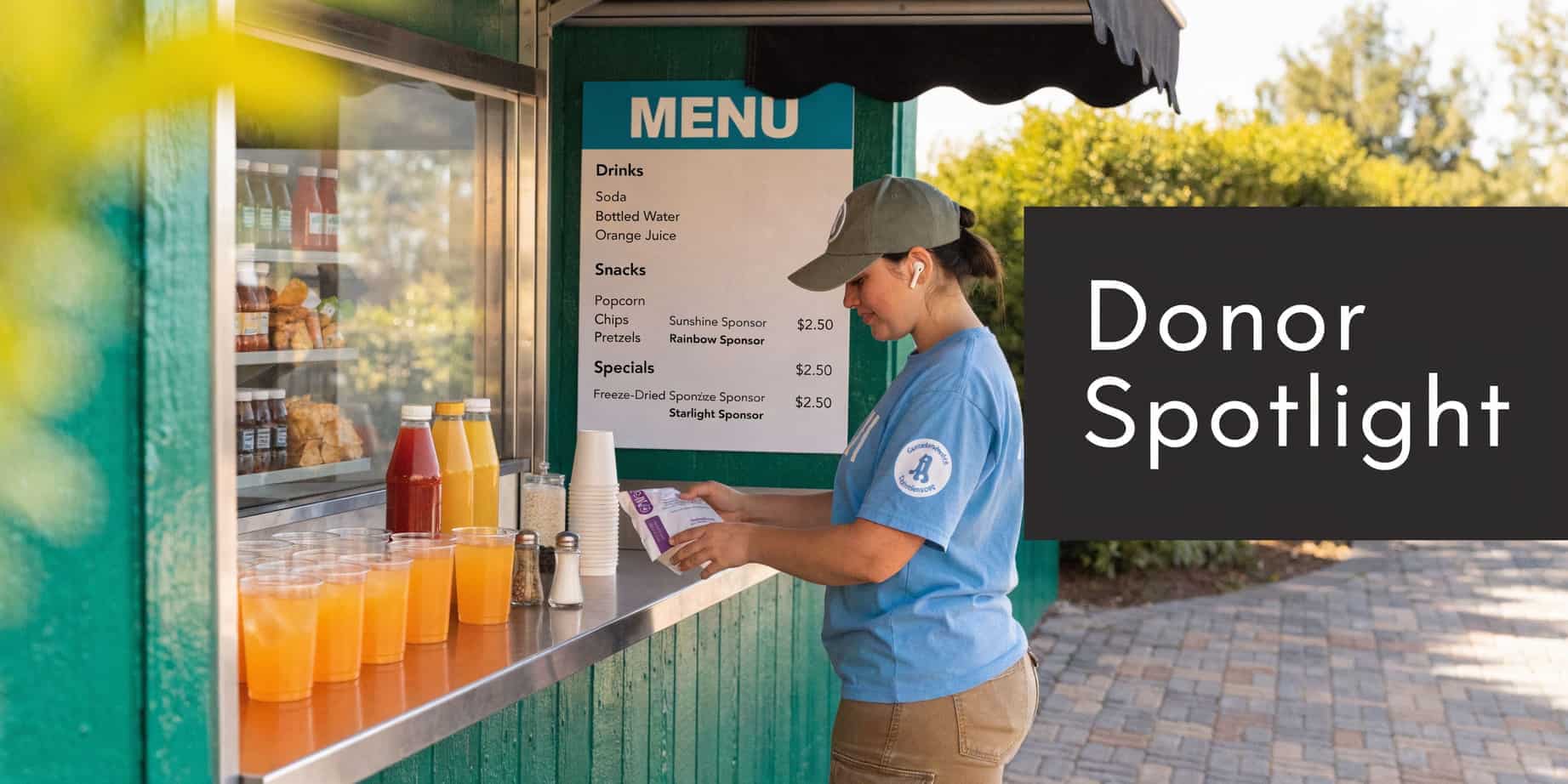
2. Donor-Recognition Concession Stand Menu Items
A concession menu can do more than list snacks. It can thank the people who help fund your work.
I have seen this work especially well at schools and churches, where people enjoy seeing familiar names tied to something tangible. “Coach Rivera Nachos,” “Choir Cold Brew,” or “The Wilson Family Cookie Box” feels more personal than another logo on a banner.
Recognition that people notice
The key is restraint. One or two named items often work better than turning the whole board into a sponsorship wall. Guests need to order quickly, and volunteers need a menu they can read without squinting.
This model creates two benefits at once. You recognize donors in public, and you create another sponsorship conversation for future gifts. Local businesses also fit nicely here. A pizza item sponsored by a neighborhood restaurant can feel community-minded rather than overly commercial.
The practical side matters too. Set naming periods upfront. Decide whether a sponsor gets one event, one season, or one month. Write down whether the name applies to signage only, packaging, social posts, or all three. That avoids awkward misunderstandings later.
A few item ideas that tend to work well:
- Warm drinks: Coffee, cocoa, and cider often pair well with donor recognition at church and winter school events.
- Shareable snacks: Nachos, pizza slices, and pretzel baskets work well because people refer to them by name.
- Premium treats: A brownie sundae or souvenir popcorn bucket can support a higher sponsor amount.
If you try this, connect the menu item back to stewardship. A short sign can explain that the sponsor also supports your literacy program, youth trip, or scholarship fund. That gives the recognition some mission weight.
The mistake to avoid is overdesigning the concept. You do not need ten levels, custom logos, and complicated approval paths. You need a short list of sponsor-ready items, a simple policy, and one staff member who owns the relationships.
3. Volunteer-Staffed Concession Model with Hour Tracking Integration
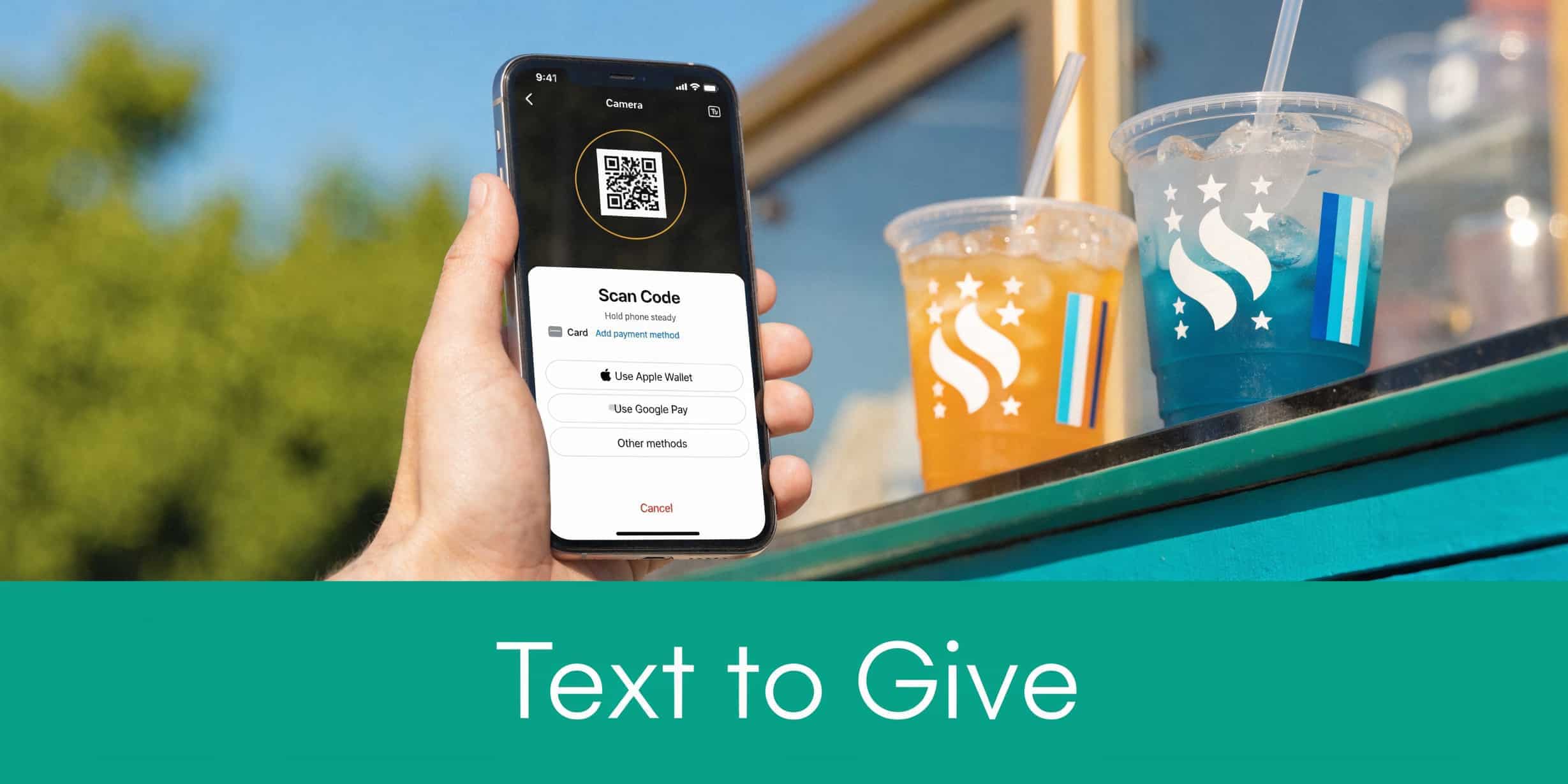
Most nonprofits do not fail at concessions because people will not buy snacks. They struggle because volunteer scheduling is loose, training is inconsistent, and nobody captures who served.
A volunteer-staffed stand works best when roles are clear. One person handles orders. One handles payment. One restocks. One troubleshoots. Even a small event runs better when each volunteer knows the lane.
Turn volunteer chaos into a repeatable system
This matters for morale as much as operations. Parents, church members, and student volunteers come back when the shift feels organized. They disappear when they walk into confusion.
Use simple role descriptions and short training notes. Pair new volunteers with experienced ones. If someone is uncomfortable with digital payments, put them on stock or runner duty first. You do not need everyone to do everything.
There is also a reporting benefit. If your concession stand is staffed by a booster club, youth group, or service team, tracked hours help you recognize volunteers properly and report participation more accurately. That is especially useful when you have grant-backed community events or board members asking who is carrying the workload.
The best volunteer system is not the fanciest one. It is the one a tired parent can understand in thirty seconds.
One practical step is to make check-in easy. A QR code sign at the stand, a shared tablet, or a shift leader who logs arrivals can all work. The point is consistency.
A school concession committee can rotate parents by sport. A church youth group can track coffee-hour shifts. A community center can assign inventory to one recurring volunteer who likes details. The model is flexible as long as the hour tracking is not an afterthought.
For ideas on setting that up, see volunteer hour tracking for nonprofits.
4. Tiered Donation Menu with Suggested Giving Amounts
Some of the strongest concession stand ideas borrow a lesson from fundraising. People often give more when the options are visible and easy to understand.
A tiered menu does that without turning the stand into a hard sell. You offer a basic item, then a support level above it. For example, coffee can have a standard price, a “supporter” option, and a “help another family” option. Water stations, dessert tables, and snack packs work especially well for this.
Let the menu carry some of the ask
This is not about pressure. It is about giving people a clean way to be generous in the moment.
At museums, galas, school events, and church programs, many guests are already in a giving mindset. A suggested gift menu lets them act on it naturally. The best versions include a short impact note. “This upgrade helps cover camp scholarships” is enough. Long speeches are not.
The wording matters. Keep it warm and optional. “Choose the level that feels right for you” lands better than anything that sounds transactional.
Visual design matters just as much. If the menu is crowded, guests default to the cheapest visible choice because they want to move on. If the options are laid out clearly, they take the extra second to consider the higher level.
The trade-off is that volunteers need a script. Nothing elaborate. Just one plain sentence. “The higher levels are optional and support the scholarship fund.” That prevents awkwardness and keeps the line moving.
This idea works best with low-friction items:
- Drinks: Coffee, lemonade, bottled water, and hot cocoa are easy to tier.
- Bundles: Family snack packs are ideal because guests already expect multiple price points.
- Treat tables: Bake sale items pair well with “suggested gift” language.
What does not work well is trying to tier every menu item. A few anchor products are enough. Too many options slow decisions and wear out your volunteers.
5. Text-to-Give Concession Stand Promotion
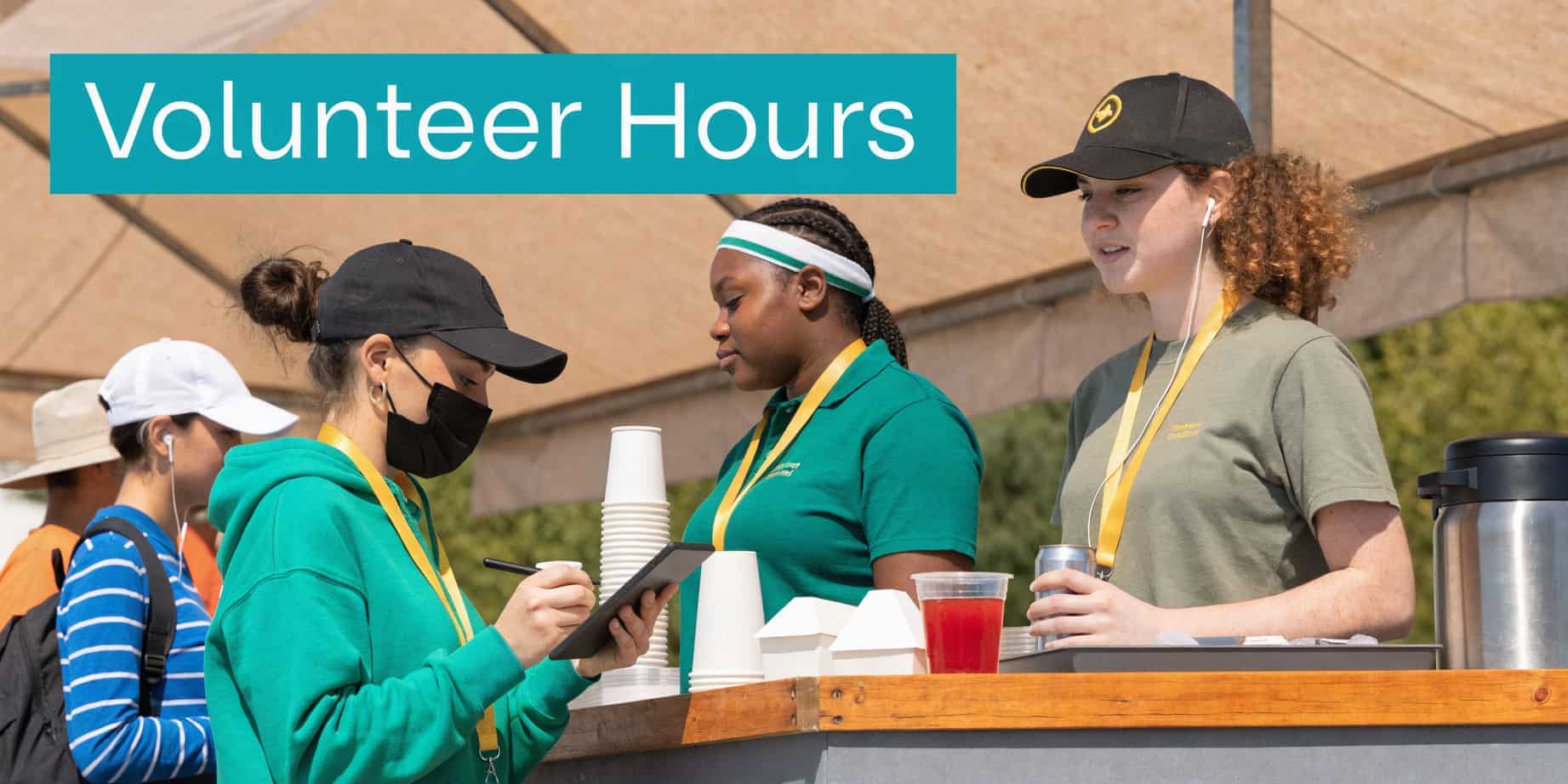
Cash boxes create work. They create counting errors, handoff problems, and awkward end-of-night reconciliation. A text-to-give or QR-based promotion solves much of that if you keep it simple.
You do not need a complicated digital ordering setup to start. In many settings, one visible code at the counter and one backup sign near seating is enough. The key is clarity. Guests must know whether they are buying an item, adding a donation, or doing both.
Phones are already in everyone’s hand
This idea is strongest at concerts, school performances, church conferences, and fundraising dinners where people are standing in line with a phone in hand anyway. It also works well when volunteers are uneasy handling large amounts of cash.
Consumer interest in preorder technology is strong, with 70% showing interest overall and even higher interest among younger groups in the consumer adoption data summarized by Datassential’s coverage of foodservice adoption tracking. That does not mean every supporter wants an app. It does mean many guests are open to a simpler mobile experience when it saves time.
Good text-to-give concession ideas include:
- Round-up prompts: “Add a small gift for the band trip.”
- Menu board QR codes: One for snacks, one for drinks, one for direct giving.
- Hybrid checkout: Card tap at the stand, text link for a larger donation after purchase.
The common mistake is adding too many steps. If guests have to scan, open a long form, create an account, and then return to the counter, you will lose them. Keep forms short and mobile-friendly.
Another mistake is poor signage. Volunteers should not have to explain the system to every guest. The signs should do most of the work. Large type, one clear instruction, and a visible fallback payment option are usually enough.
6. Restricted Fund Fundraiser Concession Stand
A strong concession stand can support a very specific need. That is where many nonprofits miss an easy win.
Instead of sending all concession income into general operations, you can dedicate selected items or entire event stands to a scholarship fund, building project, mission trip, arts program, or equipment purchase. This gives supporters a direct line between a snack purchase and a visible outcome.
Tie food sales to a purpose people understand
This works especially well when the cause is concrete. “Pizza sales support the eighth-grade trip” is stronger than a vague appeal. Parents, church members, and community supporters respond well when the connection is obvious.
The accounting side needs care. If you promise that certain sales support a restricted purpose, your books must reflect that promise accurately. General business software can fall short here. QuickBooks is familiar and capable for many tasks, but class tracking is not the same as true fund accounting. If your team is managing restricted balances, grants, and donor-linked reporting, you need records built for nonprofit rules.
A few examples that fit well:
- School athletics: Snack-bar sales from rivalry games support new uniforms.
- Church events: Dessert and coffee sales support a mission team or benevolence fund.
- Youth leagues: Tournament concession revenue supports equipment replacement.
- Community programs: A mobile beverage cart funds an after-school mentoring effort.
Keep the message visible. Put the purpose on the menu board and on your follow-up email. Then report back after the event. People are more likely to buy again when they hear what happened with the money.
For a practical look at the accounting side, see restricted funds tracking for nonprofits.
7. Corporate-Sponsored Concession Stand Partnership
The best sponsorship deals do more than cover the cost of snacks. They turn your concession stand into part of your fundraising system.
At a school game, that might mean a local pizza shop provides food, gets its name on the menu board, and receives a clean summary after the event showing units sold, sponsor value delivered, and net proceeds posted to the right revenue account. At a church breakfast, a coffee sponsor may care less about a banner and more about being thanked in the follow-up text and seeing how the event supported the ministry. Good partnerships work because both sides know what they are getting.
Build sponsorships around clear deliverables and clean tracking
Put the agreement in writing before you order a single case of drinks. Spell out whether the business is giving cash, product, signage, or staff support. State what your nonprofit will provide in return: logo placement, named menu items, PA recognition, email mentions, or exclusivity in one category.
Exclusivity needs special care.
If a sponsor believes it is the only beverage partner and your team adds a second drink vendor a week later, you create a relationship problem that is much harder to fix than a food-order mistake. I have found that one-page agreements prevent a lot of last-minute confusion.
This model also works best when sponsorship activity connects to your back office. Record donated inventory correctly. Track sponsor income separately from general concession sales. If the sponsor relationship belongs in your donor or partner records, log it there so your development team can follow up after the event instead of starting from scratch next season. That is how a snack table starts acting like an engagement engine instead of a disconnected fundraiser.
A few practical fits:
- School athletics: A season sponsor underwrites bottled water, signage, and card-reader fees.
- Church events: A local bakery sponsors pastries for holiday mornings in exchange for printed and verbal recognition.
- Youth sports: One sporting goods store sponsors the stand and provides coupons for families.
- Community arts programs: An opening-night beverage sponsor supports concessions and is thanked in post-event outreach.
Keep the sponsor roster manageable. One or two well-run partners usually produce better results than a crowded board full of logos nobody notices.
8. Mobile Concession Stand with Event-Based Deployment
The Friday game ends, and by Saturday morning your team is setting up at a community festival across town. By Sunday, the same cart is serving coffee and packaged snacks after a church program. That kind of reuse is where a mobile concession stand earns its keep.
A mobile setup works best when it is treated as part of your fundraising system, not just a table with snacks. The same stand can bring in cash at multiple events, capture buyer information through digital checkout, assign income to the right event code, and show which locations are worth returning to next season. That is a much better result than running three separate pop-up sales and reconciling everything by hand on Monday.
Portable menus usually outperform ambitious ones. Items that travel cleanly, store safely, and sell fast are easier on volunteers and easier on your margins. Popcorn, bottled drinks, pretzels, chips, candy, and prepacked baked goods usually make more sense than foods that require a full cooking line, extra permits, or on-site troubleshooting.
Popcorn still deserves a close look. It is inexpensive to produce, familiar to buyers, and manageable in a portable format. For many nonprofits, that combination makes it one of the safest mobile stand products to build around.
The trade-off is operational discipline. Mobile stands create more revenue opportunities, but they also create more chances for small mistakes that eat into profit. Missing extension cords, dead card readers, unlabeled supply bins, or no-shows on setup can turn a strong event into a frustrating one.
A practical mobile setup usually includes:
- A short travel-friendly menu: Keep the best sellers and cut anything that slows service.
- A deployment checklist: Equipment, inventory, signage, payment devices, handwashing supplies, and cashless backup plans should be on one sheet.
- Event-level tracking: Code each event separately so sales, expenses, donations, and volunteer hours do not get blended together.
- Weather prep: Canopies, table weights, coolers, and towels solve more problems than extra menu items do.
- Load-in ownership: Assign one person to final pack-out and one person to opening setup.
This model fits schools rotating between fields, churches running seasonal events, and nonprofits that appear at fairs, performances, and weekend tournaments. It also gives you cleaner decision-making. After a season, you can see which events produced strong sales, which ones brought in new supporters, and which ones were not worth the volunteer time. That is how a mobile concession stand stops being a roaming snack bar and starts functioning like an engagement and fundraising engine.
9. Email and Text Campaign Follow-Up to Concession Customers
The busiest moment at the stand often creates the best opening for future support. A parent taps a card for nachos, a guest prepays for snacks on their phone, or a family gives a mobile number to get pickup updates. If your team captures that information cleanly and connects it to the rest of your system, that snack purchase can lead to a repeat gift, a volunteer shift, or attendance at the next event.
That only works if the concession stand is tied into your broader fundraising operation. Sales records, contact details, campaign tags, and event codes need to flow into the same place your staff already uses for donor management and communications. If they do not, follow-up becomes a spreadsheet project, and spreadsheet projects usually die after the event.
The practical rule is simple. Send one useful message soon, then route people based on what they did.
A buyer at a school tournament may want next week’s game schedule and a quick thank-you. A church event guest may respond better to a short ministry update and an invitation to serve. A community festival customer may only need one message that says, “Thanks for supporting the booth. Here is what your purchase helped fund.”
That kind of segmentation matters. Families buying a kids combo are different from alumni buying coffee before a performance. One group may be open to presale reminders. Another may respond to a monthly giving invitation. Treating every concession customer like a donor prospect is sloppy. Treating them like supporters with different levels of interest is far more effective.
I have seen the best results from a simple follow-up structure:
- Within 24 to 48 hours: send a thank-you tied to the event and mission
- Use the event tag: code the message by game, concert, fundraiser, or campus group
- Offer one next step: donate, volunteer, preorder, or attend
- Record the response: clicks, gifts, opt-ins, and volunteer interest should update the same contact record
- Keep opt-in practices clean: only text people who gave permission, and make unsubscribing easy
Speed matters, but relevance matters more. A fast generic message feels automated in the worst way. A short message that connects the purchase to impact feels personal, even if it is sent through a system.
This is also where the accounting side needs to be tight. If concession revenue is mapped by event or fund, your follow-up can reflect real results instead of vague promises. “Your purchases helped cover travel costs for the youth choir” is stronger than “Thanks for your support.” That is the difference between a snack bar that sells food and an engagement engine that reinforces trust.
For related reading, see fundraising in churches and planning events for nonprofits.
10. Presale and Preorder Concession Model with Digital Promotion
At 5:40, the gym doors open. By 5:55, the line is already backing up, volunteers are still bagging popcorn, and parents want to pay, donate, and get to their seats at the same time. Presale fixes that pressure before the first customer reaches the counter.
For nonprofits, value comes not just from speed. A good preorder model turns concession sales into cleaner forecasting, earlier cash collection, and better records across your payment system, donor database, and event reporting. You know what was sold, what needs to be packed, which event produced the revenue, and who opted in for future outreach.
Keep the preorder menu narrow. Sell the items your team can prep in batches, label fast, and hand off without explanation. Meal deals, snack bundles, bottled drinks, and pickup-ready dessert boxes usually work better than made-to-order items.
The menu should match the event.
A youth sports tournament may do well with family packs and team coolers. A concert or gala may get stronger results from reserved intermission snacks or premium treats waiting at a separate pickup table. The point is not to offer more. It is to offer the right few items that reduce counter traffic and increase average order size.
Preorder bundles often work well for:
- Family packs: Four drinks, two large snacks, and one take-home treat
- Team orders: One parent or coach orders for the whole group before arrival
- Premium pickup: Guests reserve dessert boxes, coffee kits, or sponsor-backed snack bundles
Digital promotion matters as much as the menu. If people do not see the preorder option early, they default to walking up and deciding on the spot. Promote it in the event confirmation email, text reminders, social posts, and volunteer communications. Close the preorder window early enough for your team to pack accurately, then push one final pickup reminder with time and location.
Execution is where this model succeeds or fails. Use a separate pickup line, a pickup deadline, and labels that match the order name or number exactly. If your checkout tool can tag transactions by event, campaign, or fund, use that setup from the start. That makes reconciliation easier and helps you connect concession activity to the rest of your fundraising records instead of leaving sales trapped in a standalone spreadsheet.
I have seen presale work best when one staff lead owns the full flow. Menu setup, promotion timing, packing, pickup signage, and post-event reconciliation should sit with one person, even if volunteers handle the table. Shared ownership sounds collaborative, but it usually creates gaps. A single owner catches them early.
What fails is a wide menu, late promotion, and vague pickup instructions. That combination creates two lines instead of one and gives your finance team extra cleanup after the event. A tight presale system does the opposite. It turns concession demand into a plan your staff can execute and a set of records your organization can use.
Concession Stand Ideas: Top 10 Comparison
| Concession Concept | Implementation complexity | Resource requirements | Expected outcomes | Ideal use cases | Key advantages |
|---|---|---|---|---|---|
| Event-Based Concession Stand with Integrated Ticketing and Donations | High: multi-system integration and staff training | Unified POS + ticketing, reliable internet, inventory/accounting sync, trained staff | Real-time unified revenue, accurate fund accounting, reduced reconciliation | Large ticketed events, grant-funded programs, organizations needing precise fund tracking | Eliminates manual reconciliation; supports restricted funds; instant receipts and reporting |
| Donor-Recognition Concession Stand Menu Items | Medium: branding and donor coordination | Signage/design, CRM donor tracking, menu management, frequent updates | Increased sponsorship revenue, heightened donor visibility, marketing lift | Fundraisers offering naming rights, stewardship-focused events | Repeated public recognition; encourages higher gifts; builds community loyalty |
| Volunteer-Staffed Concession Model with Hour Tracking Integration | Medium: volunteer systems and training required | Volunteer management platform, QR check-in, training materials, scheduling tools | Lower labor costs, documented volunteer hours, stronger engagement | Schools, churches, youth sports, community-run events | Reduces payroll costs; automates hour reporting; develops volunteer leadership |
| Tiered Donation Menu with Suggested Giving Amounts | Medium: pricing strategy and POS presets | Digital displays, POS configuration, impact messaging, staff training | Higher average transaction value, donor segmentation, upsell conversions | Museums, galas, events focused on increasing per-transaction giving | Normalizes giving; boosts revenue per sale; facilitates donor segmentation |
| Text-to-Give Concession Stand Promotion | Medium–High: compliance and mobile platform setup | SMS/text platform, QR codes, mobile payments, connectivity, regulatory compliance | Fast, frictionless donations, phone-number capture, immediate receipting | Concerts, sporting events, mobile-first audiences, hybrid events | Rapid checkout; builds SMS database; enables instant follow-up |
| Restricted Fund Fundraiser Concession Stand | High: accounting and legal controls required | POS fund allocation, accounting processes, clear signage, reporting tools | Transparent restricted fund attribution, grant-compliant reporting, donor trust | Campaigns for scholarships, buildings, designated initiatives | Ensures accurate fund accounting; improves donor confidence; supports compliance |
| Corporate-Sponsored Concession Stand Partnership | Medium–High: contract negotiation and partnership management | Sponsorship agreements, co-branded materials, ROI tracking, legal review | Lower upfront costs, sponsorship revenue, cross-promotional reach | Large events seeking corporate partners, ongoing community partnerships | Reduces inventory costs; provides predictable funding; expands marketing reach |
| Mobile Concession Stand with Event-Based Deployment | Medium: logistics and durable equipment planning | Portable POS/equipment, transport, weather-resistant gear, centralized inventory | Maximize equipment ROI, flexible deployment, consolidated reporting | Organizations with multiple events, festivals, markets, tournaments | Multi-event revenue; centralized inventory control; lower fixed overhead |
| Email & Text Campaign Follow-Up to Concession Customers | Medium: data capture and campaign automation | CRM, email/SMS tools, consent capture at checkout, content creation | Convert one-time buyers to repeat donors, improved retention, measurable ROI | Any event seeking donor conversion from transaction data | Low-cost retention; personalized engagement; automated segmentation |
| Presale and Preorder Concession Model with Digital Promotion | Medium–High: preorder platform and logistics | Preorder portal, marketing campaign, payment processing, pickup logistics | Reduced on-site lines, predictable revenue, accurate inventory purchasing | Galas, tournaments, events where advance orders are feasible | Advance revenue visibility; fewer staff needs day-of; higher average orders |
Bring Your Best Ideas Together
Friday night hits, the line forms fast, and a simple snack table suddenly touches half your organization. One family buys pizza and drinks. A volunteer clocks two hours. A sponsor expects visibility. Your finance lead needs clean entries by fund. Your development team wants to know who showed up and who might give again. If those pieces live in separate tools, the concession stand creates work long after the last customer leaves.
The strongest concession setup does more than sell food. It ties event revenue to the rest of your nonprofit so every transaction can support accounting, donor follow-up, volunteer management, and board reporting. That is where the full return shows up. A busy stand can become a small operating system for community engagement if the information flows cleanly.
That matters for schools, churches, booster clubs, and community nonprofits that run frequent events with rotating volunteers. The menu may stay simple, but the back end cannot stay loose. If concession sales support athletics, scholarships, missions, or another restricted purpose, your team needs each dollar coded correctly the first time. If a donor gives at checkout or a parent signs up to help next week, that information should not disappear into a text thread or paper sign-in sheet.
I have seen the same pattern repeatedly. Groups assume the hard part is picking what to sell. In practice, the harder part is connecting the sale to the event record, the donor profile, the volunteer shift, and the right fund in the books. Get that right, and the stand stops being a side table. It becomes a reliable fundraising and engagement channel your staff can manage.
General small-business tools can help with sales tracking, but nonprofit teams usually need more detail than basic categories and reports. Restricted balances, campaign history, sponsor relationships, volunteer records, and event revenue all affect how concession income should be recorded and followed up on. If those details sit in different systems, reconciliation takes longer and mistakes are easier to make.
At AlignMint, we built the platform for that day-to-day reality. Accounting, CRM, volunteers, events, and marketing work together in one system, so concession sales can connect directly to the event, the fund, and the people involved. Your team can record revenue without extra exports, tie volunteer time to the same event, and send follow-up messages from the same donor record your finance staff uses. That kind of setup saves time, and it gives your organization a cleaner close and a better chance to turn one purchase into a longer relationship. If fund tracking is the problem you need to solve first, visit our fund accounting overview.
Start simple. Choose a menu your volunteers can handle, set clear rules for coding revenue, and make sure customer and event data land in the same place. A concession stand works best when it supports the next thank-you, the next report, and the next event as well as tonight's sales.
Related:
- Nonprofit event ticketing software - One flow for tickets, add-ons, and giving
- Restricted funds tracking - Code concession revenue to the right fund
- Events - Event pages, registration, and payments in AlignMint
Ready to try AlignMint with your nonprofit?
Start free — set up donor tools, giving pages, and Minty. Upgrade when you need accounting.