


You’ve probably had this happen. The banquet is next week, your volunteer list is finally clean, and someone asks whether you can “just make certificates” for everyone by Friday. That’s when volunteer certificate templates stop being a nice idea and become one more task sitting on the executive director’s desk.
The good news is that this doesn’t need to be a design project. It needs to be a recognition process that respects your time, looks professional, and gives volunteers something they’ll keep or share. For many organizations, that matters beyond the thank-you itself. One nonprofit certificate resource notes that people who volunteer regularly have a 27% increased chance of getting hired, which is one reason certificates can carry real value for recipients.
If you’re sorting through volunteer certificate templates, the biggest question isn’t just where to download one. It’s whether you need a printable file, a branded digital credential, or a process you can eventually connect to volunteer hour tracking and reporting. I’ll keep this practical and move fast through the options, with clear trade-offs. For ongoing programs, pair certificates with volunteer management best practices and your volunteer management workflow.
Quick Answer: Volunteer Certificate Templates
Use a free volunteer certificate template when you need a one-time thank-you. Use a volunteer hours certificate template when schools, employers, grants, or relief programs need verified service details. Canva is fastest in the browser, Microsoft Word is easiest for in-house printing, and Adobe Express works when you want a more polished layout without design software.
| Tool | Best for | Hours / bulk fields | Cost |
|---|---|---|---|
| Canva | Fast browser edits, teams already using Canva | Manual unless you merge from a spreadsheet | Free tier; nonprofit Pro available |
| Microsoft Word / Create | Admin staff who print in-house | Mail merge for names and hours | Free templates with Office |
| Adobe Express | Polished certificates without full design software | Manual edits per recipient | Free + premium templates |
| Venngage | Simple visual editor, lighter branding | Manual; nonprofit discounts available | Free limited; paid removes branding |
| Certifier / Sertifier | Dozens of certificates with tracking | Bulk issuance, email delivery, analytics | Paid for automation features |
If you are comparing Canva vs Microsoft Word vs Adobe Express for certificate templates, start with the staff workflow—not the prettiest border. Canva wins when your team already designs event materials online. Word wins when an office manager prints everything locally. Adobe Express fits when you want stronger visuals without learning InDesign.
For certificates that will be used as proof of service, choose a volunteer hours certificate template instead of a generic appreciation layout. Include the volunteer's name, program, role, date range, approved hours, and signer. That is especially important for school service, court-ordered service, grant-funded programs, and recurring church or community service projects.
Quick Answer: Relief Work Team and Service Hour Certificates
A relief work team certificate should name the program, describe the service role, list approved hours or dates, and include an authorized signer. Generic appreciation wording is not enough when the certificate may go to a school, employer, disaster-response partner, or grant report.
| Field | Why it matters |
|---|---|
| Recipient name | Must match your volunteer log exactly |
| Program or team name | Clarifies which relief or service project the hours support |
| Service description | Explains what the volunteer did, not just that they participated |
| Date range or total hours | Required for documentation-style certificates |
| Signer and organization | Gives the recipient a contact if verification is requested |
If you issue relief work team certificates regularly, connect templates to verified volunteer hour tracking so names, hours, and program names do not get rebuilt by hand every month.
Quick Answer: Choosing Volunteer Certificate Software
Choose volunteer certificate software or templates based on how often you issue certificates and how much accuracy matters. A one-time appreciation dinner can use Canva, Adobe Express, or Word. A recurring volunteer program should connect certificates to verified names, service hours, program names, and volunteer records.
| Need | Best fit |
|---|---|
| One-time certificates | Canva, Adobe Express, or Microsoft Create templates. |
| Branded annual recognition | A design tool with saved logos, colors, and reusable layouts. |
| Dozens of certificates | Bulk merge from a clean spreadsheet or volunteer database. |
| Verified hours | A volunteer management system with logged hours and program records. |
| Digital sharing | PDF exports or shareable digital credentials. |
| Grant or school documentation | Certificates that include accurate hours, dates, and program names. |
Software Selection Checklist
Before you commit to a certificate tool or volunteer management add-on, run through this checklist. The goal is a process your staff can repeat every year without rebuilding names and hours by hand.
- Can staff edit templates without design training? If only one person knows Canva or InDesign, certificates become a bottleneck.
- Does the tool support bulk issuance? Mail merge, spreadsheet upload, or database export saves hours when you recognize dozens of volunteers at once.
- Can you include verified hours and program names? Schools, employers, and grant reports need accurate fields, not generic appreciation wording.
- Does certificate data connect to volunteer records? Names and hours should come from volunteer hour tracking, not a separate spreadsheet.
- Can you apply your logo, colors, and signer consistently? Branding matters when certificates are framed or shared online.
- What export formats do you need? Confirm PDF for print, email delivery for digital sharing, and whether recipients need a verification contact.
- Will the process still work at your busiest season? Test the full workflow before banquet week, not during it.
1. Canva Certificate Maker and Template Library
If you need something your office manager can edit today without training, Canva is usually the easiest place to start. It’s familiar, browser-based, and has enough certificate styles that you can usually find one that fits a school program, church volunteer event, or annual appreciation dinner.
A key benefit is speed. You can choose a layout, swap in your logo, change names, and export a clean PDF without opening design software. For busy teams, that’s often enough.
Where Canva works well
Canva is strongest when your main need is simple, branded volunteer certificates templates that look current. It’s especially practical for organizations that produce a few certificates at a time, or want different versions for youth volunteers, event volunteers, and annual awards.
Helpful strengths include:
- Easy editing: The point-and-click editor is friendly for non-designers and doesn’t ask much from staff.
- Brand consistency: Brand controls help keep colors and fonts aligned across certificates and other materials.
- Flexible output: You can export for print or digital sharing without a complicated workflow.
- Team comments: Staff can review a draft before it goes out.
What doesn’t work as well is process control. Canva helps you design certificates. It doesn’t solve the bigger recognition workflow on its own. If you’re managing many volunteers across multiple programs, staff still need to gather names, hours, dates, and spelling carefully before exporting.
Keep your certificate text short. The more words you squeeze in, the more likely the layout breaks when a long name appears.
For eligible nonprofits, Canva’s nonprofit program can make the paid features more accessible, which is worth checking. Still, some design elements and stronger brand controls sit behind higher tiers, so it’s smart to confirm what your team can access before building a repeatable process around it.
For a one-off appreciation event, Canva is hard to beat. For recurring issuance tied to logged service, it’s a starting point, not the finish line.
Visit Canva certificate templates
2. Adobe Express Free and Premium Certificate Templates
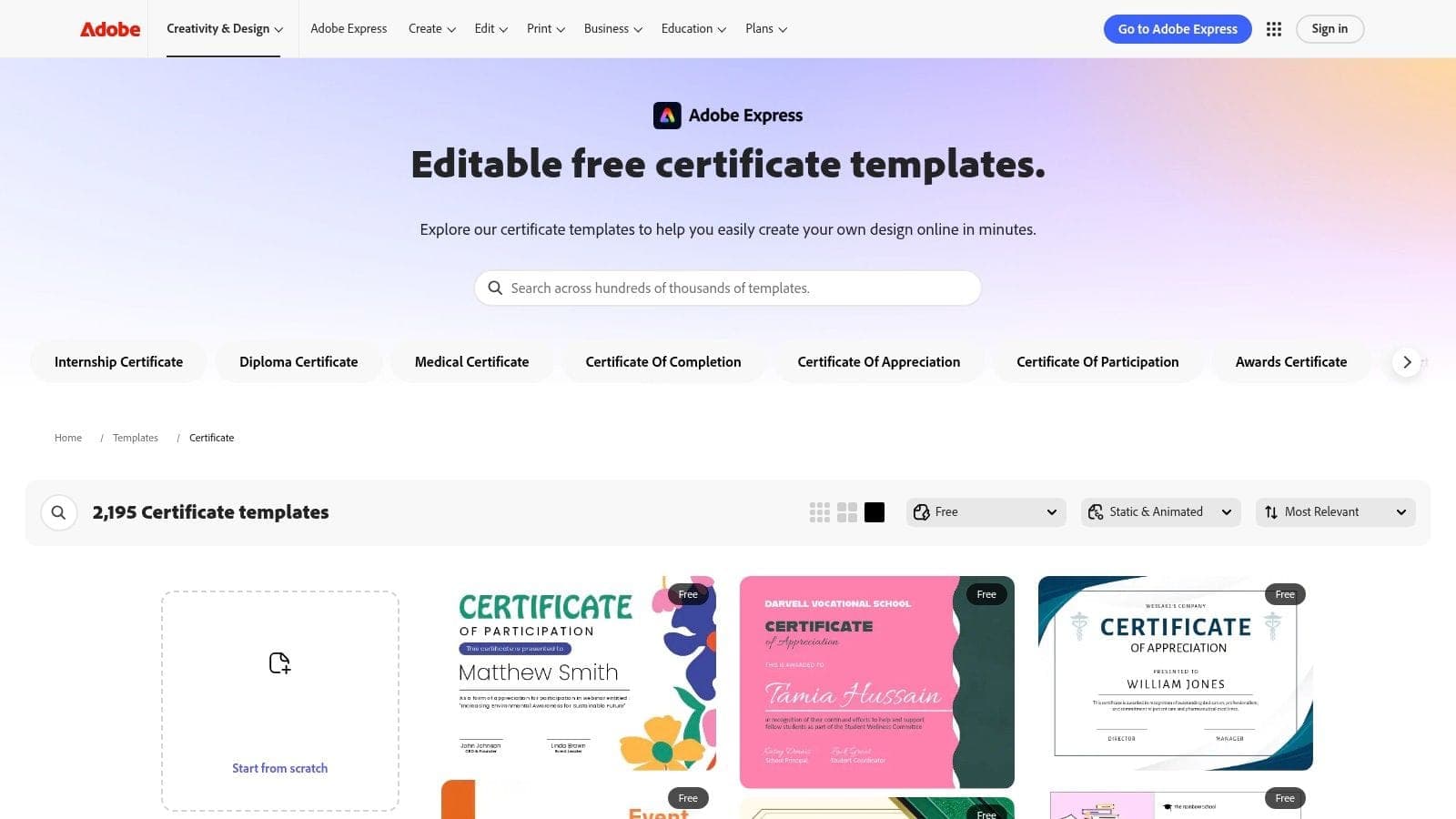
A familiar nonprofit scenario. The event is over, the volunteers did great work, and someone on staff now needs certificates that look presentable enough to email to donors, print for a school partner, and hand out at a board meeting. Adobe Express fits that middle ground well.
It gives teams a more polished look than basic office templates without pushing them into a full design workflow. That matters for organizations that care about presentation but do not have a communications manager available every time a name, date, or logo changes.
Adobe Express also gives you a broad template library, so you can create different certificate styles for youth programs, one-day service events, recurring volunteer milestones, or annual recognition. The practical advantage is speed. Staff can start with a design that already looks finished, then make light edits instead of building a certificate from scratch.
Where Adobe Express works best
Adobe Express is a strong choice for nonprofits that want nicer certificates than Word usually produces, but do not want the complexity of InDesign or another full design tool. I like it best for teams that issue certificates a few times a year and still want them to feel on-brand.
Useful strengths include:
- Cleaner visual quality: Many templates look polished right away, even with minimal editing.
- Good asset access: Fonts, icons, and stock elements help staff create something that feels intentional, not improvised.
- Flexible exports: You can create files for print, PDF attachment, or digital sharing without much rework.
- Shared brand materials: Teams can keep logos, colors, and common elements in one place.
The trade-off is cost control. Free options exist, but many of the better templates and brand features sit behind paid plans. Adobe also changes plan details often enough that it is smart to confirm what your staff can practically use before you build a repeat process around it.
There is another limit busy directors run into quickly. Adobe Express helps you design the certificate. It does not manage the certificate process. If staff are still pulling names from sign-in sheets and hours from spreadsheets, the bottleneck remains the same. Design gets easier. Issuance still takes time.
That is why certificate design should connect to your recordkeeping. If you want recognition tied to verified service hours, completed training, or program milestones, pair Adobe Express with a volunteer management system that keeps volunteer records organized. That is the difference between making certificates one by one and building a recognition process your team can eventually automate.
Adobe Express works well as a design tool with good polish and reasonable effort. For many nonprofits, that is enough. For larger or recurring programs, use it as the front end, then build a process behind it that saves staff hours instead of creating another attractive manual task.
Visit Adobe Express certificate templates
3. Microsoft Create Office Free Certificate Templates for Word and PowerPoint
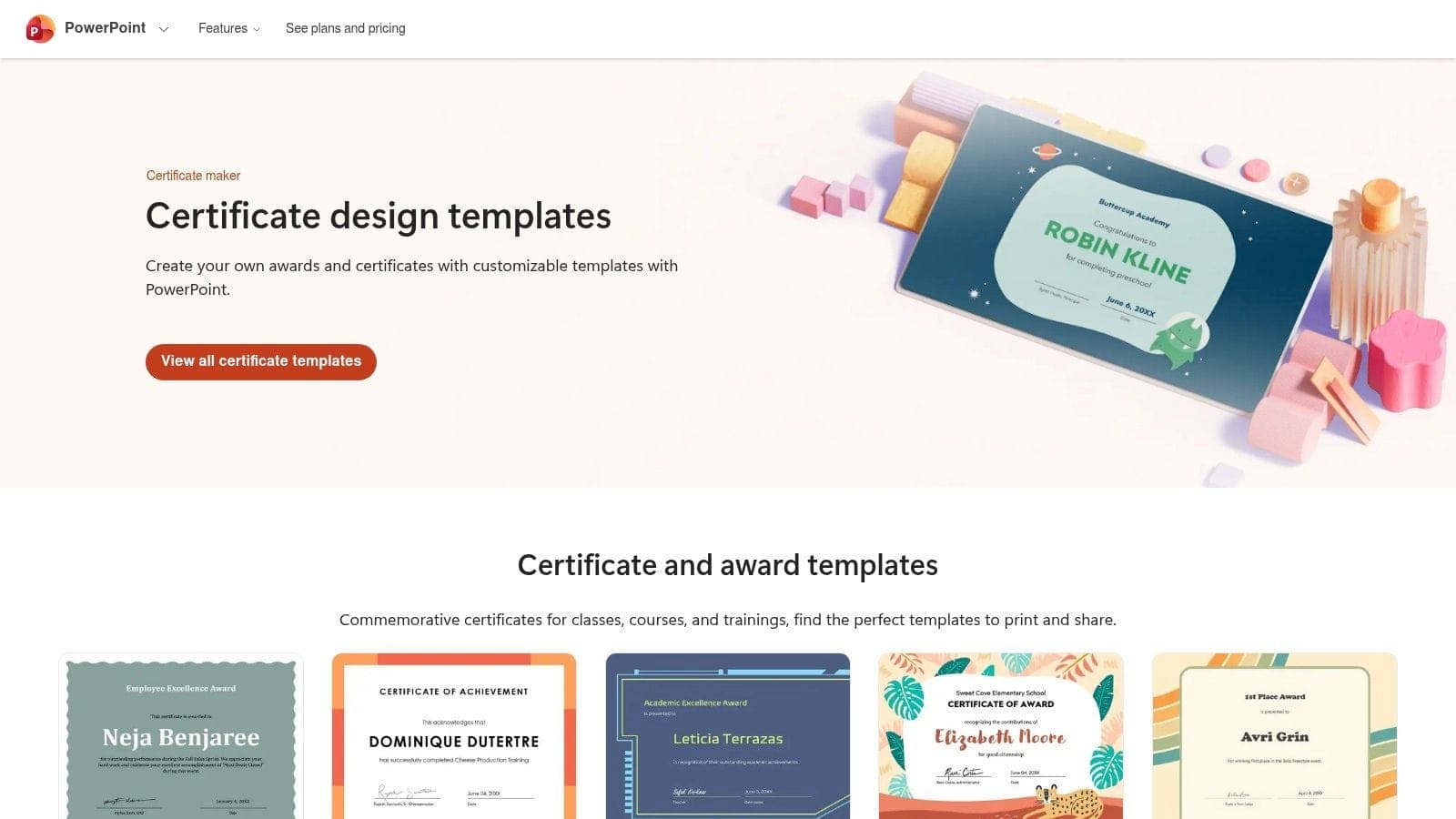
If your team already lives in Word and PowerPoint, Microsoft Create may be the most realistic answer. Not the fanciest one. The most realistic one.
That matters more than people admit. A certificate template nobody can edit isn’t useful, no matter how beautiful it looks on a website.
Why familiar often wins
Microsoft Create gives you free certificate templates that open in tools your administrative staff already know. For churches, schools, and small nonprofits with standard office printers, that can be the difference between getting certificates done this afternoon and putting them off for another week.
What works well here:
- No new software habits: Staff can edit names, dates, and signatures in familiar programs.
- Offline access: Useful when you don’t want another browser app in the mix.
- Printer-friendly layouts: Standard page sizes tend to behave well on regular office printers.
- Simple handoff: A board assistant or program coordinator can usually step in easily.
The downside is visual style. Microsoft templates are usually more traditional and less distinctive than what you’ll find in Canva or Adobe Express. If your brand is modern, youth-focused, or heavily visual, you may feel boxed in.
Practical rule: If a volunteer recognition process depends on one “creative” staff member, it’s too fragile. Pick a format any competent admin can update.
This option is also mostly static. You can make a nice printable certificate, but you won’t get the stronger tracking, verification, or digital issuance features that some dedicated credential tools offer. That’s fine if your recognition process is simple. It’s limiting if your programs are growing.
For boards and directors who value reliability over novelty, Microsoft Create is still a sensible choice. The best volunteer certificates templates aren’t always the most impressive looking. Sometimes they’re the ones your team can produce correctly, every time.
Visit Microsoft Create certificate templates
4. Visme Certificate Templates and Designer
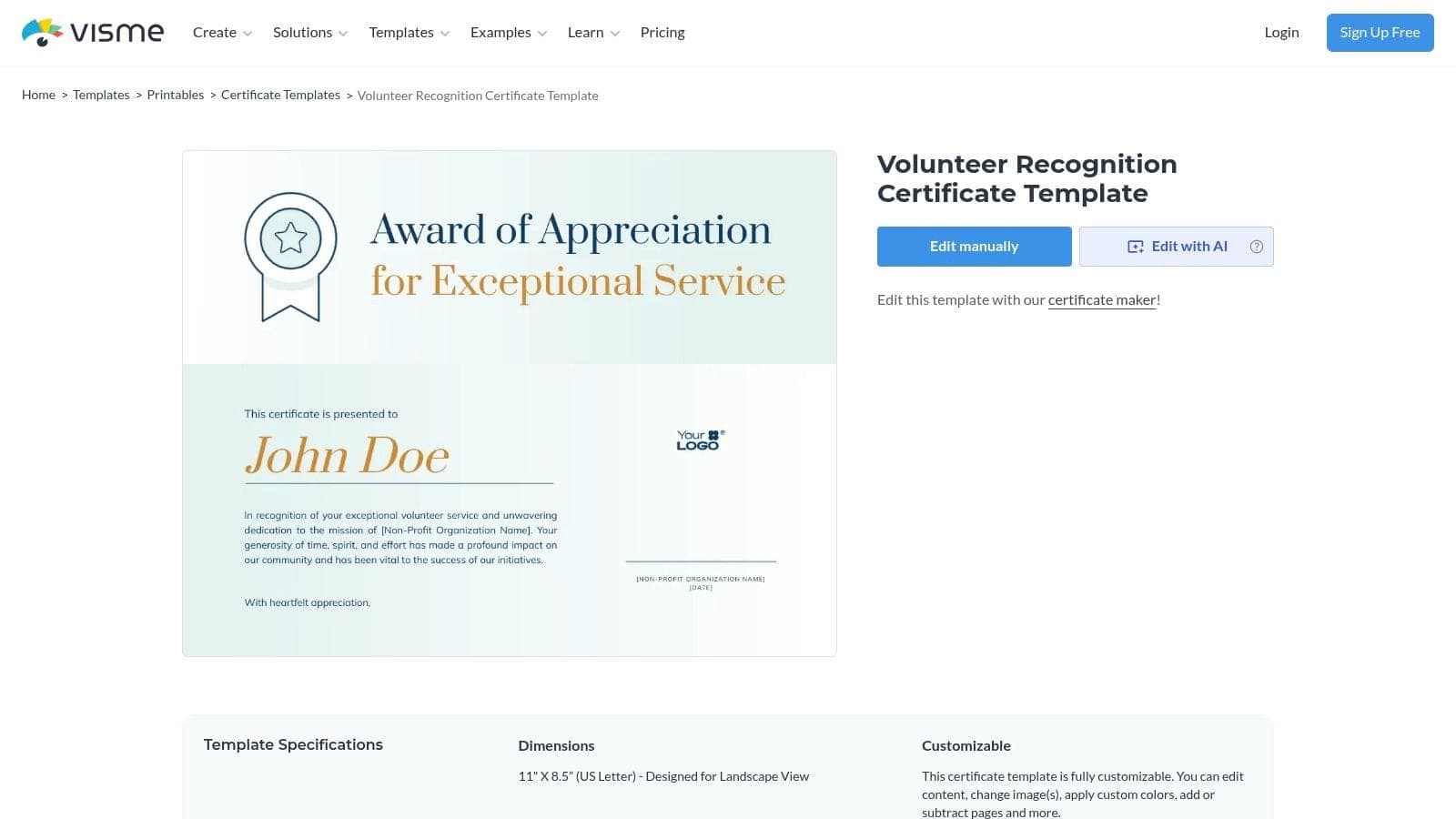
Visme is worth a close look if print quality matters to you. Some nonprofits only need a PDF to email. Others need certificates that will be framed, handed out on stage, or printed on better stock for donors, student volunteers, or church leadership teams. That’s where Visme starts to earn its place.
Its design library is smaller than Canva’s, but the output feels clean and intentional. You also get more control over print settings, including print-ready PDFs and bleed options.
Best when presentation matters
Visme fits organizations that want volunteer certificates templates with a more formal finish. If your event is important enough that the certificate itself becomes part of the experience, this tool has an edge.
Reasons teams pick it:
- Print-ready exports: Good for ceremonies and framed awards.
- Modern templates: Designs often feel cleaner than basic office options.
- Brand assets: Paid plans make it easier to keep visual standards in place.
- Shared projects: Useful when communications and programs both need input.
The trade-off is that some of the strongest export and brand features sit behind paid tiers. If you only create certificates once or twice a year, that may not feel worth it. In that case, Canva or Microsoft may cover the need with less overhead.
Visme also won’t solve recognition workflow by itself. You still need a reliable process for collecting service details, final approval, and distribution. A sharp certificate can still be wrong if the date, name, or contribution line is inaccurate.
One practical use case is annual recognition. If you’re issuing “Volunteer of the Year,” years-of-service acknowledgments, or school volunteer honors, Visme gives you enough design control to make those certificates feel substantial without turning the task into a custom design project.
Visit Visme volunteer certificate templates
5. Venngage Volunteer Appreciation Certificate Templates
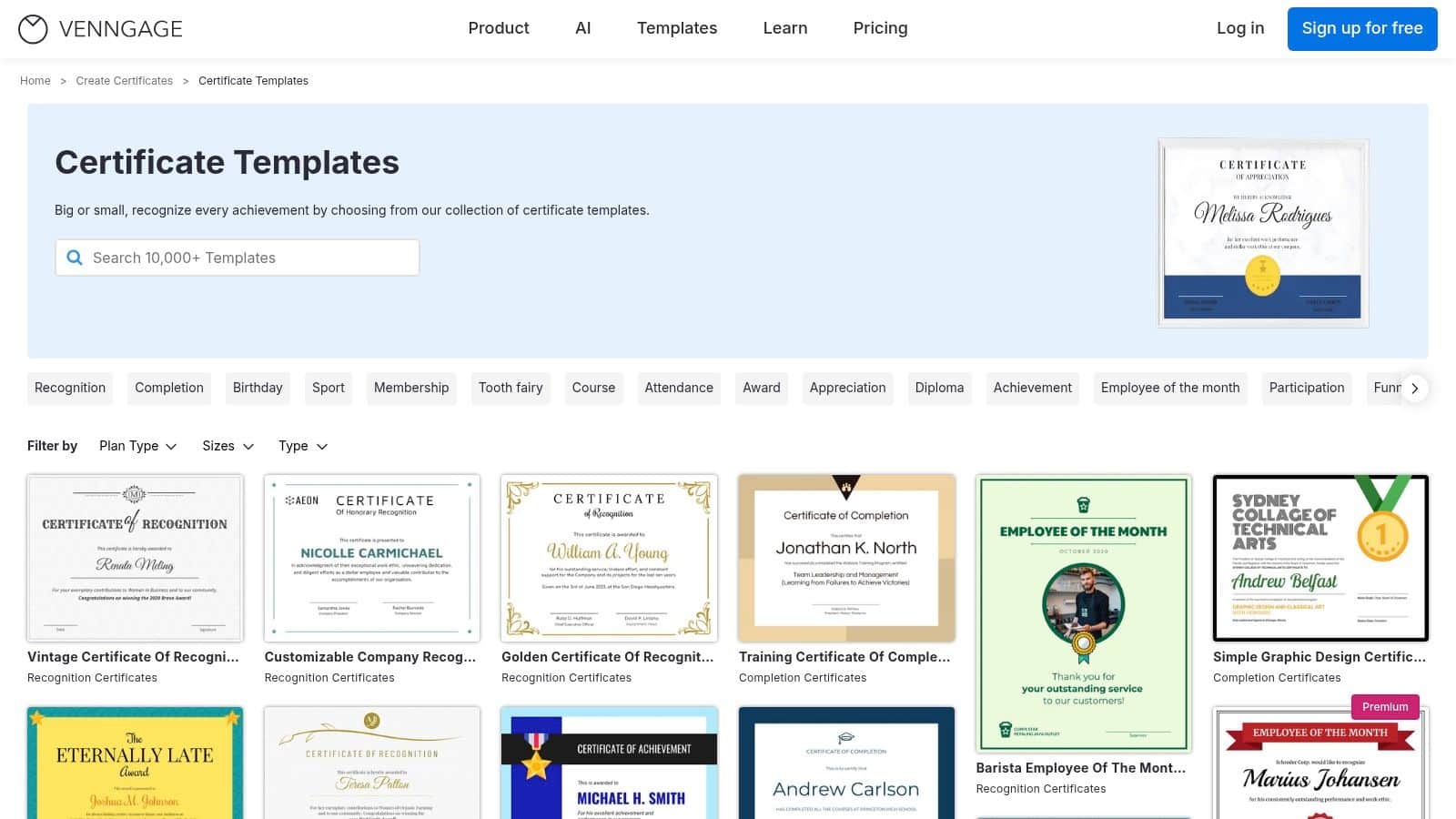
Venngage is a good option when your team wants a simple visual editor but doesn’t need a massive template library. It’s approachable, and that matters when the person making the certificate is also juggling event RSVPs, donor acknowledgments, and a board packet.
The editor is generally easy to understand. You can swap colors, fonts, icons, and text quickly, which makes it useful for appreciation certificates that need a little personality.
A practical fit for quick-turn needs
Venngage works best for small organizations that want decent-looking volunteer certificates templates without much setup. It can also be a reasonable choice if your nonprofit qualifies for its nonprofit discount program and you want a lower-cost path to better branding.
A few strengths:
- Beginner-friendly editing: Staff can move fast without much trial and error.
- Visual flexibility: Icons, colors, and type are easy to adjust.
- Decent sharing options: Helpful for digital distribution after an event.
- Good for small runs: A practical choice for occasional recognition needs.
Its limitations are straightforward. The free plan is restrictive and includes Venngage branding, which many nonprofits won’t want on official certificates. The library also isn’t as broad as Canva or Adobe Express, so if you have very specific style needs, you may need more searching.
This is a useful reminder: not every organization needs the biggest tool. If you issue a modest number of certificates and mainly want them to look thoughtful and branded, Venngage can be enough.
The place where it falls short is long-term process. It doesn’t change the underlying admin load of gathering service data, checking names, and documenting what each volunteer did. For that, design is only one piece of the puzzle.
Visit Venngage certificate templates
6. Certifier Nonprofit Volunteer Certificate Templates and Issuance
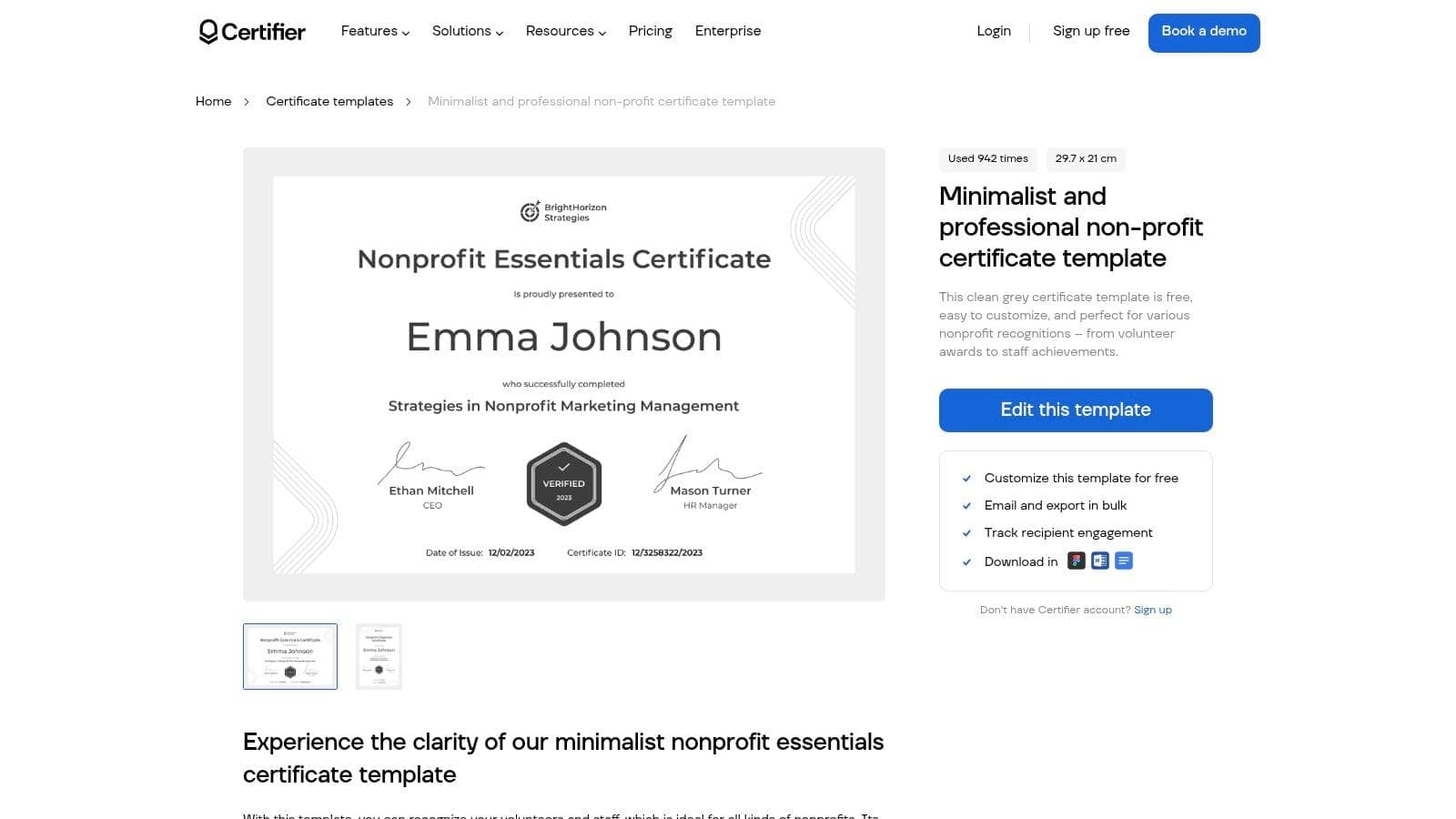
Certifier is where the conversation shifts from template picking to time saving. If you’re issuing certificates in batches, not just making one for the gala, this kind of platform starts to matter.
Certifier offers free template options and also supports bulk generation and digital delivery. That makes it different from the pure design tools higher on this list. It’s built less for “make a pretty file” and more for “send accurate certificates to a lot of people without spending half a day on it.”
Where automation starts paying off
For mid-sized organizations, digital certificate tools such as Certifier, Wauld, and Documentero have reached over 85% adoption rates among organizations with 50 to 500 volunteers, according to the cited benchmark data. The same source says moving from manual certificate batches to automated generation can reduce issuance time from several hours for 100 certificates to under 15 minutes.
That’s the primary appeal. If your volunteer dinner, school event, or church outreach program produces a long recipient list, manual editing gets old fast.
Useful strengths include:
- Bulk generation: Better than editing every certificate one by one.
- Email delivery: Faster than printing and stuffing envelopes.
- Analytics: Helpful if you care whether recipients open or download them.
- Brand controls: Important when multiple staff issue certificates.
A certificate is more meaningful when it reflects real service, not a generic thank-you line copied to everyone.
That’s why good wording matters. If you need ideas for the message itself, these quotes to thank volunteers can help you avoid stale, generic language. It also helps to understand what a Certificate of Appreciation is and how it effectively conveys appreciation, especially if your team is debating formal versus warm wording.
The trade-off is complexity. Certifier is more tool than some nonprofits need. If you only issue a few printable certificates each year, Canva or Word may be simpler. But if recognition happens often, Certifier solves a real administrative problem, not just a design one.
Visit Certifier nonprofit certificate templates
7. Sertifier Volunteer Certificate of Appreciation Template and Digital Credentials
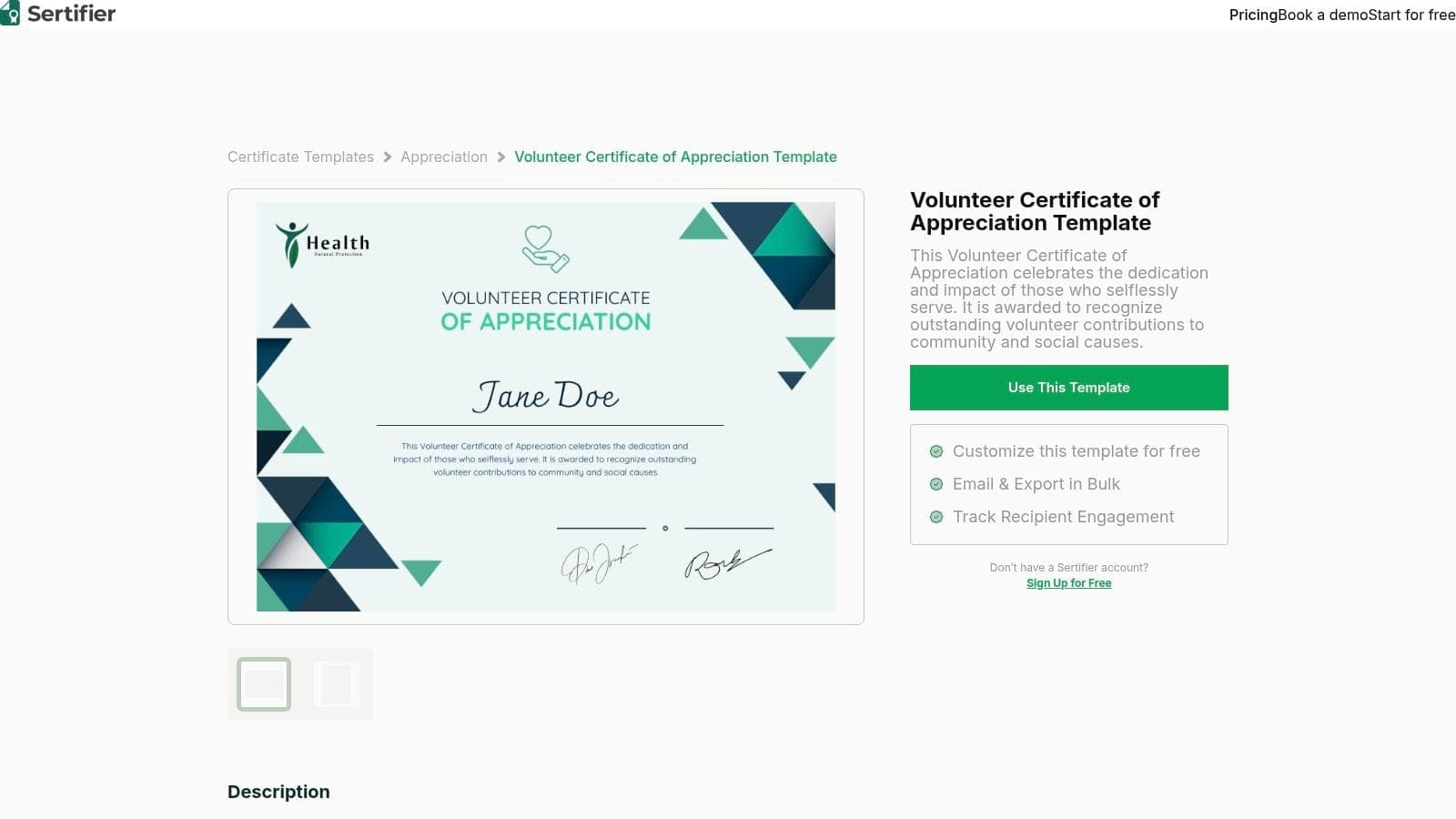
Sertifier is a good option when you think your organization may want more than a printable certificate later. It gives you the familiar certificate template starting point, but it also points toward digital credentials and verification.
That’s useful for nonprofits running recurring programs, youth service initiatives, or skills-based volunteering where the volunteer may want to show proof of participation later.
Better for recurring programs
One of the recurring weaknesses in volunteer certificates templates is that most still focus on printable, static files. Recent recognition analysis points out that many free templates ignore automation, digital claiming, and accessibility needs, even though organizations under 500 volunteers often struggle with manual recognition workflows and lower retention when recognition isn’t tracked well, as summarized in this volunteer recognition toolkit discussion.
That’s the gap Sertifier tries to address. It combines printable certificates with digital credentials, bulk sending, and tracking.
Where it makes sense:
- Digital credentials: Helpful when volunteers want something they can share or verify.
- Bulk issuing: Useful for recurring cohorts or seasonal programs.
- Tracking: Better visibility than a static PDF sent as an attachment.
- Upgrade path: You can start simple and add more structure later.
Its main drawback is that it asks your team to think more like credential managers, not just certificate makers. For some nonprofits, that’s appropriate. For others, it’s one more system to learn.
If your volunteer records are still spread across sign-in sheets and email threads, fix that first. A simple volunteer hour tracking template can help you standardize the information before you try to automate recognition. Browse more downloads in our free templates & resources hub. Good certificates depend on good records.
Sertifier is not the lightest option on this list. But if you’re planning ahead and want volunteer certificates templates that can evolve into verifiable digital recognition, it deserves a serious look.
Visit Sertifier volunteer certificate templates
8. Marq formerly Lucidpress Certificate Templates
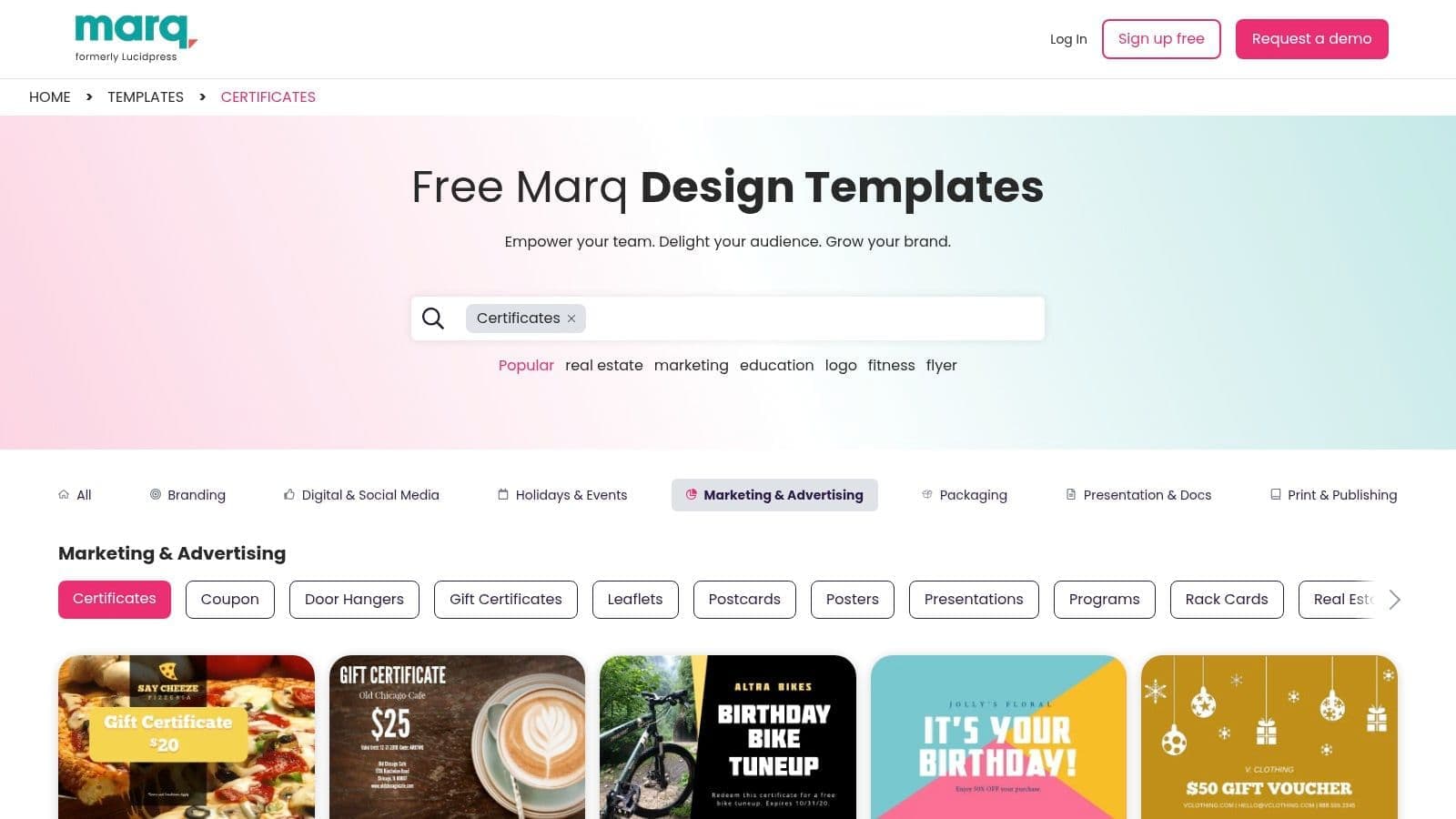
Marq is less about design freedom and more about control. If you oversee multiple chapters, schools, campuses, or ministry teams, that can be exactly what you need.
The benefit isn’t that staff can make anything. The benefit is that they can only make what fits your standards.
Strong choice for distributed teams
Marq works best when different people in different locations need to issue certificates, but you don’t want each one changing fonts, logos, and layouts. Its role-based restrictions and centralized brand assets help keep materials consistent.
That matters more than it sounds. Once volunteer recognition becomes decentralized, off-brand edits and inconsistent wording spread quickly.
A few reasons it stands out:
- Template governance: Keeps local teams from rewriting the look every time.
- Brand asset control: Useful if your organization has approved logos and program marks.
- Approval workflows: Helpful when communications staff need final review.
- PDF export: Good for formal print distribution.
Operations note: Consistency is part of credibility. A certificate should look like it came from your organization, not from whichever staff member had time that day.
Marq is a heavier tool than Canva or Venngage. Solo users and very small nonprofits may find it more system than they need. But for multi-program organizations, it addresses a real governance problem.
It also works well when paired with stronger process around volunteer records. If your chapters are managing service locally but headquarters still needs visibility, that’s where broader nonprofit volunteer management software becomes important. A locked template is useful. A locked template connected to accurate volunteer data is much better.
Marq isn’t the first pick for a tiny shop. It is a smart pick for organizations that need volunteer certificates templates staff can reuse without drifting off brand.
Visit Marq certificate templates
9. Envato Elements Volunteer Recognition Certificate Template Downloads
Envato Elements is for teams that want design quality and aren’t afraid of source files. If someone on your staff, board, or contractor knows Illustrator, Photoshop, or at least Word template editing well, Envato can give you much more polished designs than many free libraries.
This is not the easiest route. It is often one of the best-looking ones.
Best for teams with design help
Envato Elements works on a subscription model and gives you access to a large catalog of downloadable templates. Many are set up for professional print, and the files can be edited extensively. If you care about typography, layout control, and premium-looking materials, that flexibility matters.
It’s especially useful when you need more than certificates. If your organization also needs flyers, social graphics, event signage, and presentation assets, the subscription can cover a lot of creative needs in one place.
Why some nonprofits prefer it:
- High design quality: Templates often feel more custom and less generic.
- Editable source files: Better for deep branding changes.
- Commercial license with subscription: Helpful for repeated internal use.
- Broader asset library: Useful if one subscription serves several communications tasks.
The downside is obvious. Someone has to know what to do with the files. If your team is not comfortable in Adobe apps, you can waste more time editing than you save by starting with a polished design.
Envato also doesn’t solve volunteer data or certificate delivery. It’s a creative asset marketplace, not a recognition workflow tool. That means it’s strongest when design quality is the priority and your internal process is already organized.
For nonprofits with communications support, Envato can be a smart value. For time-poor executive directors doing everything themselves, it may be more effort than it’s worth.
Visit Envato Elements certificate templates
10. Creative Market One-off Certificate Templates
Creative Market is a practical answer when you don’t want another subscription. You can buy a single template, keep the file, and move on. For one-time recognition events or annual programs, that model makes sense.
This is often the best route for directors who know exactly what they need and don’t want to commit to a monthly design platform.
Good for one-time purchases
Creative Market’s strength is design variety. Independent creators sell individual templates, and many have a more premium feel than the average free certificate. If you want a specific look for a donor-volunteer event, graduation-style recognition, or school appreciation program, you’ll likely find more distinct styles here.
Benefits include:
- No recurring fee: Buy only what you need.
- High-quality visual options: Many templates feel more polished than free downloads.
- Seller support: Some designers answer questions or provide alternate file versions.
- Keep the file: Useful for annual reuse.
The caution is file format. Many listings require Illustrator, Photoshop, or InDesign. Some include Word or Canva links, but not all do. You need to read each listing carefully before buying.
This matters even more if your recognition process is tied to larger volunteer practices. The certificate is only one touchpoint. If you’re refining your broader process, these volunteer management best practices can help you decide when formal recognition should happen and who should own it.
Creative Market is not an automation tool. It’s a good design marketplace for nonprofits that want a one-time template purchase without committing to a larger platform.
Comparison data as of May 2026. Features and pricing may change.
Volunteer Certificate Templates, Top 10 Comparison
| Product | Core offerings | Best for | Key strengths | Price / access |
|---|---|---|---|---|
| Canva, Certificate Maker and Template Library | Editable certificate templates, easy-to-use builder, Brand Kit, collaboration | Small–mid nonprofits, non‑designers | Huge template library; easy branding; Canva for Nonprofits Pro access | Free tier; Pro paid; nonprofit Pro program available |
| Adobe Express, Free and Premium Certificate Templates | 1,600+ templates, brand controls, Adobe fonts & assets | Orgs wanting polished, professional output | Adobe fonts/assets and polished templates; Adobe tool integration | Free + premium templates; Adobe subscription for full features |
| Microsoft Create (Office), Templates for Word/PowerPoint | Word/PowerPoint certificate templates, offline editing, US Letter layouts | Microsoft 365 users, admin staff who print templates | Familiar Office UI; reliable print layouts; zero learning curve | Free templates; full editing needs Office/Microsoft 365 |
| Visme, Certificate Templates and Designer | Certificate maker, high‑res/print‑ready PDFs, brand assets | Orgs prioritizing print quality and bleed control | Strong print export options; clean modern designs | Free limited; paid plans for high‑res/brand features |
| Venngage, Volunteer Appreciation Certificate Templates | Recognition templates, simple editor, icons & brand colors | Small charities needing quick edits and discounts | Beginner‑friendly editor; nonprofit discount available | Free limited (branding); paid plans remove limits; discounts by application |
| Certifier, Templates + Issuance & Analytics | Template library, bulk generation, email delivery, opens/downloads analytics | Orgs that need automated bulk issuance and tracking | Combines design with automated issuance and analytics | Free downloads; automation/advanced features on paid plans |
| Sertifier, Templates + Digital Credentials | Editable templates, bulk issuing, email delivery, verifiable badges | Orgs wanting printable + verifiable digital credentials | Digital badging & verification plus printable exports | Free sign‑up; paid tiers for larger issuance/features |
| Marq (formerly Lucidpress), Certificate Templates | Brand‑locked templates, role‑based controls, approval workflows | Multi‑chapter or multi‑program nonprofits | Strong governance and brand consistency at scale | Enterprise/paid plans; trials available |
| Envato Elements, Template Downloads | Large catalog, layered source files (AI/PSD/Word), commercial license | Designers or teams with Adobe skills needing source files | High design quality and deep customization options | Subscription only (monthly/annual) |
| Creative Market, One‑off Certificate Templates | Pay‑per‑item professional templates (AI/PSD/INDD/Word) | One‑time buyers who want to own files | No subscription; keep files after purchase; diverse styles | Pay‑per‑item pricing varies by seller |
Final Thoughts
A lot of volunteer recognition breaks down at the same point. The event is over, staff are tired, someone exports names from a spreadsheet, two certificates go out with misspelled names, and the rest sit in drafts for three weeks. At that point, the template was never the actual issue. The process was.
The best volunteer certificates templates save time twice. They cut design time up front, and they reduce the avoidable cleanup later. Fewer name corrections, fewer version-control problems, fewer messages asking which file is final.
If your organization issues certificates a few times a year, a simple design tool is usually enough. Canva, Adobe Express, Microsoft Create, Visme, and Venngage all work. The right choice depends on how your staff already works, not on a feature checklist. If your volunteer coordinator lives in Word, use Word. If your communications lead already has Canva templates for events and social posts, keep recognition there. If printed presentation matters because certificates are framed, spend a little more time on layout and print settings.
If you issue certificates every month, or you need digital delivery and a clean record of who received what, the decision changes. Certifier and Sertifier fit better in that setup because they handle issuance as well as design. Recognition becomes part of volunteer operations, not one more standalone admin task.
That distinction matters. A certificate can be a thank-you, but it can also serve as a clean record of service for students, court-ordered volunteers, church programs, grant-funded projects, or board reporting. Earlier in the article, the SimpleCert nonprofit certificate resource pointed out that certificates often support both recognition and documentation. That matches what many nonprofit teams deal with in practice.
I would also treat retention claims with some caution. Recognition alone will not fix a weak volunteer experience. But timely, accurate recognition does reinforce that a person’s time mattered, and that can strengthen the relationship if the rest of the program is sound.
The bigger gap is operational. Many template libraries help you make something attractive, but they do not help you standardize hours, program names, approval steps, or reporting fields. That creates problems later. Staff end up rebuilding records by hand for schools, funders, fiscal sponsors, or annual reporting. As discussed in this printable volunteer certificate analysis, generic templates also tend to miss the details nonprofits often need to track.
Set up the data structure early.
Even if you start with a basic template, include a consistent set of fields now: recipient name, program name, service description, date, approved hours, and signer. Add location or grant code if your team reports by site or funding source. Those fields make future automation much easier, and they save hours when recognition needs to tie back to real service records.
One last practical note. Do not spend more time on decorative borders than on accuracy and timing. Volunteers notice whether their name is right, whether the wording sounds specific, and whether the certificate arrives soon enough to feel connected to the work they did. Good recognition is prompt, clear, and personal.
If you’re ready to stop juggling separate systems for volunteers, accounting, donor records, events, and communications, take a look at AlignMint. We built it as an all-in-one platform for nonprofits that need true fund accounting, donor management, volunteer tracking, built-in marketing, team communication, and practical AI help through Minty. For organizations under $100K in annual revenue, there’s a free tier, with user limits of 1 on Free, up to 10 on Plus, up to 25 on Pro, and unlimited on Enterprise.
Frequently Asked Questions
Ready to try AlignMint with your nonprofit?
Start free — set up donor tools, giving pages, and Minty. Upgrade when you need accounting.