

10 Donation Page Template Options for Nonprofits
Your donation page accepts gifts, but your staff still reconciles records, sends receipts, and checks restricted funds manually. That creates work after every campaign, especially when a page, payment processor, donor database, and accounting system don't share the same information.
This guide compares 10 donation page template options by practical fit, adaptable copy blocks, CTA direction, payment flow, customization priorities, and implementation cautions. The right choice depends on your staffing, website, recurring-giving needs, budget model, and connection between donations and finance. Your campaign may begin with an email, event, or television appeal, such as the approaches discussed in Adwave's nonprofit fundraising TV ad insights, but every donor still reaches the giving page.
Quick Answer: Donation Page Templates
A donation page template is useful when the gift, the receipt, and the fund record are created together. Compare tools by how much manual reconciliation remains after the donor submits, not by how polished the form looks.
Start with the donation page builder guide and donation pages. For layout, see nonprofit donation page best practices.
1. AlignMint Donation Pages
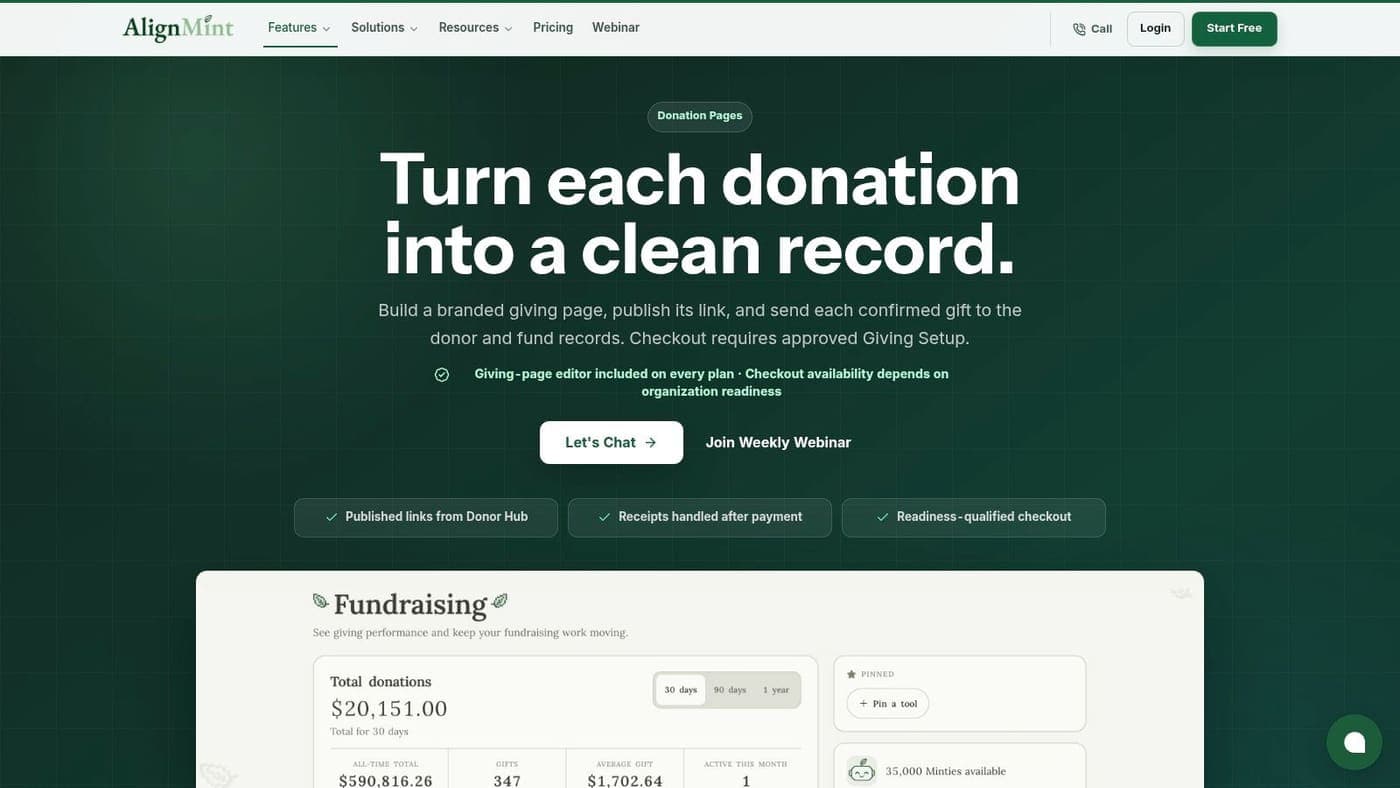
AlignMint works best when you need the donation page and the accounting record to stay connected after launch. Your team can create a branded hosted page with a point-and-click builder, publish the link, and accept one-time or recurring gifts without stitching together separate fundraising, CRM, and finance tools.
Start with a donor-centered headline, one short impact statement, suggested giving amounts, and a clear recurring-gift choice. A campaign page might say what the gift supports, whether the fund is restricted, and what donors should expect after payment. Keep the primary CTA direct, such as Give to the winter shelter fund, rather than sending visitors through extra navigation.
Why connected records matter
AlignMint sends gifts into donor and fund records, supporting restricted balances, automated receipting, pledge tracking, and donor self-service. That connection matters for organizations managing grants, programs, fiscal sponsorship, church funds, or school campaigns where staff need to distinguish purpose and restriction at the point of giving.
The platform combines accounting, CRM, volunteer management, events, marketing, and online giving. It also includes Minty AI, which can answer questions about your organization's actual data without requiring exports or additional tools. Bank-level encryption and 99.9% uptime are listed product capabilities on the AlignMint donation pages feature page.
Practical rule: If your staff still re-enter every online gift into accounting, the page isn't finished when the donor clicks submit.
Customization is straightforward for teams that need branded pages without developer support. You can adjust campaign controls, suggested amounts, recurring options, content, and sharing links. The trade-off is scope. A small organization seeking only a standalone form may find a full operations platform broader than necessary, while teams replacing several specialized tools will need time to configure the connected accounting and CRM workflows.
For more practical guidance, see the nonprofit donation page builder guide. AlignMint offers a free tier for nonprofits raising up to $100K per year, with plan-based access and no per-seat fees.
2. Givebutter
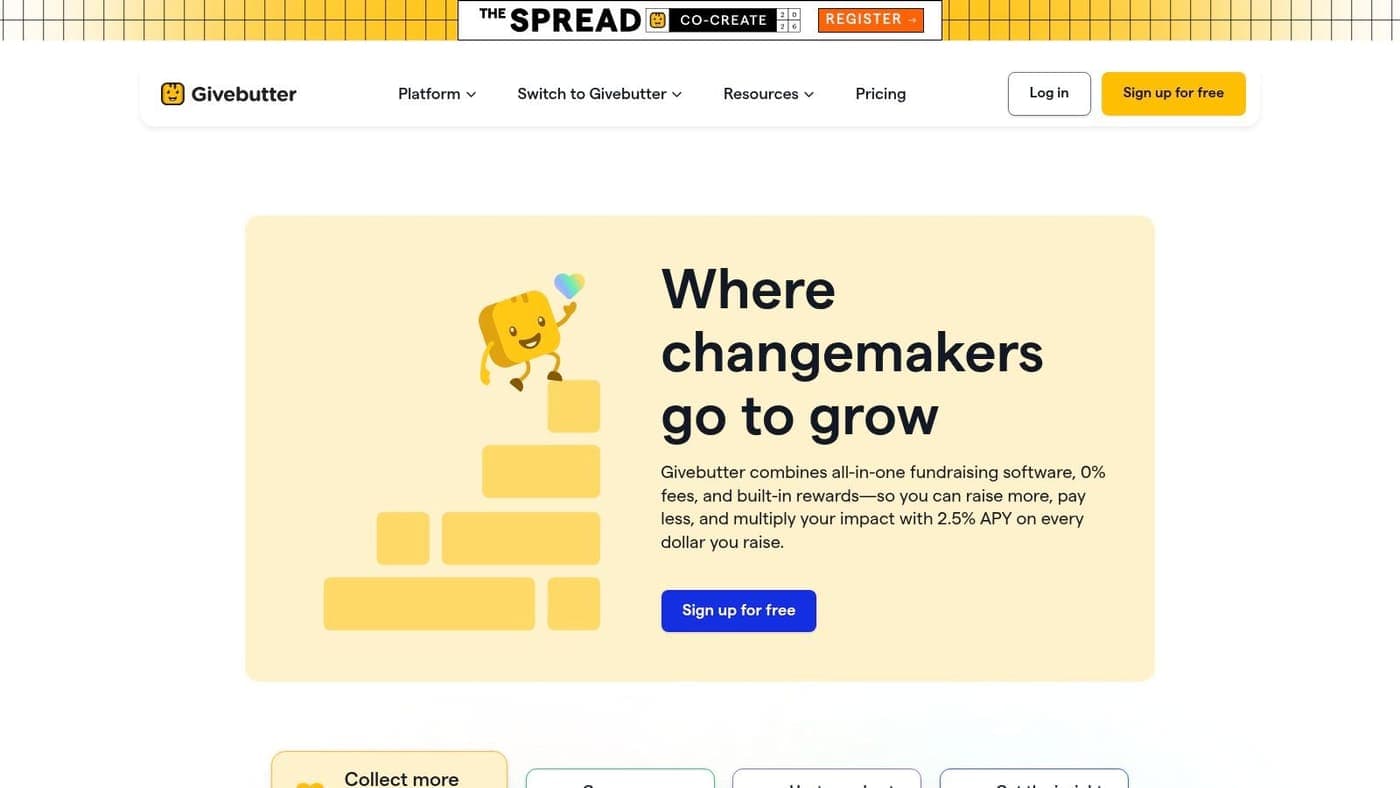
Givebutter suits small and midsize nonprofits that need a polished donation page quickly, alongside event, auction, peer-to-peer, text-to-donate, and QR tools. Its hosted pages and embeddable widgets let you choose between sending supporters to a dedicated campaign page or keeping the form inside your existing website.
Use a campaign-specific headline and keep the copy close to the giving controls. The strongest structure is usually a short purpose statement, suggested amounts tied to impact, one-time and recurring choices, and a thank-you message that explains what happens next. For an event, direct the CTA toward the event purpose instead of using a generic Donate now button.
Payment flow and administration
Givebutter supports mobile-friendly giving, text-to-donate, scan-to-donate options, peer-to-peer fundraising, events, and auctions under one login. That broad toolset is useful when your staff doesn't want separate systems for every campaign format.
Its donor tip model can reduce direct platform costs for the nonprofit, but it changes the conversation with donors. Some boards and finance leaders prefer a predictable fee structure, while others accept donor-funded tips when the page explains the option plainly. Review how tips appear during checkout, how receipts identify the transaction, and how your finance team records the net deposit.
Givebutter's main strength is speed without reducing campaign flexibility. Its limitation is fit, not capability. If your organization needs native fund accounting, restricted-fund reporting, or deeper operational records, confirm how data moves into your finance and CRM systems before publishing.
Review the nonprofit donation page best practices guide before adapting the page. Givebutter's website is Givebutter.
3. Donorbox
Donorbox is a strong fit when recurring giving and payment choice matter more than replacing your wider nonprofit operations software. You can publish a hosted page or embed a donation form into your website, which gives your team flexibility during a redesign or campaign launch.
Build the page around a clear appeal, suggested gift amounts, and a visible choice between one-time and recurring support. Donorbox supports recurring gifts, ACH, Apple Pay, Google Pay, PayPal, and other payment options, so your payment flow can accommodate donors who don't want to type card details.
What to customize first
Make the recurring option understandable before the donor reaches payment. Explain what the recurring gift supports, when it processes, and how the donor can manage it. If you use impact labels, ensure they describe your actual program costs and don't imply a restriction your finance team can't honor.
Donorbox also offers QuickDonate for repeat giving, plus memberships and event-related features. Integrations with Salesforce, Mailchimp, and other services can help connect the form with your existing donor and marketing workflow.
The main trade-off is cost predictability. The Standard tier includes a platform fee, which can add up as online giving grows. Pro and enterprise pricing, along with exact fees, may require confirmation, so compare the full cost of payment processing, platform charges, and any connected systems.
Donorbox is particularly practical for organizations that already have a CRM and accounting process they like. It isn't the obvious choice if your priority is native fund accounting or a single record for donations, programs, volunteers, and finance. Visit Donorbox to review its hosted and embedded options.
4. Zeffy
Zeffy fits cost-sensitive nonprofits that want donation pages, forms, events, and memberships without nonprofit platform or processing fees. Its model relies on optional donor tips, so the page needs careful wording that makes the funding choice clear without distracting from the gift.
A useful Zeffy page starts with the campaign purpose, not the platform's pricing model. Use a plain headline, a short explanation of impact, one-time and recurring options where appropriate, and a confirmation message that tells donors when they'll receive their receipt. Keep the organization page consistent so supporters can find other campaigns without losing confidence.
The fee model deserves attention
Zeffy provides hosted pages and embeddable forms, supports major card wallets, and includes donor receipts. Its organization page can consolidate campaigns, which helps small teams avoid creating disconnected giving destinations for every appeal.
The benefit is straightforward. Your nonprofit doesn't pay platform or processing fees under the stated model. The limitation is equally practical. Donor tips require explanation and depend on donors accepting that optional contribution, so your finance committee should review the checkout language and reporting treatment.
Zeffy has fewer enterprise features than premium fundraising suites. That may be an advantage for a small group with a simple giving program, but it can become limiting when you need advanced reporting, complex integrations, or deeper campaign operations.
Test the page on a phone, confirm receipt details, and make sure your fund designation reaches the right internal record. Visit Zeffy for its current nonprofit offering.
5. Give Lively
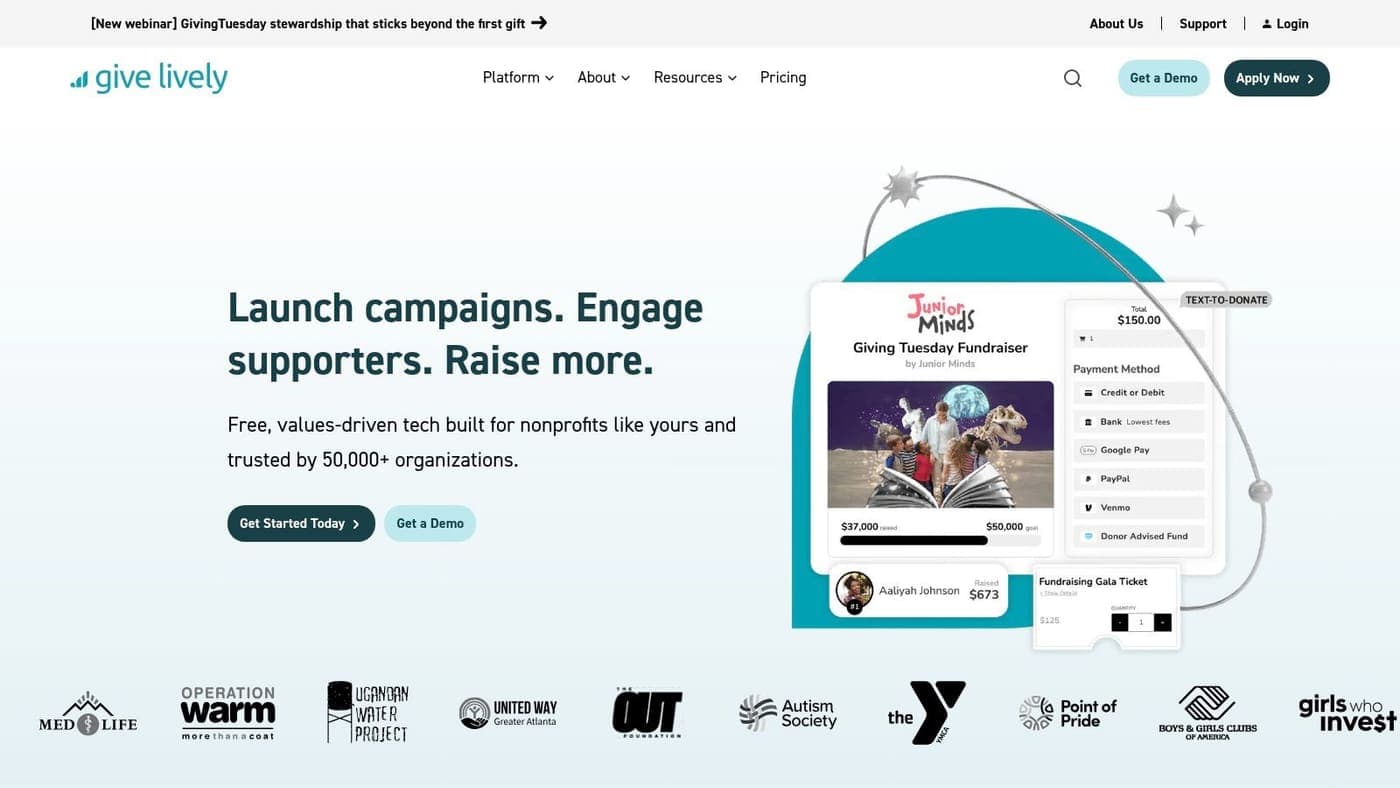
Give Lively is designed for eligible US 501(c)(3) organizations that want modern fundraising tools without platform fees. It offers hosted campaign pages, embeddable widgets, text-to-donate, QR options, peer-to-peer fundraising, Stripe-based disbursements, and a donor data portal.
The best use case is a small nonprofit with a clear campaign and enough time to complete membership approval. Your page copy should explain the immediate need, the program or fund receiving the gift, and whether monthly giving supports ongoing work. For an event or peer-to-peer campaign, keep the CTA tied to the participant's purpose, such as Support Maria's food-drive goal.
Eligibility changes the launch timeline
Give Lively's free model is attractive for eligible members, but approval and eligibility checks add administrative time. Confirm that your organization qualifies before promising a launch date, particularly if your campaign calendar depends on a specific event or appeal.
Stripe-based disbursements and donor data access can support a clean payment workflow. Your finance team should still confirm deposit timing, reconciliation fields, receipt content, and how campaign or fund information appears in exports.
The platform's strengths are modern donor experiences, free tools for eligible organizations, and a useful combination of campaign and peer-to-peer features. Its limitation is eligibility. Organizations outside the US 501(c)(3) structure, including some fiscal sponsors or international nonprofits, may need another option.
Use the online fundraising page setup guide to organize your campaign copy and testing steps. Visit Give Lively for current membership requirements.
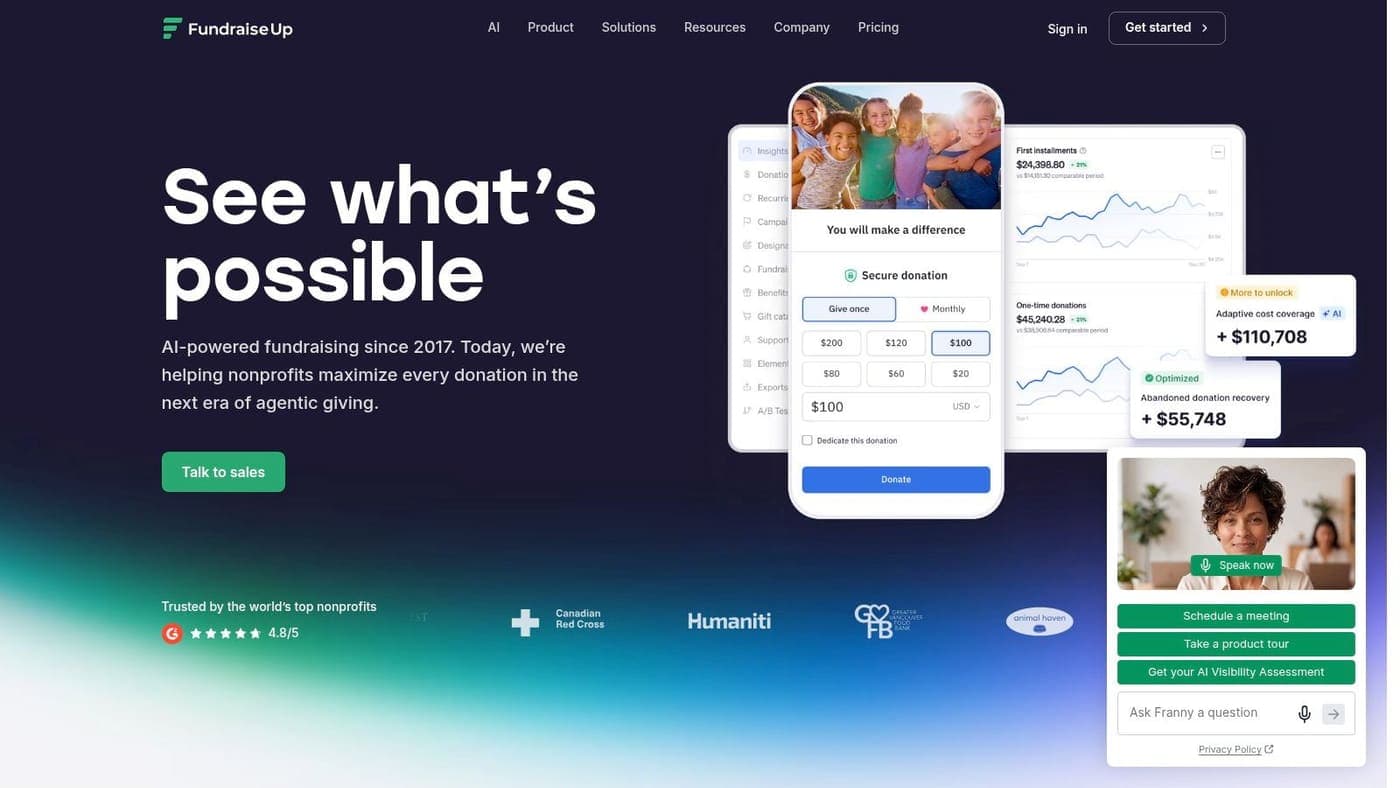
6. Fundraise Up
Fundraise Up is a strong choice for nonprofits that want to test donation experiences rather than settle for one fixed form. Its dynamic widgets, AI-driven suggested amounts, impact sliders, behavioral prompts, localized payment experiences, and A/B testing support a more experimental fundraising program.
A practical template should still start out lean. Write the core appeal first, then test suggested amounts, recurring-gift framing, impact language, and CTA placement. Don't add personalization merely because the platform offers it. Each variation should answer a fundraising question your team can explain to the board.
Conversion testing requires ownership
Fundraise Up supports global payments, wallets, localized user experiences, and deep analytics. That makes it attractive for organizations serving international donors or running complex digital campaigns.
The trade-off is price and staff capacity. Performance-based or platform-fee pricing is quote-based and may be higher than simpler tools, so confirm terms before comparing it with tip-funded platforms. Your team also needs someone who can review test results, approve changes, and document which version is active.
This option works best when online fundraising already receives regular attention. It may be more than you need if your annual campaign uses one page, one audience, and limited staff time. It can be a better fit when you have meaningful traffic sources, multiple donor segments, or international payment needs.
Visit Fundraise Up and ask specifically about pricing, analytics access, payment coverage, and how donor and campaign data reaches your CRM and finance system.
7. Classy, now GoFundMe Pro
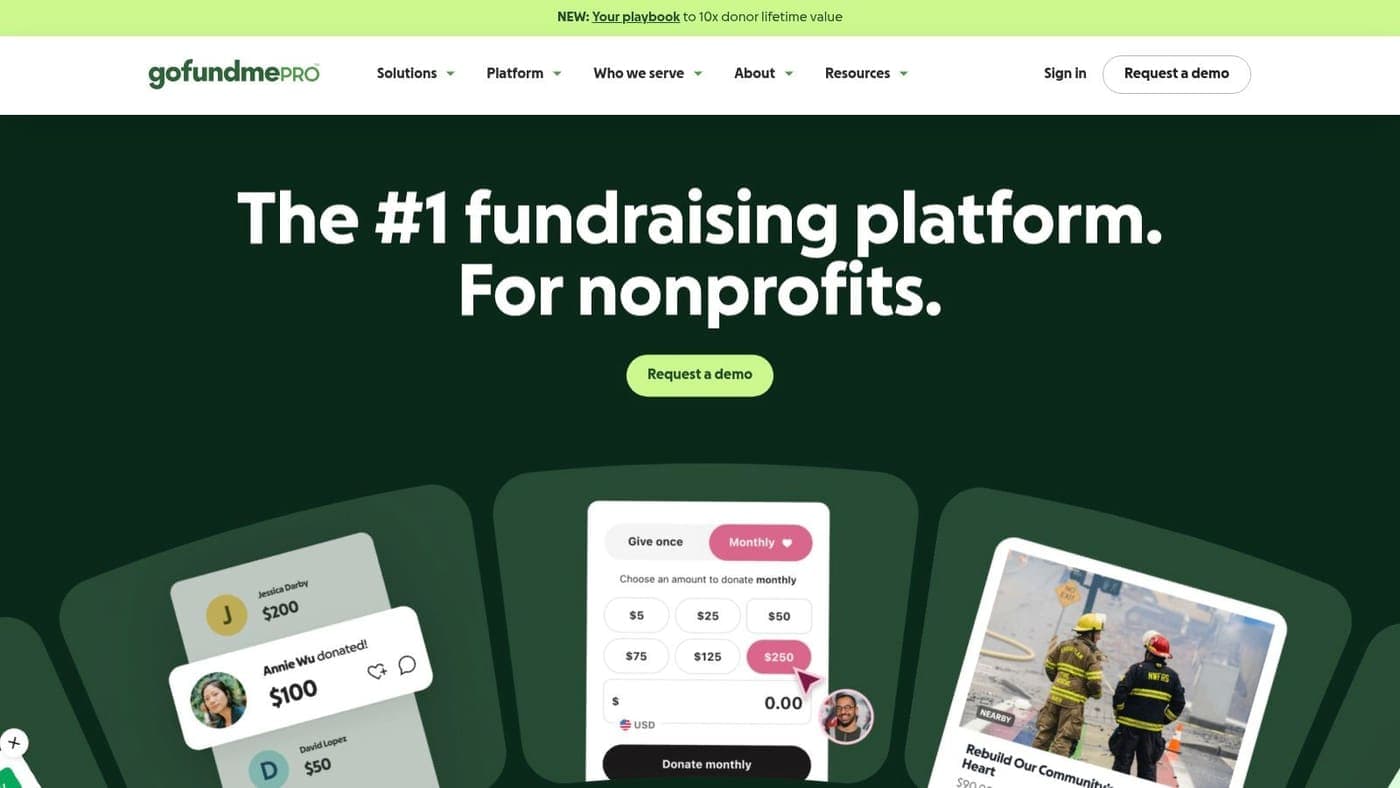
Classy, now GoFundMe Pro, suits larger nonprofits that need branded donation pages alongside recurring giving, peer-to-peer fundraising, and event management. Its mature campaign features and enterprise integrations can support a complex fundraising calendar with multiple teams and audiences.
Build separate templates for general giving, campaign appeals, peer-to-peer pages, and event registration. Keep the headline, impact copy, and CTA consistent enough to protect brand trust, while allowing each campaign to name its fund and explain the donor's purpose clearly.
Enterprise capability comes with planning
Classy offers unlimited donation forms and pages, recurring giving, donor-covered fees, team fundraising, event ticketing, enterprise support, and integrations. Those strengths matter when your organization needs campaign governance, reporting, and coordination across departments.
The limitation is fit for smaller organizations. Custom pricing is typically higher than small-business fundraising tools, and the feature set may exceed what a lean team can manage. Ask about implementation support, data migration, finance exports, receipt rules, and the effort required to maintain several page templates.
Your post-gift process deserves the same attention as checkout. Use a consistent confirmation page and receipt workflow, then adapt the donation acknowledgment letter template for follow-up stewardship.
Classy is a credible option for growing organizations with enterprise needs. Visit GoFundMe Pro to confirm current product naming, pricing, and integration details.
8. Funraise
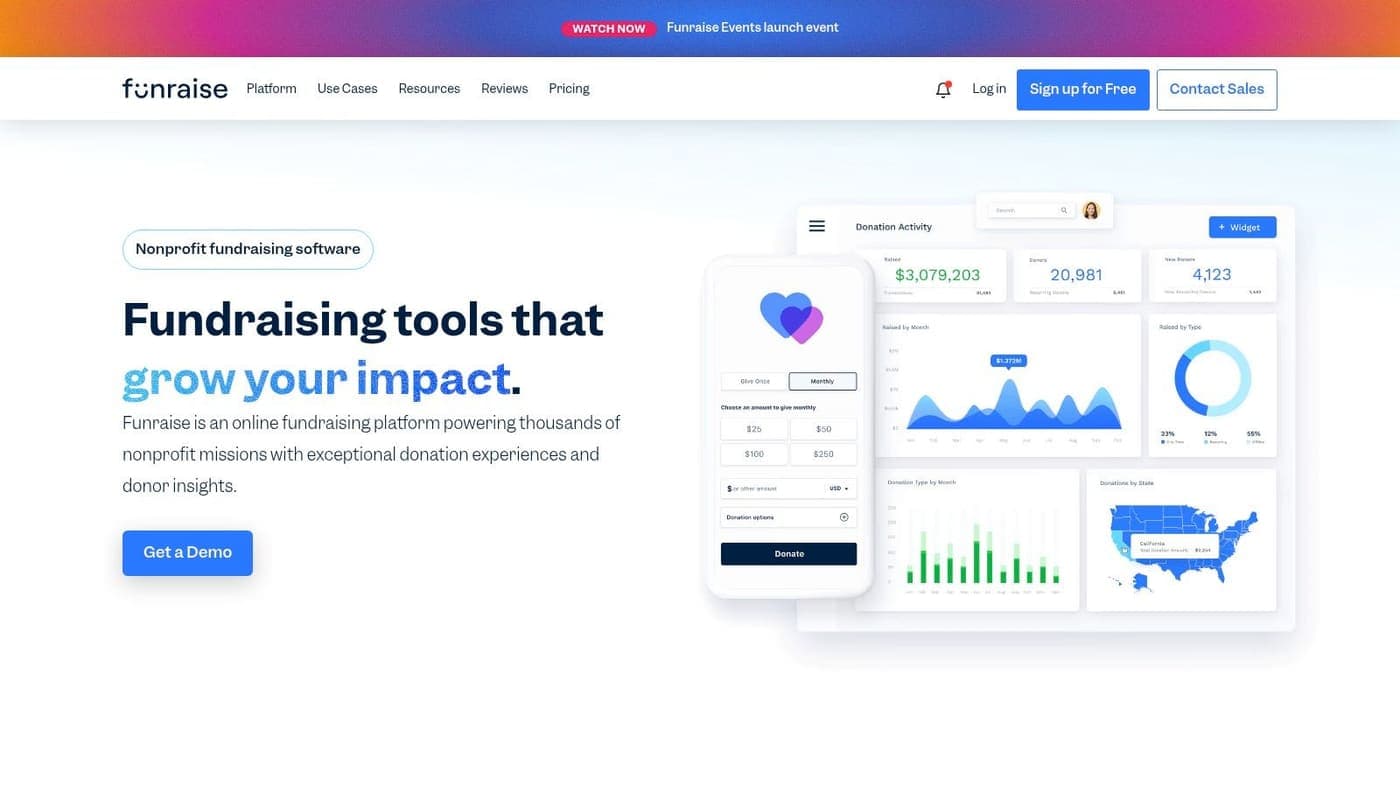
Funraise works well for nonprofits seeking approachable hosted donation pages, recurring gifts, events, ticketing, basic donor CRM features, and automation. It occupies a practical middle ground for teams that need more than a form but aren't ready for an enterprise fundraising suite.
Start with a reusable annual-giving template, then duplicate it for emergency, event, and program campaigns. Put the fund purpose beside the amount selector, offer recurring giving where it makes sense, and use the confirmation message to direct donors toward an update, volunteer opportunity, or next action.
A useful middle path
Funraise offers donor-covered fee options, integrations, automation, and migration help for recurring gifts connected to events. Its free tier can make initial evaluation easier, while advanced features require paid plans.
The key decision is whether your team wants a straightforward fundraising system or a conversion-specialized testing platform. Funraise offers modern pages and room to grow, but it isn't positioned around the same level of experimentation as Fundraise Up.
Review the administrative workflow before choosing. Confirm how donations map to campaigns, whether recurring gifts update donor records as expected, and how your accounting team receives information for reconciliation. A page can look excellent while still creating manual work after payment.
Funraise is a sensible fit for a growing nonprofit with mixed fundraising needs and limited technical staff. Visit Funraise to review its current plans and integrations.
9. GiveWP
GiveWP is the clearest choice when your nonprofit wants to own the donation experience inside WordPress. Native forms and pages can follow your existing theme, while templates, add-ons, and gateway options provide detailed control over branding and behavior.
This approach gives your website team control over the page structure. You can create a standard donation form, a recurring campaign form, an event-related appeal, or a tribute form without sending donors to a separate hosted destination.
WordPress control has a maintenance cost
GiveWP supports recurring donations, goal thermometers, form customization, Stripe, PayPal, and a broad add-on library. License or annual pricing can be preferable to a percentage-of-donations model, especially when your organization already manages WordPress confidently.
The limitation is operational responsibility. Your team must maintain WordPress, themes, plugins, security updates, payment connections, and compatibility. Advanced features generally require paid add-ons, so calculate the full cost before assuming the core plugin covers every requirement.
Keep the form short and ask only for information your finance or stewardship process needs. The donation form sample can help your team identify essential fields before adding custom questions.
GiveWP is a strong fit for organizations with an established WordPress owner or agency relationship. It may be less suitable when no one can monitor updates or when you need donations connected directly to fund accounting and donor records. Visit GiveWP for current licensing and gateway details.
10. Bloomerang Fundraising, formerly Qgiv
Bloomerang Fundraising, formerly Qgiv, fits nonprofits that want flexible donation forms, event registration, optional text and peer-to-peer modules, and structured support. Its modular approach lets you begin with core fundraising pages and add capabilities as your program becomes more demanding.
A general donation page should make the fund, impact, and recurring option clear before payment. For events, keep registration and giving related but distinct, so donors understand whether they're buying a ticket, making a gift, or doing both.
Review the complete monthly cost
Bloomerang Fundraising provides unlimited donation forms and pages, event registration, recurring-giving features, reporting, training, and support. Most plans don't require long-term contracts, and the starter option has a $0 entry point according to the provided product plan notes.
The trade-off is modular pricing. Optional add-ons can increase monthly costs, while processing fees and rates may compare differently with tip-funded models. Ask for a complete scenario based on your actual mix of online gifts, events, text fundraising, and peer-to-peer campaigns.
This platform is useful for teams that value predictable product structure and support resources. It may be less attractive if you want every fundraising and finance function in one system or prefer a no-fee donor-tip model.
Visit Bloomerang Fundraising to confirm current branding, module availability, processing rates, and implementation requirements.
Top 10 Donation Page Template Comparison
| Product | Core features | UX & reliability | Value proposition / USP | Best for (target audience) | Pricing model |
|---|---|---|---|---|---|
| AlignMint Donation Pages | Point‑and‑click page builder; native fund accounting & donor CRM; secure payments; donor self‑service | Fast launch; bank‑level encryption; 99.9% uptime; automatic receipting | All‑in‑one donation pages tied directly to finance & compliance (real‑time restricted balances, Form 990 outputs) | Nonprofits wanting unified ops (accounting + fundraising + volunteers) | Everything included; free tier for orgs raising ≤ $100K/yr |
| Givebutter | Hosted pages, embeddable widgets, events, P2P; text/QR giving | Mobile‑friendly; very fast setup | Broad toolset for campaigns + easy donor options (tips model) | Small–midsize orgs needing quick, multi‑channel fundraising | Tip‑based revenue model (donor tips) |
| Donorbox | Hosted pages & embeds; recurring, ACH, digital wallets; CRM integrations | Polished checkout; strong recurring support | Focus on recurring gifts and flexible payment options | Orgs prioritizing recurring giving and smooth donor checkout | Platform fee on Standard tier + processing fees |
| Zeffy | Free hosted pages/forms; events; org hub; receipts | Quick setup; donor tip option | 0% platform & 0% processing fees (tip‑funded) | Cost‑sensitive nonprofits wanting fee‑free receipts | Tip‑funded (optional donor tips); no platform/processing fees |
| Give Lively | Free pages/widgets; text‑to‑donate; P2P; Stripe disbursements | Modern UI; donor data portal; reliable payouts | Free for eligible US 501(c)(3) orgs with Stripe payouts | US 501(c)(3)s eligible for membership | No platform fees for approved members; membership approval required |
| Fundraise Up | AI suggested amounts; A/B testing; impact sliders; global payments | Conversion‑optimized; deep analytics | Maximizes average gift via personalization & experimentation | Orgs focused on conversion optimization and international donors | Performance‑based / quote pricing (platform fees) |
| Classy (GoFundMe Pro) | Enterprise pages; unlimited forms; P2P; events; advanced reporting | flexible enterprise UX; dedicated support | Enterprise‑grade fundraising + integrations and reporting | Large or fast‑growing nonprofits needing scale | Custom / quoted pricing (enterprise) |
| Funraise | Hosted pages/forms; recurring; events; donor CRM; automations | Approachable UX; helpful setup | Middle‑tier platform for growth with automations | Orgs that want modern pages and room to grow | Free starter tier; paid plans for advanced features |
| GiveWP | Native WordPress forms/pages; templates; add‑ons & gateways | Full control over branding; requires WP maintenance | Ownership and granular customization via WordPress platform | Orgs that host and control their own WordPress site | License/annual pricing + paid add‑ons (no percent model) |
| Bloomerang Fundraising (Qgiv) | Unlimited forms/pages; event registration; optional text/P2P modules | Predictable UX; strong training & support | Modular, transparent pricing with strong support resources | Orgs wanting clear starter pricing and modular add‑ons | Starter $0 option; add‑ons/modules increase cost |
Turn the Template Into a Reliable Giving Path
Choose the platform according to the constraint that causes your team the most trouble. Givebutter, Zeffy, Give Lively, and Funraise can support fast launches for smaller teams, but their fee structures, eligibility rules, or add-on models deserve careful review.
Donorbox is a practical choice when recurring gifts, ACH, and payment flexibility lead the decision. GiveWP makes sense when WordPress control matters and someone can maintain the site. Fundraise Up is better suited to organizations prepared to test copy, suggested amounts, and donor experiences. Classy, now GoFundMe Pro, fits larger organizations that need enterprise campaign and event capabilities.
AlignMint is the stronger fit when the page must connect giving with nonprofit operations. Its all-in-one platform brings together true fund accounting, donor management, volunteers, events, marketing, and online giving. That matters for executive directors and finance leaders who don't want a successful campaign followed by manual work across several disconnected systems.
The page itself should answer late-stage donor questions. Explain where the money goes, whether the gift supports a restricted fund, what happens after submission, and how recurring gifts are managed. Trust indicators, a tax-deductibility statement, automated receipts, and immediate thank-you messaging are recommended components of nonprofit website best practice from Bloomerang.
The sector benchmark remains demanding. M+R's 2025 performance data reports that the average main donation page converted 11% of desktop visitors and 8% of mobile visitors in 2024 as summarized by Christopher Olivier Consulting. That means the donation page deserves as much attention as the campaign that sends people there.
Nielsen Norman Group found that 47% of donation-site usability issues related to page and site design, and recorded average satisfaction of 5.3 out of 7 for nonprofit donation experiences in its donation usability research. The practical lesson is structural. Remove unnecessary navigation, keep the donor path obvious, reduce fields, and make the payment step easy to understand.
Use this implementation sequence:
- Define the campaign and fund: Decide whether gifts are unrestricted, restricted, program-specific, grant-linked, or assigned to a sponsored project.
- Write donor-centered copy: Explain the need, the impact, and the reason to give now using language your programs can support.
- Select giving options: Offer one-time and recurring choices where they match your fundraising strategy, without hiding the difference.
- Configure payment and receipts: Confirm payment methods, tax language, confirmation messages, recurring-gift management, and receipt delivery.
- Test mobile checkout: Review the page on a phone, check every field, and submit a test gift before sharing the link.
- Confirm finance and CRM handoffs: Verify donor records, fund assignments, receipts, deposits, and reconciliation fields.
- Review after launch: Look for donor questions, incomplete payments, confusing copy, and administrative work your team still performs manually.
A donation page earns trust when the donor experience and the organization's back-office records stay connected.
Choose the template that reduces your highest-priority burden, not the one with the longest feature list. If connected finance, receipts, donor records, and restricted funds matter most, review AlignMint's donation pages, along with related guidance on nonprofit accounting software and online giving for nonprofits.
AlignMint gives nonprofits branded donation pages connected to donor records, true fund accounting, receipts, pledges, and reporting in one platform. Visit AlignMint to see whether a connected giving and finance workflow can reduce the manual work after your next campaign.
Ready to see how AlignMint fits your workflow?
Schedule a free walkthrough — we will help you map donors, funds, and migration steps.